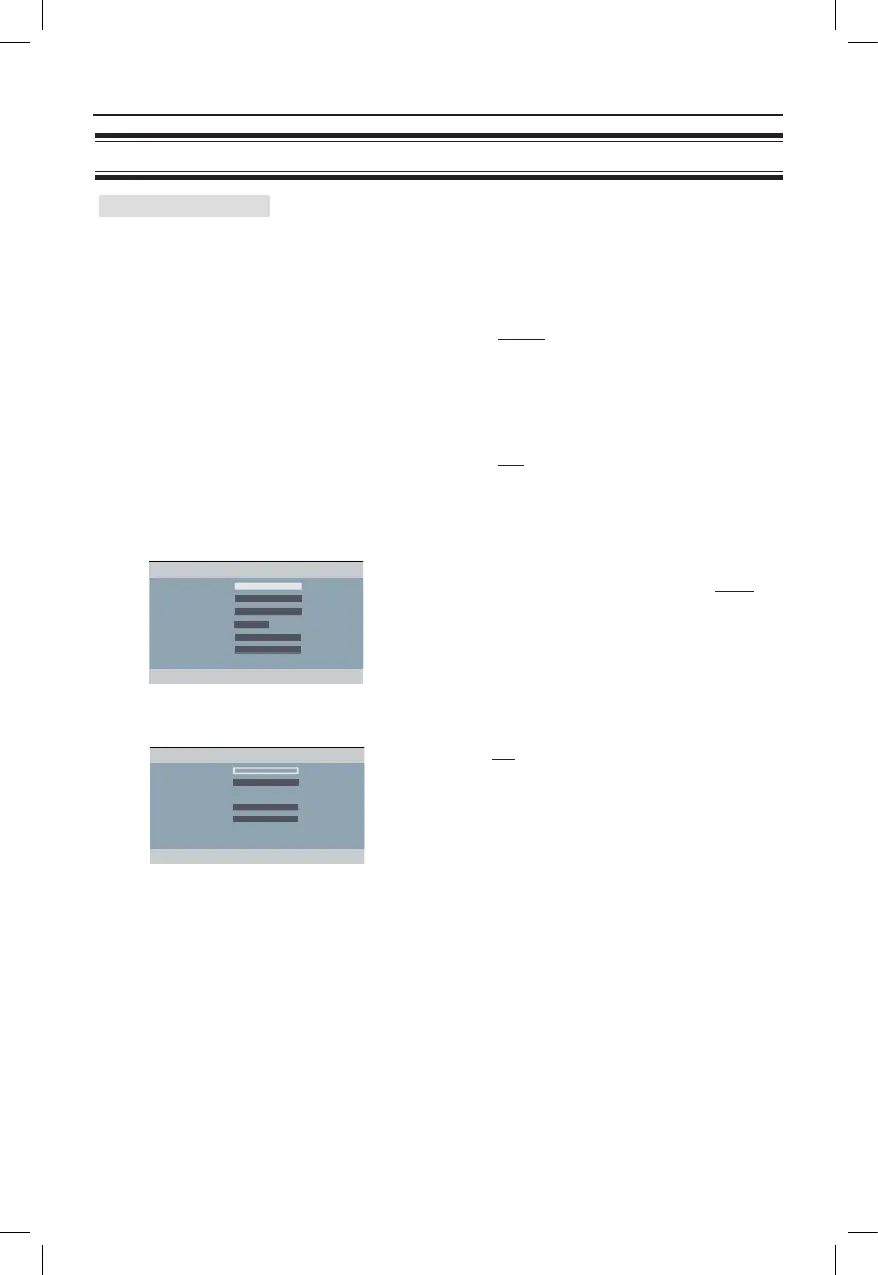
Audio Setup Page (underlined options are the factory default settings)
Setup Menu Options (continued)
Continued...
{ Center Speaker/Rear Speaker }
– { Large }
When connected speakers can produce
low frequency signals below 120 Hz.
– { Small }
When connected speakers cannot
produce low frequency signals below
120 Hz.
– { Off }
When no speaker is connected.
{ Subwoofer } – { On }
When a subwoofer is connected.
– { Off }
When no subwoofer is connected.
{ Speakers Volume }
– Use keys to set the volume level
for individual speakers (-6dB ~ +6dB).
{ Speakers Delay } – Use keys to set the delay times
(1m ~ 10 m) based on the listening
position and distance to best suit your
surround needs.
Note: Use the longer delay time settings when the rear
speakers are closer to the listener than the front speakers.
Speaker Setup



 To Next Page