11
Note
The marked section for repeat play is only possible •
within a track/title.
Play DivX
®
video
DivX video is a digital media format that retains high
quality despite a high rate of compression. You can
enjoy DivX video on this DivX certifi ed product.
1 Insert a disc or USB that contains the DivX
videos.
For USB, press •
.
A contents menu is displayed.•
2 Select a title to play, then press OK.
You may select subtitle/audio language.•
Note
You can only play DivX video that is rented or purchased •
with the DivX registration code of this product (see
“Adjust Settings” > [General Setup] > [DivX
®
VOD
Code]).
Play music
Control a track
1 Play a track.
2 Use the remote control to control the play.
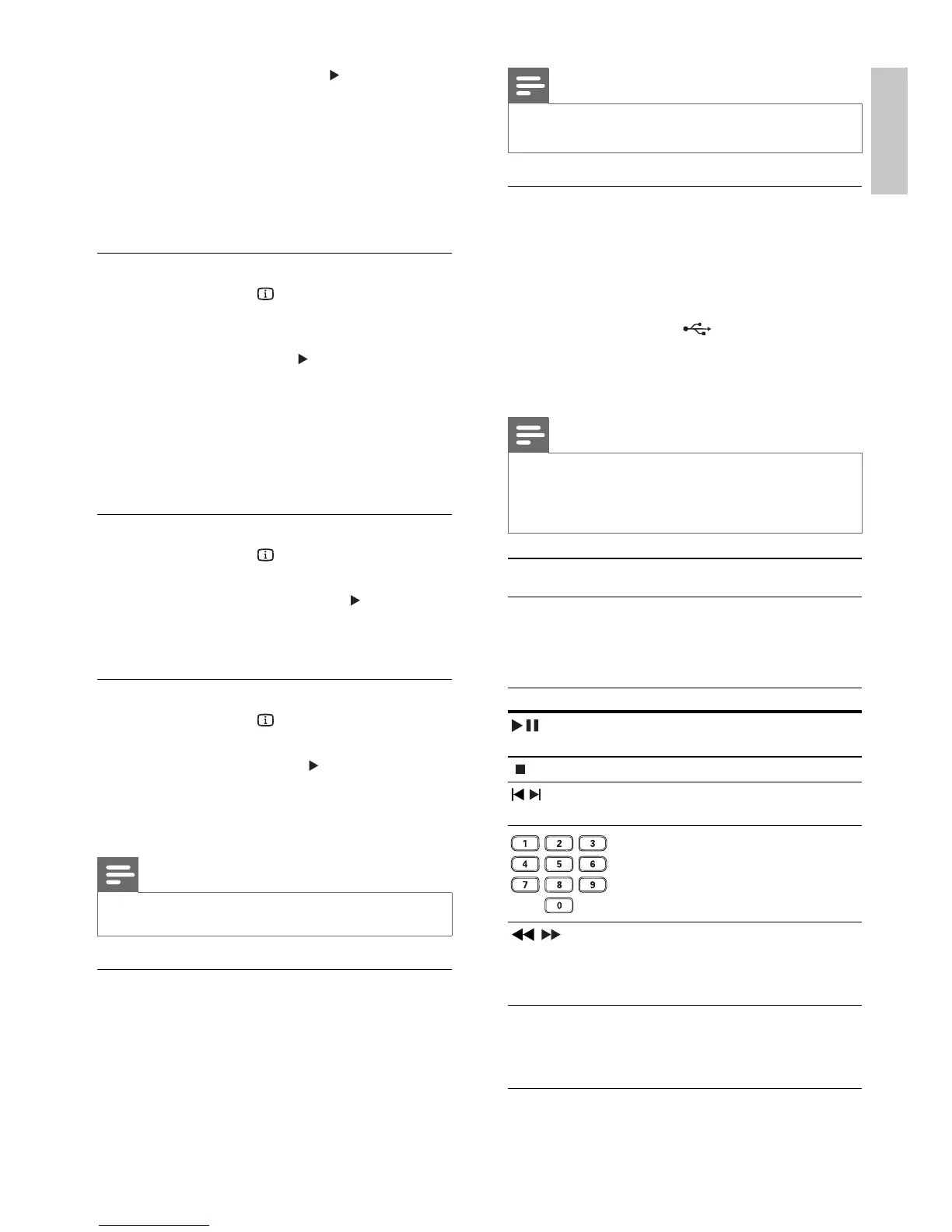
Button Action
Start, pause or resume disc
play.
Stop disc play.
,
Skip to a previous/next
track.
Select an item to play.
,
Searches fast-backward
or fast-forward. Press
repeatedly to change the
search speed.
REPEAT Select or turn off repeat
mode.
Repeat options may vary
from disc type.
2 Select [Preview], then press .
3 Select a preview option, then press OK.
A thumbnails preview screen is displayed.»
To go to the next/previous prview •
screen, select [Prev] or [Next], then
press OK.
To start play, press • OK at the selected
thumbnail picture.
Skip play to a specifi c time
1 During play, press INFO.
The disc status menu is displayed.»
2 Select an option for the current elapsed
playing time, then press
.
• [TT Time] (title time)
• [CH Time] (chapter time)
• [Disc Time] (disc time)
• [Track Time] (track time)
3 Press the Numeric buttons to enter the time
to skip to, then press OK.
Display play time
1 During play, press INFO.
The disc status menu is displayed.»
2 Select [Time Disp.], then press .
The display options vary from disc type.»
3 Select an option, then press OK.
View DVD play from different angles
1 During play, press INFO.
The disc status menu is displayed.»
2 Select [Angle], then press .
3 Press the Numeric buttons to change the
angle.
Play changes to the selected angle.»
Note
Applicable only to discs contain multi-angle scenes.•
Repeat play a specifi c section
1 During play, press REPEAT A-B at the start
point.
2 Press REPEAT A-B again to set the end point.
Repeat play starts.»
3 To cancel repeat play, press REPEAT A-B
again.
English
EN


 To Next Page