T
R
AUDIO OUT
~ AC
MAINS
~ AC MAINS
AUDIO
OUT
V (Pr/Cr)
U (Pb/Cb)
Y
S-VIDEO
IN
VIDEO IN
COMPONENT
VIDEO IN
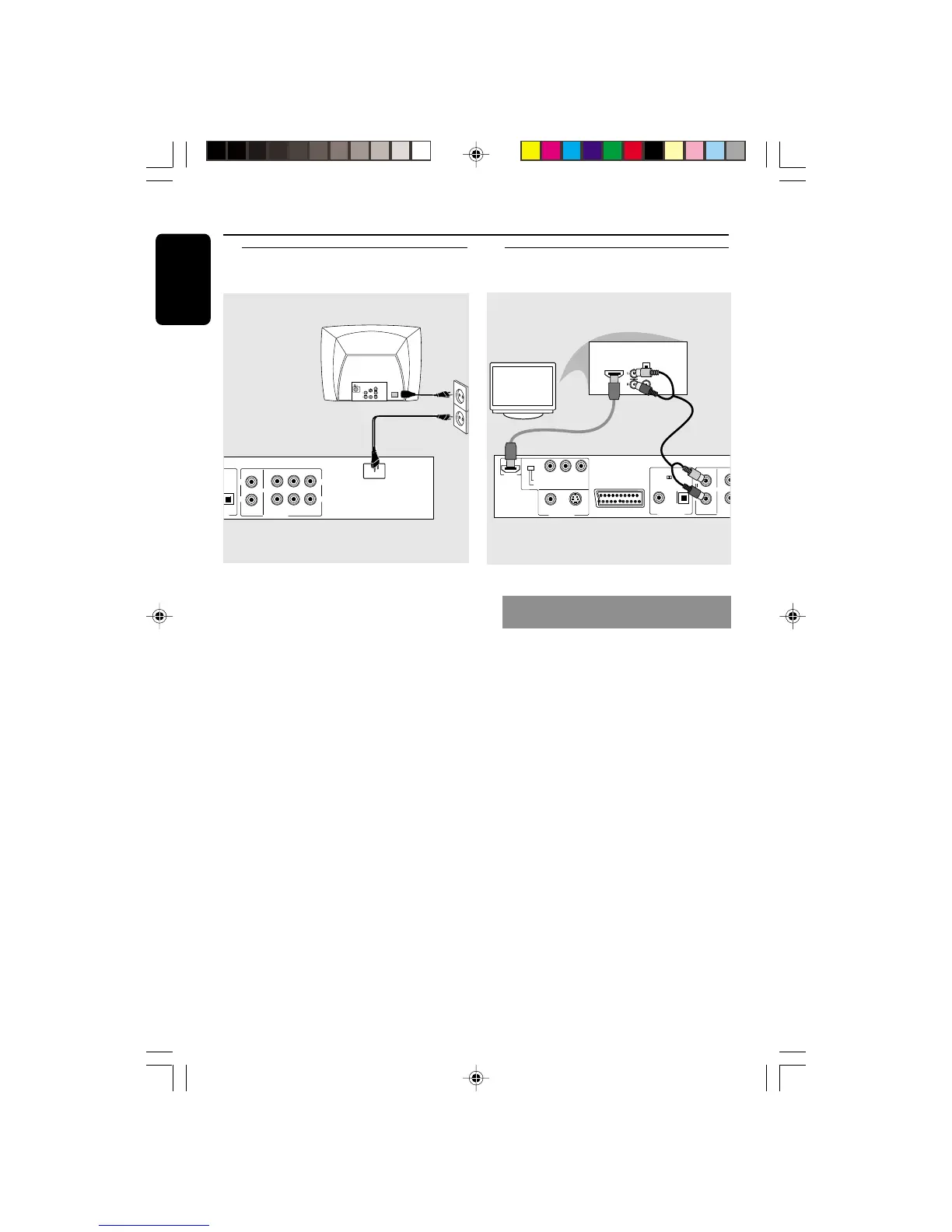
After everything is connected
properly, plug the AC power cord
into the power outlet.
Never make or change any connections
with the power switched on.
When no disc is loaded, press
STANDBY ON on the DVD Player
to turn it on.
Connecting the power cord
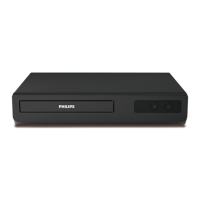
Using HDMI (High Definition
Multimedia Interface) sockets
● HDMI connects untouched and
uncompressed digital transmissions for
the highest and cripest sound/image
quality.
● It has plug and play capability using only
one cable for both audio/video output.
● Use HDMI connection (cable not supplied)
if you have a valid HDMI input devices
(eg.; LCD/Projector/Plasma/Projection TV,
or HDTV).
➜ Playback starts automatically.
OR
● The DVD Player’s {HIVIDEODEF} menu
will appear on the TV screen (see page 31
{HIVIDEODEF}).


 To Next Page