/00_3139 246 13873
English
15
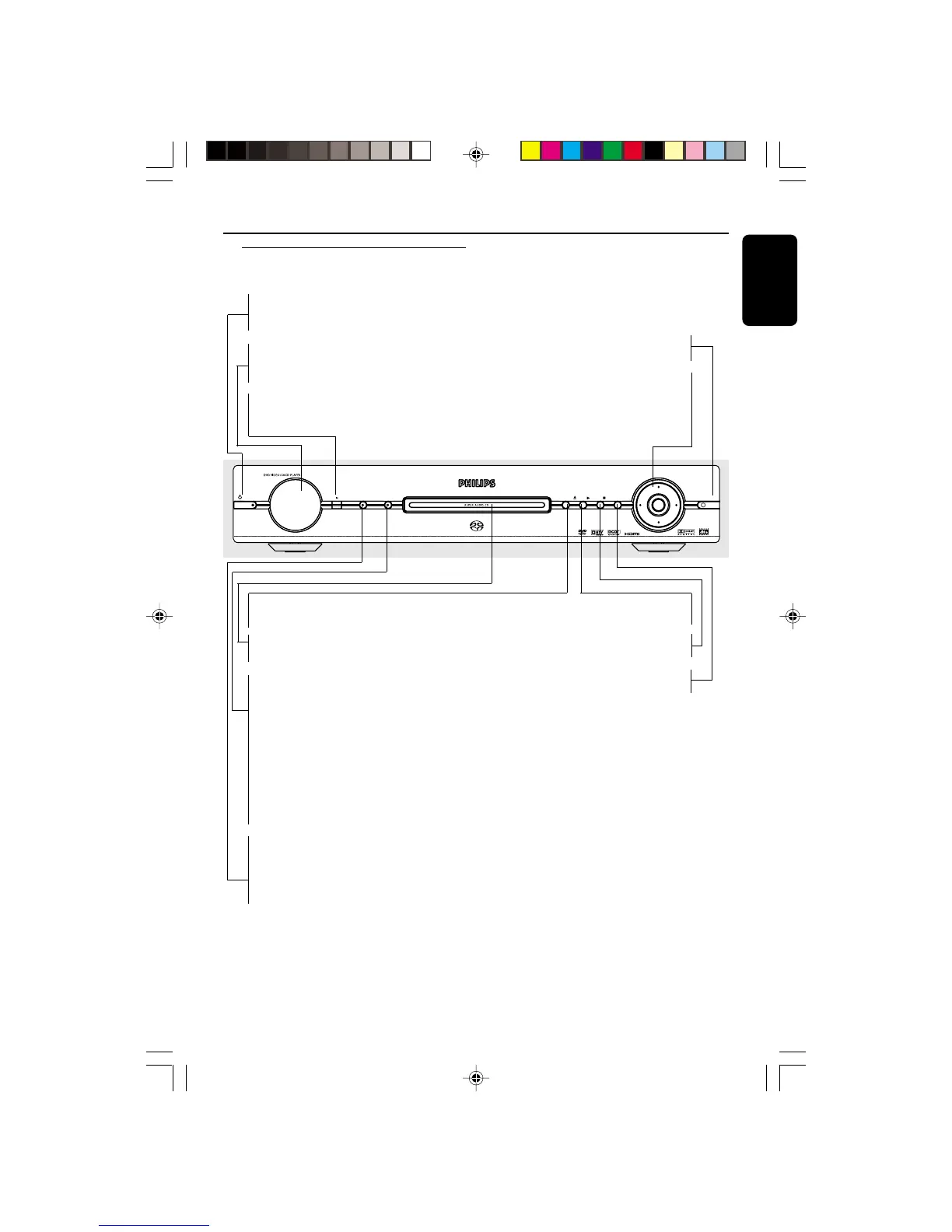
Functional Overview
Front Panel
SYSTEM MENU
DISC MENU
STOPPLAY
OPEN/CLOSE
SOUND MODE
AUDIO DIRECT
STANDBY-ON
OK
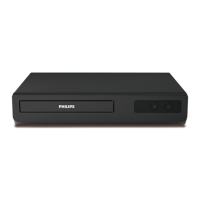
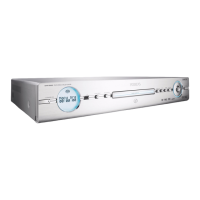
DVP 9000S
STANDBY-ON B
– To switch the DVD Player to Standby
mode or ON
Display
– Shows the current status of the DVD
Player
IR Sensor
– Point the remote control towards this
sensor
SYSTEM MENU
– Access or exit DVD Player’s system menu
OK/Cursor (1 2 3 4)
– Acknowledge menu selection/
– Selects an item in the menu/
fast forward/backward, slow forward/
backward
OPEN/CLOSE /
– Open/Close the disc tray
Disc tray
– Strip lights up when playback SACDs.
SOUND MODE
– LED lights up when the SOUND MODE
is applied
– Selects required sound mode
• for SACD: In Stop Mode, selects either a
CD Layer or SACD layer for hybrid discs.
During playback, allows you to select CD,
Stereo or Multi-channel (if available).
• for DVDs/VCDs: to select either Stereo,
Dolby Surround-compatible, 3D sound or
Multi-channel
AUDIO DIRECT
– LED lights up when the AUDIO DIRECT
is applied
– Switches video output on and off during
audio disc playback.
PLAY B
– To start playback
STOP 9
– To stop playback
DISC MENU
– Enters the disc contents menu
01-41 DVP900_00A31 13/01/2005, 09:5815


 To Next Page