17
English
3139 115 20671
Tuner
Note:
– For 'PLUG & PLAY' feature, please refer to page
11.
Tuning to radio stations
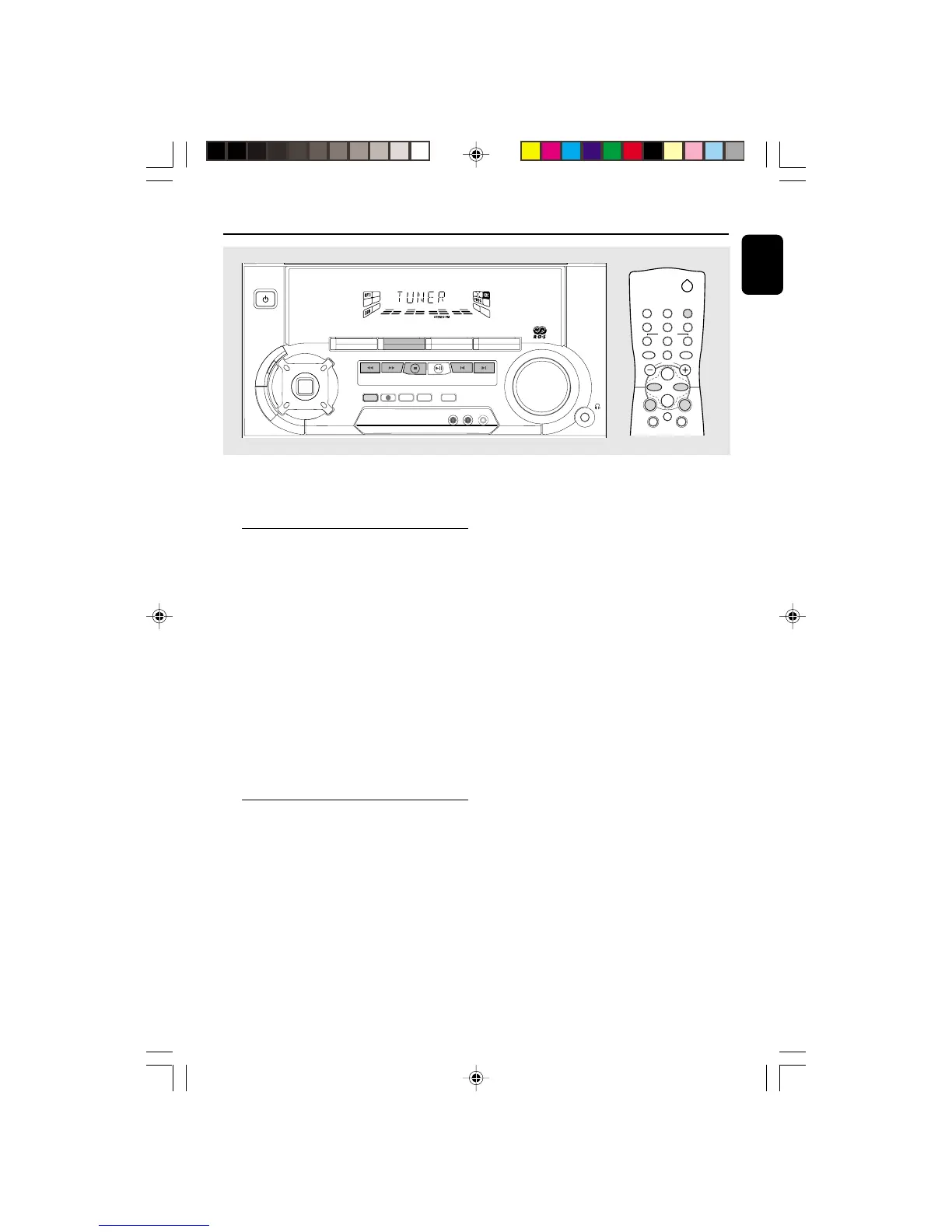
1 Press TUNER (BAND) to select TUNER mode.
➜ “TUNER” will be displayed.
A few seconds later, the current radio frequency
will be displayed.
2 Press TUNER (BAND) again to select the
desired waveband : FM, MW or LW.
3 Press à or á for more than one second, then
release.
➜ The display will show “SEARCH” until a radio
station with sufficient signal strength is found.
¶ Repeat this procedure until the desired station is
reached.
¶ To tune to a weak station, briefly press à or
á repeatedly until the display shows the
desired frequency and/or when the best
reception has been obtained.
Storing Preset Stations
You can store up to 40 radio stations in the
memory. When a preset radio station is selected,
the preset number appears next to the
frequency on the display.
Automatic programming
1 Press TUNER (BAND).
2 Press PROGRAM for more than one second.
➜ The PROG flag starts flashing and “AUTO” will
be displayed.
➜ The system will start searching for all radio
stations with RDS and then followed by radio
stations on FM, MW and LW band respectively.
➜ All available stations will be stored
automatically. The frequency and preset number
will be displayed briefly.
➜ The system will stop searching when all the
available radio stations are stored or when the
memory for 40 preset radio stations is used.
➜ The system will remain tuned to the last
stored preset radio station.
Notes:
– You can cancel the automatic programming by
pressing PROGRAM or
Ç
(on the system only).
– If you want to reserve a section of preset
numbers, for example preset numbers 1 to 9,
select preset 10 before starting automatic
programming, only the preset numbers 10 to 40
will be programmed.
DIGITAL
SOUND
CONTROL


 To Next Page