20
English
3139 115 20671
Ta p e
Loading a tape
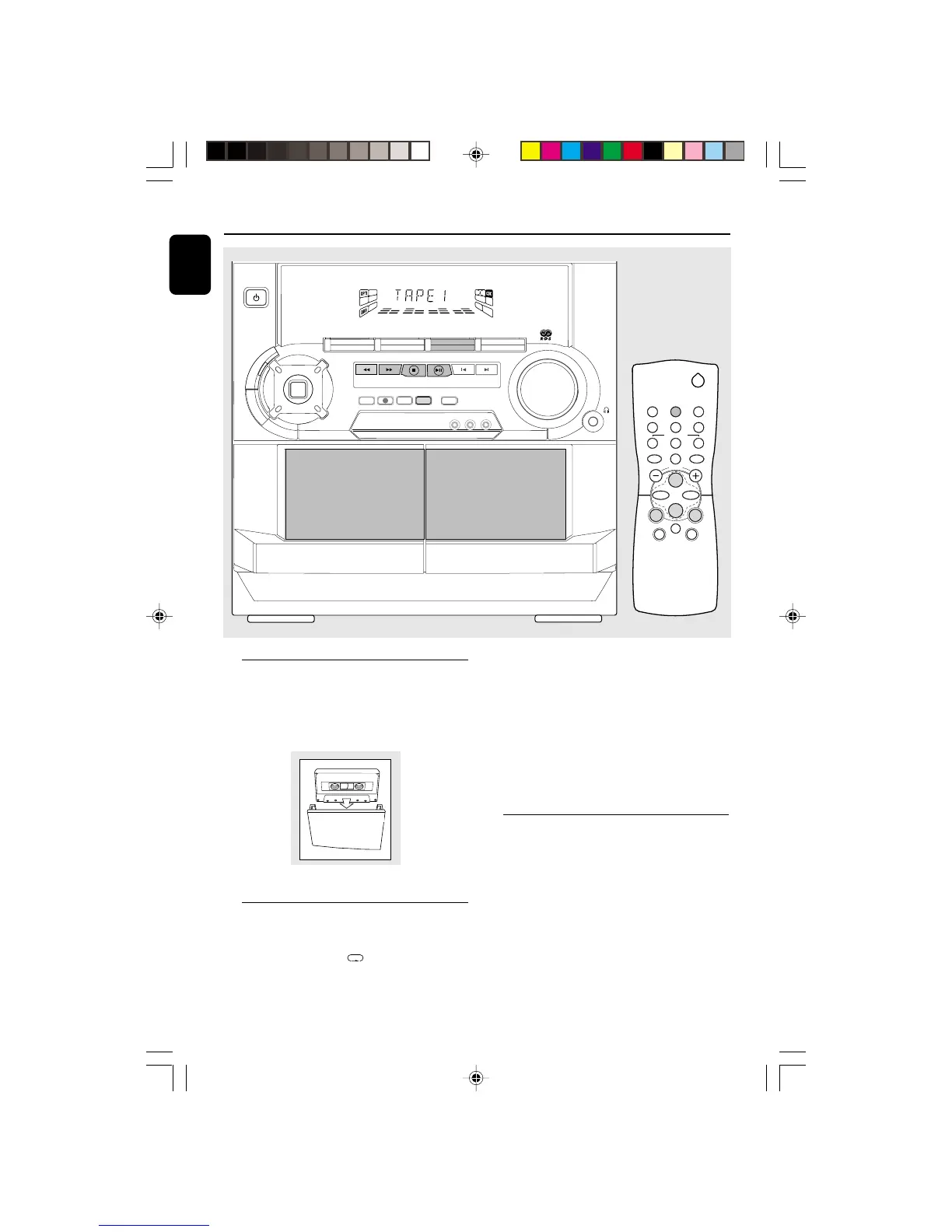
1 Press OPEN.
2 The tape deck door opens.
3 Load the tape with the open side downward and
the full spool to the left.
4 Close the tape deck door.
Auto Replay
¶ Press A. REPLAY to select either continuous
AUTO REPLAY or ONCE during tape playback.
➜ "AUTO REPLAY "( ) or "ONCE "(È) will
be displayed.
Notes:
– This feature is available during tape playback
only.
– When "AUTO REPLAY" is selected, the tape
will rewind automatically at the end of playback for
the selected side. Then it will start playing again. It
will replay up to a maximum of 20 times until you
press
Ç
.
– When "ONCE" is selected, the tape will play the
selected side once and then stop.
Tape Playback
1 Press TAPE (TAPE 1•2) to select TAPE mode.
➜ "TAPE 1" or "TAPE 2" will be displayed and
followed by "T1 222 " or "T2 222".
2 Load the tape into the selected tape deck.
3 Press É to start playback.
➜ "T1" or "T2" with "2" scrolling right will be
displayed.
¶ Press A.REPLAY to select the different type of
playback mode (see Auto Replay)
4 Press Ç to end playback.
➜ "T1" or "T2" with "222" will be displayed.
PLAYBACK


 To Next Page