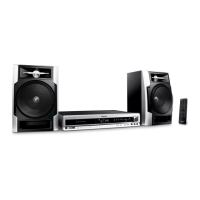
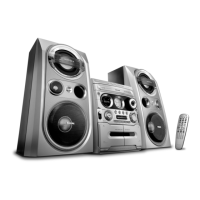
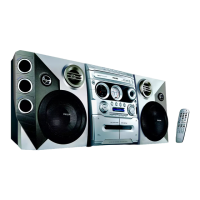
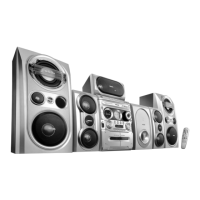
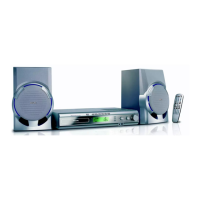
Functional Overview
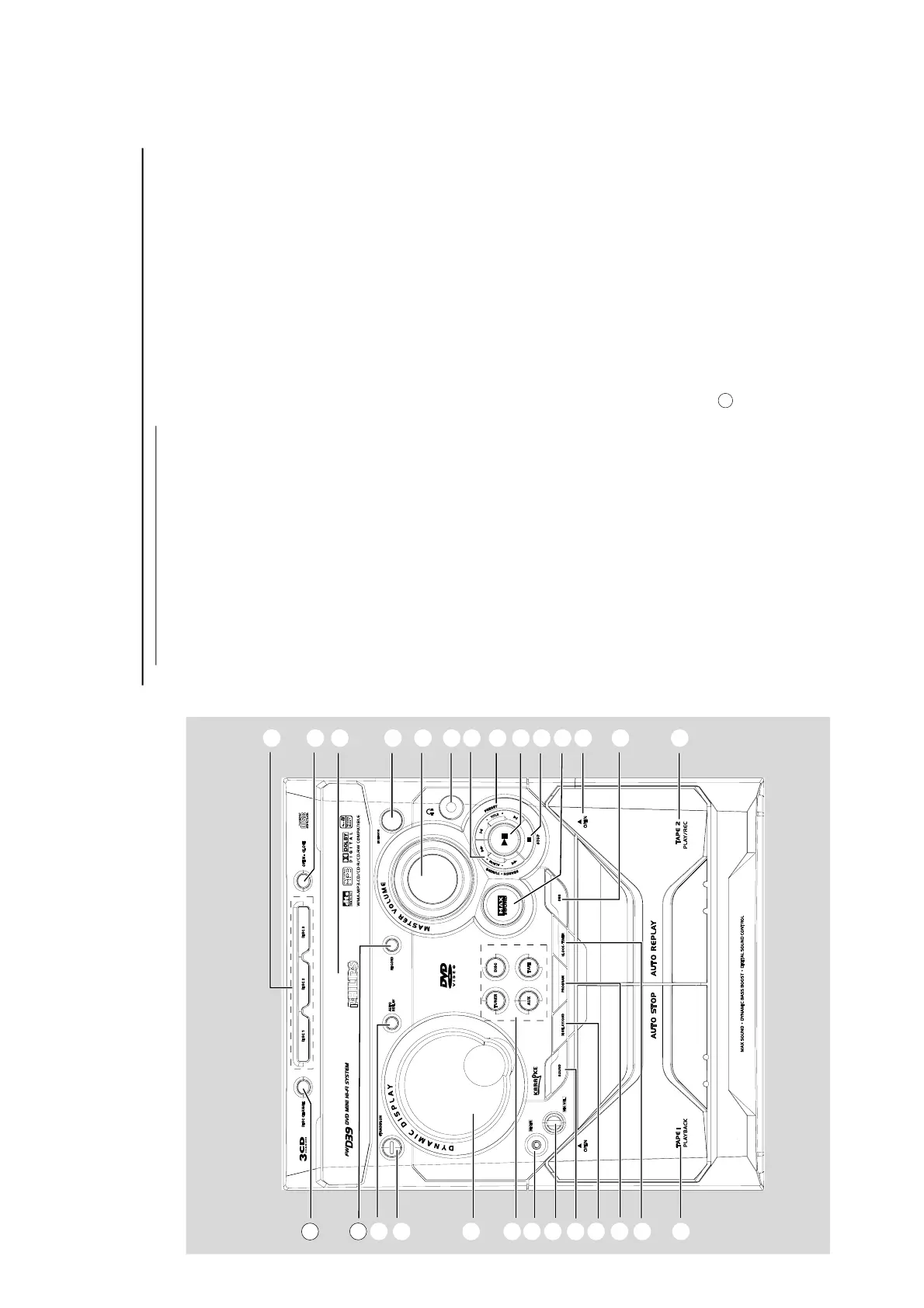
Controls on the system
1
STANDBY ON
– to switch the system on, to Eco Power or
Standby mode.
2
DISPLAY SCREEN
– to view the current status of the system.
3
SOURCE
– to select the following:
DISC (DISC 1•2•3)
– to select disc tray 1, 2 or 3
TUNER (BAND)
– to select waveband: FM or MW.
TAPE (TAPE 1-2)
– to select tape deck 1 or 2.
AUX
– to select a connected external source: TV/CDR,
AUX (auxiliary).
4
MIC IN
– to connect microphone jack.
5
MIC VOL.
– to adjust the mixing level for karaoke or
microphone recording.
6
SOUND
–to select various sound effect.
7
DISPLAY/OSD
– to display disc information during disc playback.
8
PROGRAM
– in disc mode, to program favorite tracks.
– in tuner mode, to program favorite stations.
9
CLOCK/TIMER
– to view and set clock/ timer.
0
TAPE DECK 1/ 2
!
DBB (Dynamic Bass Boost)
– to select the desired DBB level (DBB 1, DBB 2,
DBB3 or DBB OFF).
@
0 OPEN
– to open the tape deck door.
#
MAX SOUND
–To activate or deactivate MAX sound.
$
STOP 7
for DISC .................... to stop playback or to clear a
programme.
for DEMO ................ (in Standby or ECO power
mode) to activate/deactivate
demonstration.
for PLUG&PLAY ... (on the system only) to exit
plug&play mode.
%
38 (PLAY/PAUSE)
for DISC .................... to start or interrupt playback.
for TAPE ..................... to start playback.
for PLUG&PLAY ... (on the system only) to initiate
plug & play mode.
^
PREV / PRESET / NEXT O P
(TITLE – / +)
for DISC .................... to select previous/next title,
chapter or track during
playback.
for TUNER ............... to select a preset radio
station.
for CLOCK/TIMER .. to set the hour.
&
SEARCH•TUNING 1 /
(ALBUM – / +)
for DISC .................... to search backward/forward.
to select previous/next
album in MP3/WMA stop
mode (with MENU ON).
for TAPE ..................... to rewind or fast forward.
for TUNER ............... to tune to a lower or higher
radio frequency.
for CLOCK/ TIMER .. to set the minute.
*
;
– to connect headphones.
(
MASTER VOLUME
– to increase or decrease the volume.
)
SENSOR
– point the remote control towards this sensor.
¡
DISC TRAYS
™
OPEN•CLOSE
– to open or close the disc tray.
£
DISC1/ DISC2/ DISC3
– to select a disc tray for playback.
DISC CHANGE
–to change disc(s).
∞
RECORD
– to start recording on tape deck 2.
§
AUTO REPLAY
– In tape mode, to select continuous playback in
either REPLAY or PLAY mode only.
24
1



 To Next Page