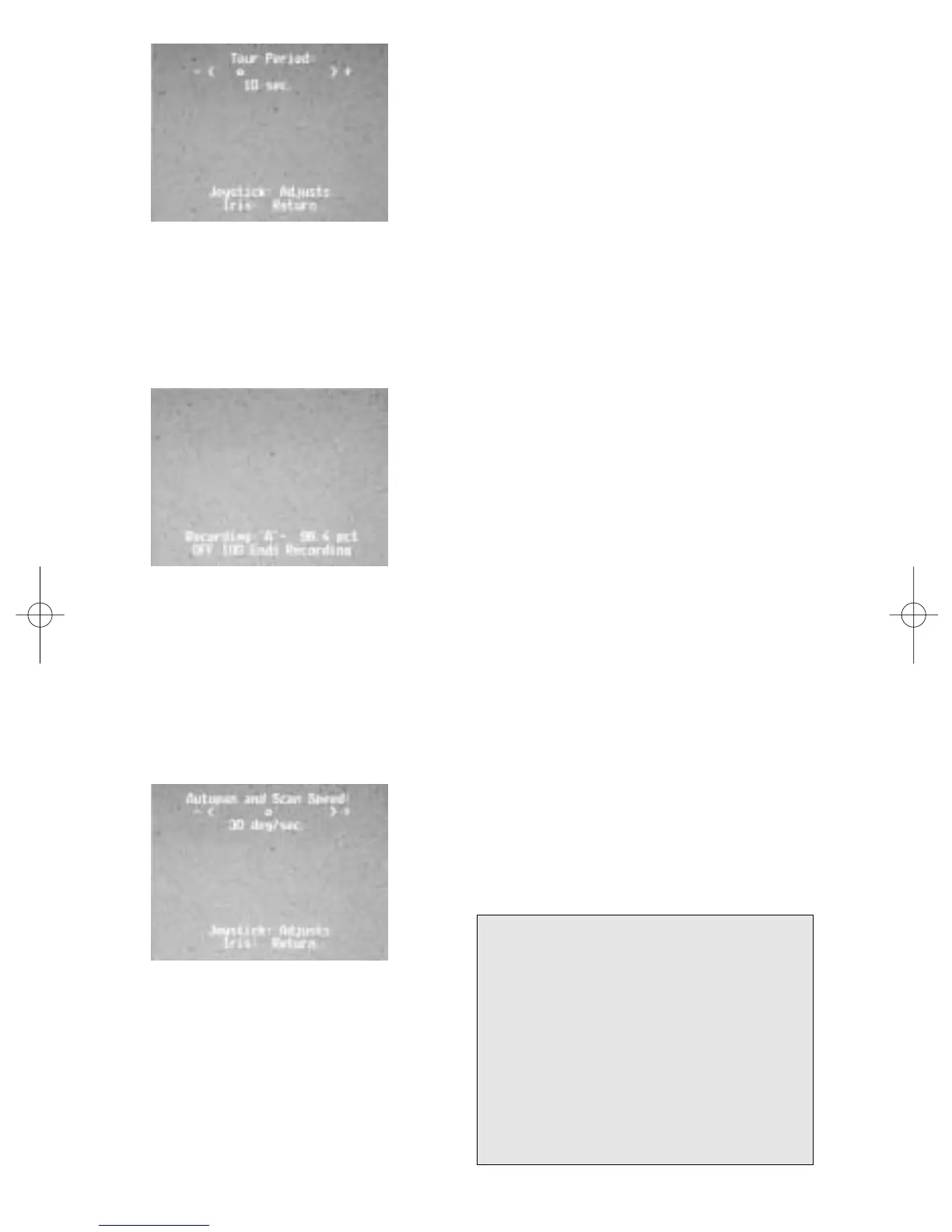
Setting the Preset Tour period
To change the length of time the AutoDome
waits between Presets during a Preset Tour,
type “On 15 Enter” and adjust using the
joystick (Fig. 4).
Record/Playback Tours
You can record two independent macros (series of commands),A & B.
These macros can last up to several hours each, although tours involving
constant commands will only last for minutes. While recording, the On-
Screen display (Fig. 5) indicates how much
memory is left. To begin recording on A, type
“On 100 Enter.” The G3 will now record all
camera activities until you end the recording
with “Off 100 Enter.” Once you have recorded
on A, B is available by using the “On/Off 101
Enter” command. Playback can be continuous
(On 50 Enter) for A, (On 52 Enter) for B or
“one shot” (On 51 Enter) for A, (On 53 Enter)
for B.
Changing the Auto Pan and Auto Scan speeds
The Auto Pan and Auto Scan speeds (Fig. 6) can be adjusted using the
“On 14 Enter” command. Use the joystick to adjust the speed. It is helpful
for the Pan or Scan to be active when you enter the “adjust” mode, so you
can see the speed change.
II
Figure 4. Preset tour period adjust
Figure 5. Recording
Figure 6. Auto Pan/Auto
Speed adjust
For additional information or to speak
to a representative, please contact the
Philips Communication, Security &
Imaging location nearest you:
The Americas: 1 800 326 3270
Europe & Middle East: 31 40 278 1222
Asia Pacific Region: 65 350 1859
or visit our Web site at
www.philipscsi.com.



 To Next Page