10
3Copier
Inserting the document
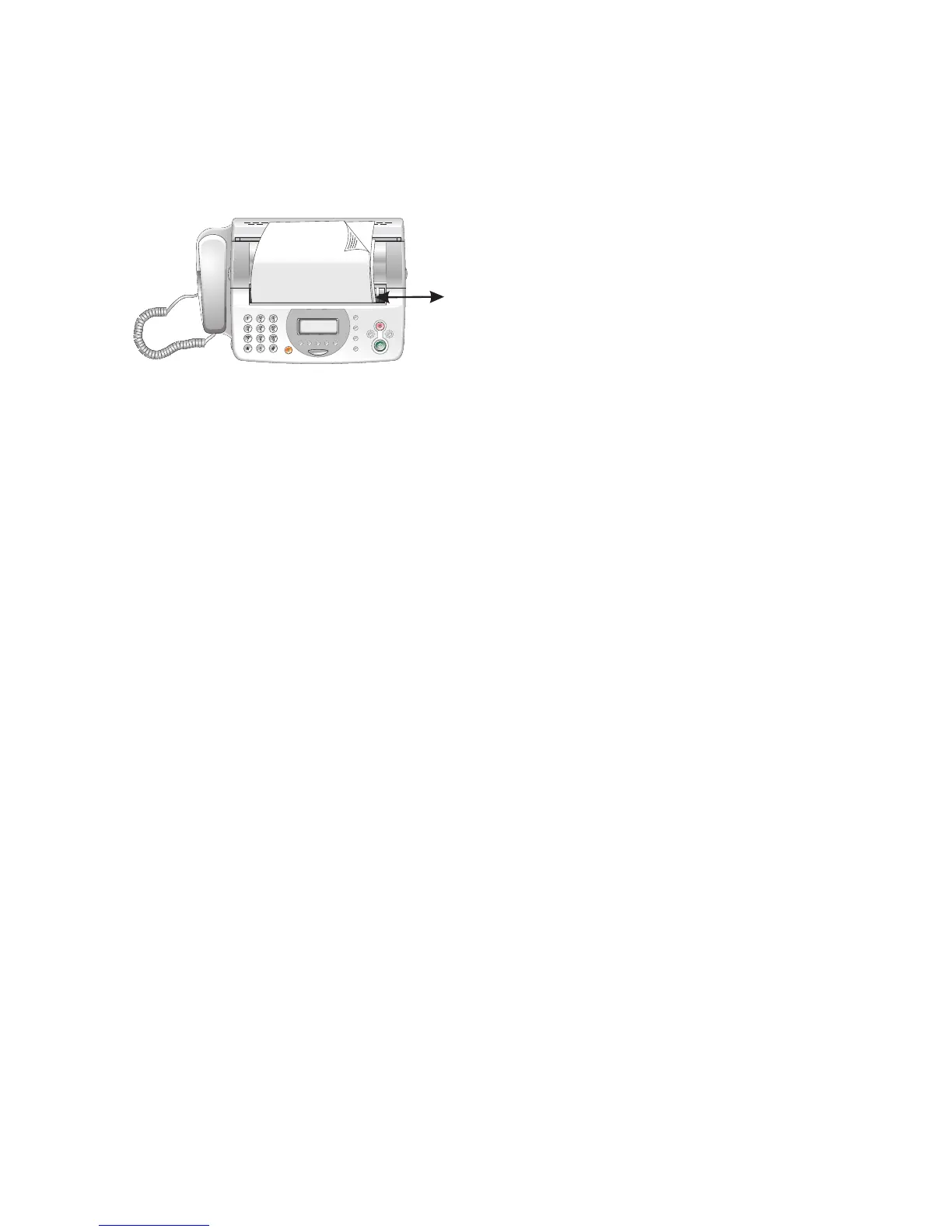
1 Insert the documents face down into the document feeder.
The top most document will be fed in first.
2 Shift the document guide inward, until it rests against
the edge of the document.
3 Set the desired resolution using FINE f.
STANDARD – Standard (for documents without special
features)
FINE – Fine (for finely printed texts and/or drawings)
PHOTO – for photos
4 Press o.
Creating a Copy
Press o/COPY briefly. The copy is created.



 To Next Page