EasyManua.ls Logo

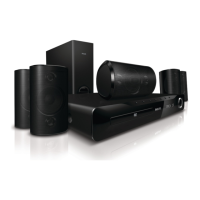
Philips HTS-3510 - Section 3. DVD Part; Electrical Troubleshooting Guide

Philips HTS-3510
60 pages
Print Icon
To Next Page IconTo Next Page
To Previous Page IconTo Previous Page
Loading...
- 3-1 -
SECTION 3. DVD PART
ELECTRICAL TROUBLESHOOTING GUIDE
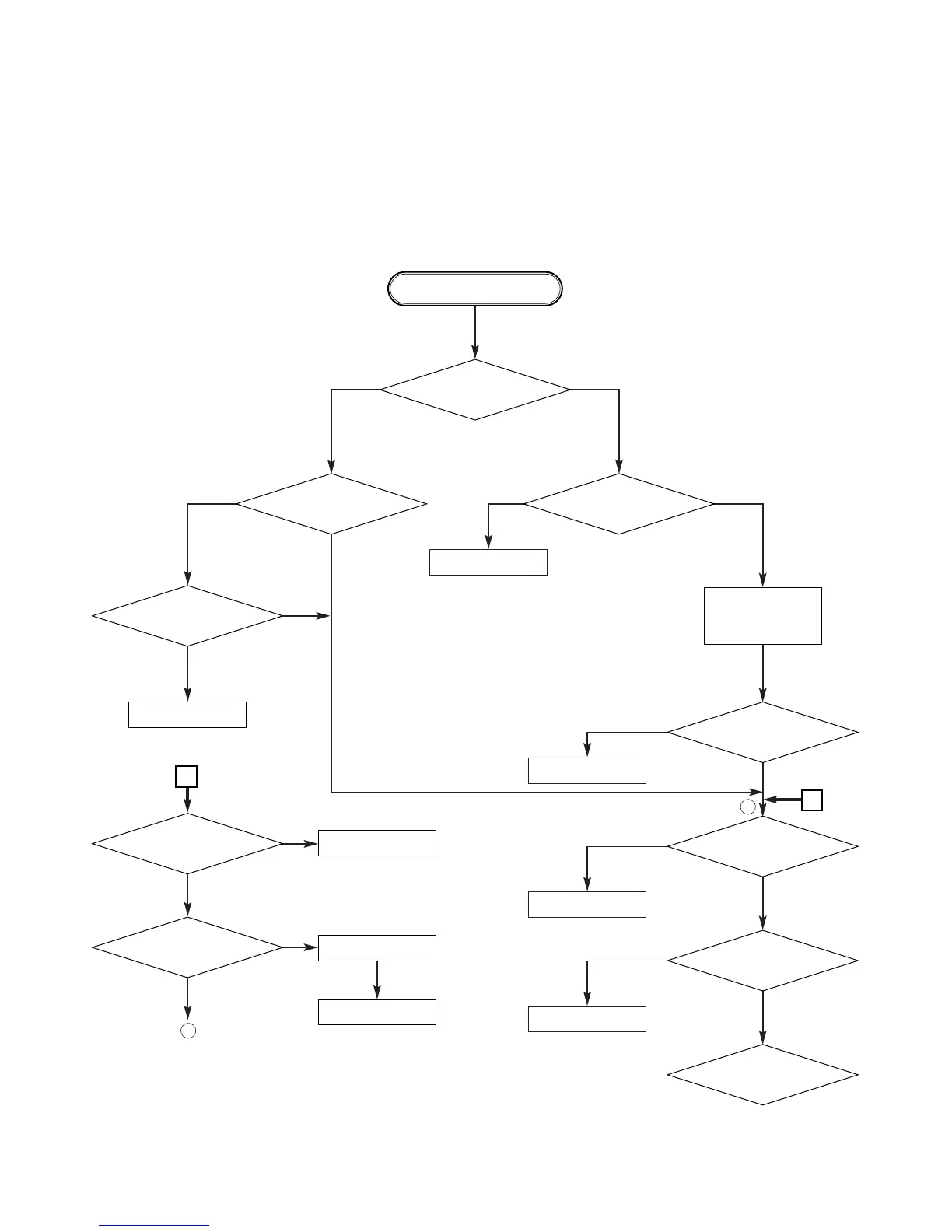
1. µ-COM Circuit
A. No Power
Replace IC301.
Refer to Front Part
Check short
Reconnect it.
Does Logo appear
on the screen?
Is oscillation of
X501 normal?
Are IC501 Pins193, 80
and 81 normal?
Does no DISC appear?
Does CD/DVD
appear at FLD?
Is P5101
connected normally?
Is P5501 Pin8 normal?
The waveform
on AD(00~21) of IC501
normal?
Are IC305 Pins68 normal?
Replace Main B/D.
Check the oscillation
Check short.
OK
Replace IC501
Check power.
(Refer to power)
If power is
normal
OK
POWER ON
1
1
YES
YES
YES
YES
YES
YES
YES
YES
A
NO
NO
NO
NO
NO
NO
NO
NONO
NO
A

Related product manuals