10
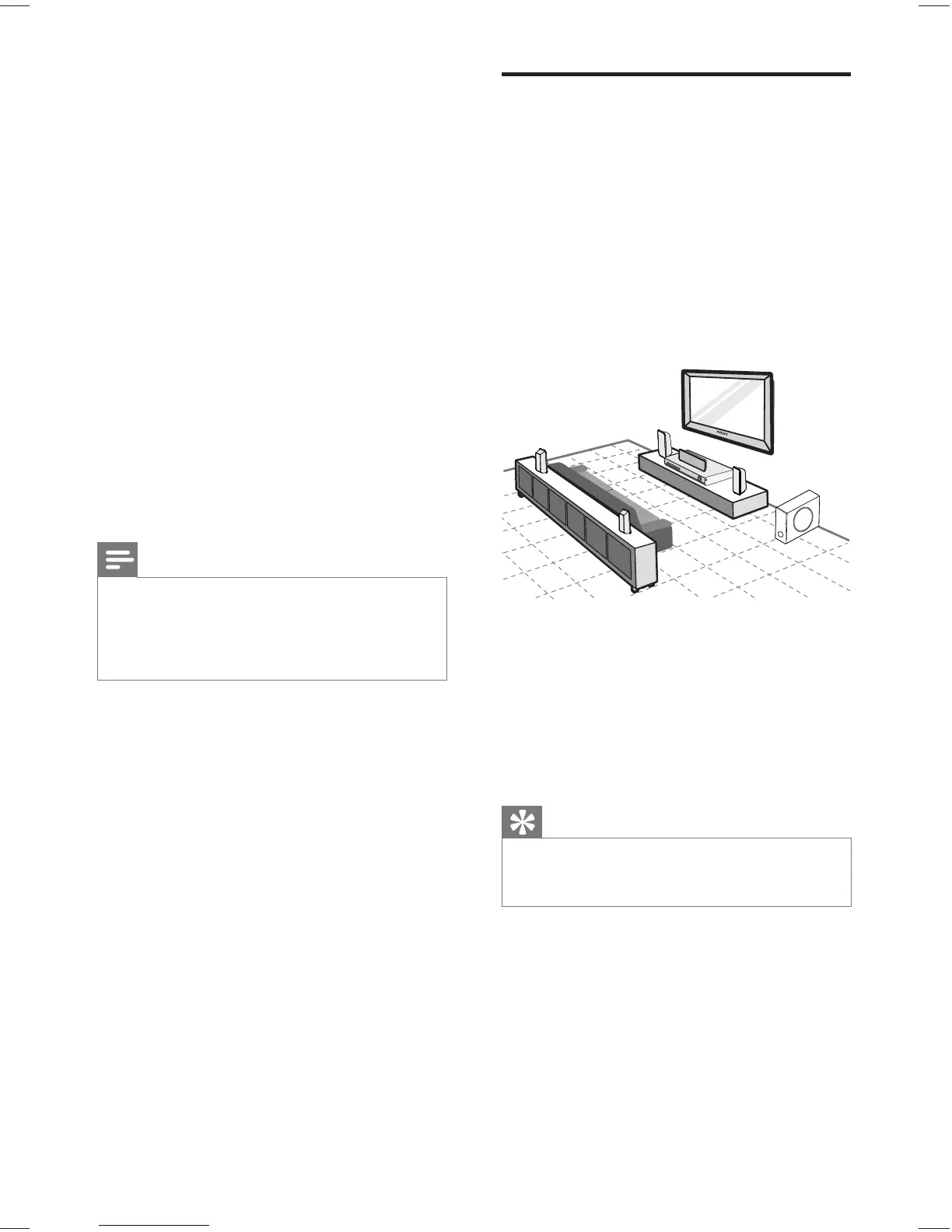
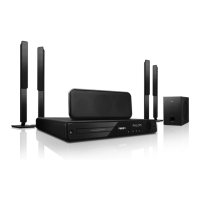
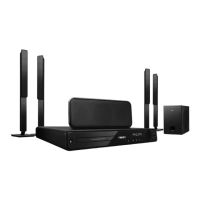
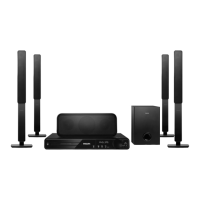
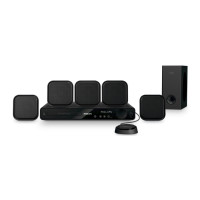
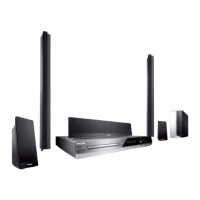
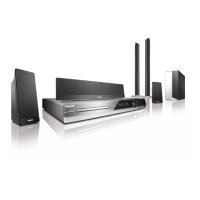
Place the Home Theater
System
Place the Home Theater System where •
it cannot be pushed, pulled over or
knocked down. Do not place it in an
enclosed cabinet.
Make sure that you have full access to the •
power cord for easy disconnection of the
Home Theater System from the power
supply.
1 Place this Home Theater System near the
TV.
2 Place the speakers system at normal
listening ear-level and directly parallel to
the listening area.
3 Place the subwoofer in the corner of the
room or at least 3 feet away from the TV.
Tip
To avoid magnetic interference or unwanted noise, •
never place this Home Theater System too close to
any radiation devices.
REAR
RIGHT
REAR
LEFT
FRONT
RIGHT
FRONT
LEFT
SUBWOOFER
3 Connect
Make the following connections to use your
Home Theater System.
Basic connections:
Video•
Speakers and subwoofer•
Power•
Optional connections:
Radio antenna•
Audio•
Audio from TV•
Audio from digibox/recorder/game •
console
Other devices•
Portable media player•
USB device•
Note
Refer to the type plate at the back or bottom of the •
product for identifi cation and supply ratings.
Before you make or change any connections, ensure •
that all the devices are disconnected from the power
outlet.
EN
1_hts3375_55_en.indd 101_hts3375_55_en.indd 10 12/29/2008 4:10:34 PM12/29/2008 4:10:34 PM


 To Next Page