8
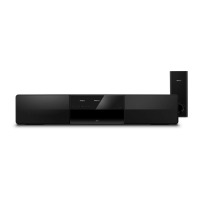
Remote control
This section includes an overview of the remote
control.
4 Your home theater
Congratulations on your purchase, and welcome
to Philips! To fully benet from the support that
Philips offers, register your home theater at
www.philips.com/welcome.
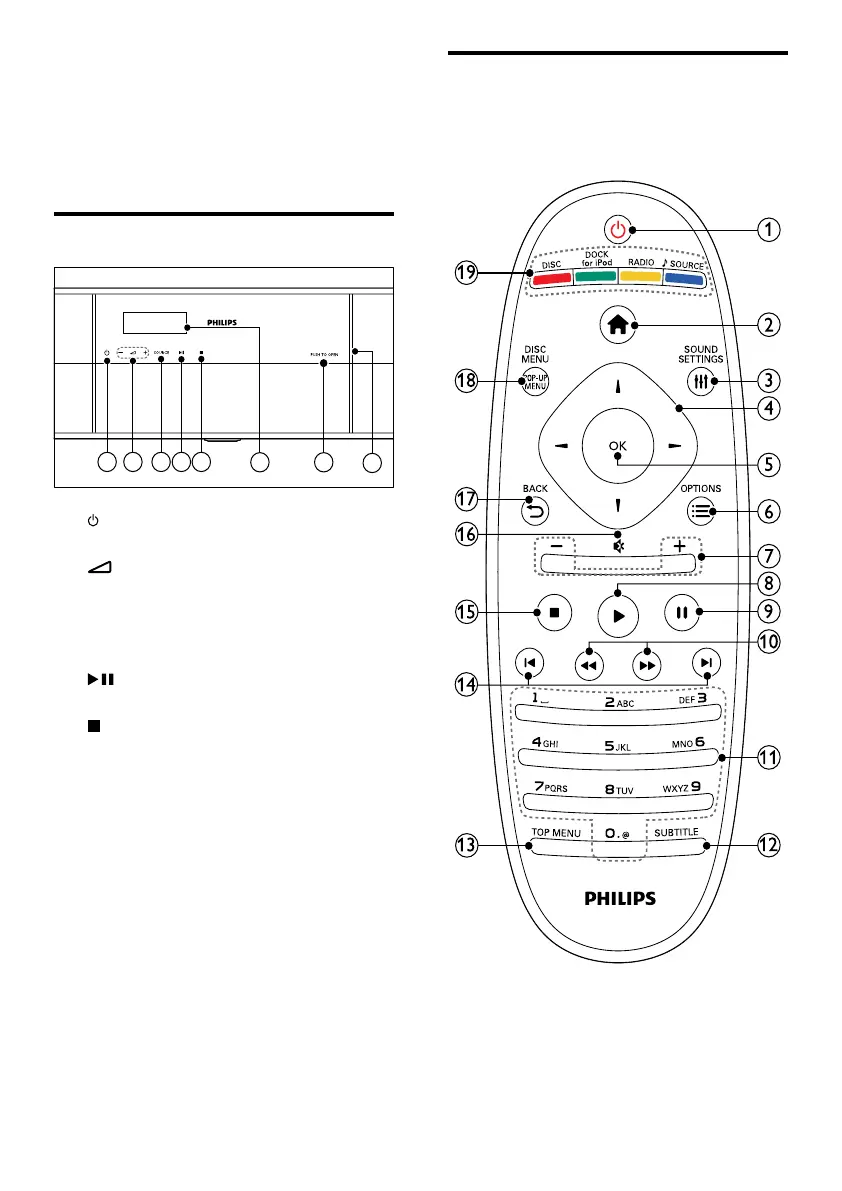
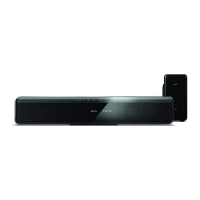
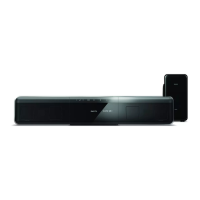
Main unit
a (Standby-On)
Switch the home theater on or to standby.
b +/- (Volume)
Increase or decrease volume.
c SOURCE
Select an audio or video source for the
home theater.
d (Play/Pause)
Start, pause or resume play.
e (Stop)
Stop play.
f Display panel
g PUSH TO OPEN
Push to open the disc compartment.
h Disc compartment
EN



 To Next Page