EN 14 3. LX9000R Brief Operating Instructions
5
Discs for playback and recording
– DVD+R
can be recorded once and played
on standard DVD players and
DVD recorders, if finalised.
– DVD+RW
can be recorded, erased and
re-recorded many times and played on
DVD+RW compatible DVD players
and DVD recorders if finalised.
Discs for playback only
Discs with the following logos can be played:
Playback
1 Press OPEN/CLOSE / on the set to open the drawer and
insert a disc (printed side up) in the tray.
2 Press OPEN/CLOSE / on the set again. If necessary, press
PLAY/PAUSEÉÅ to start playback.
0
To interrupt playback, press PLAY/PAUSEÉÅ.
0
To resume playback, press PLAY/PAUSEÉÅ again.
3 To stop playback press STOP.
Selecting a source
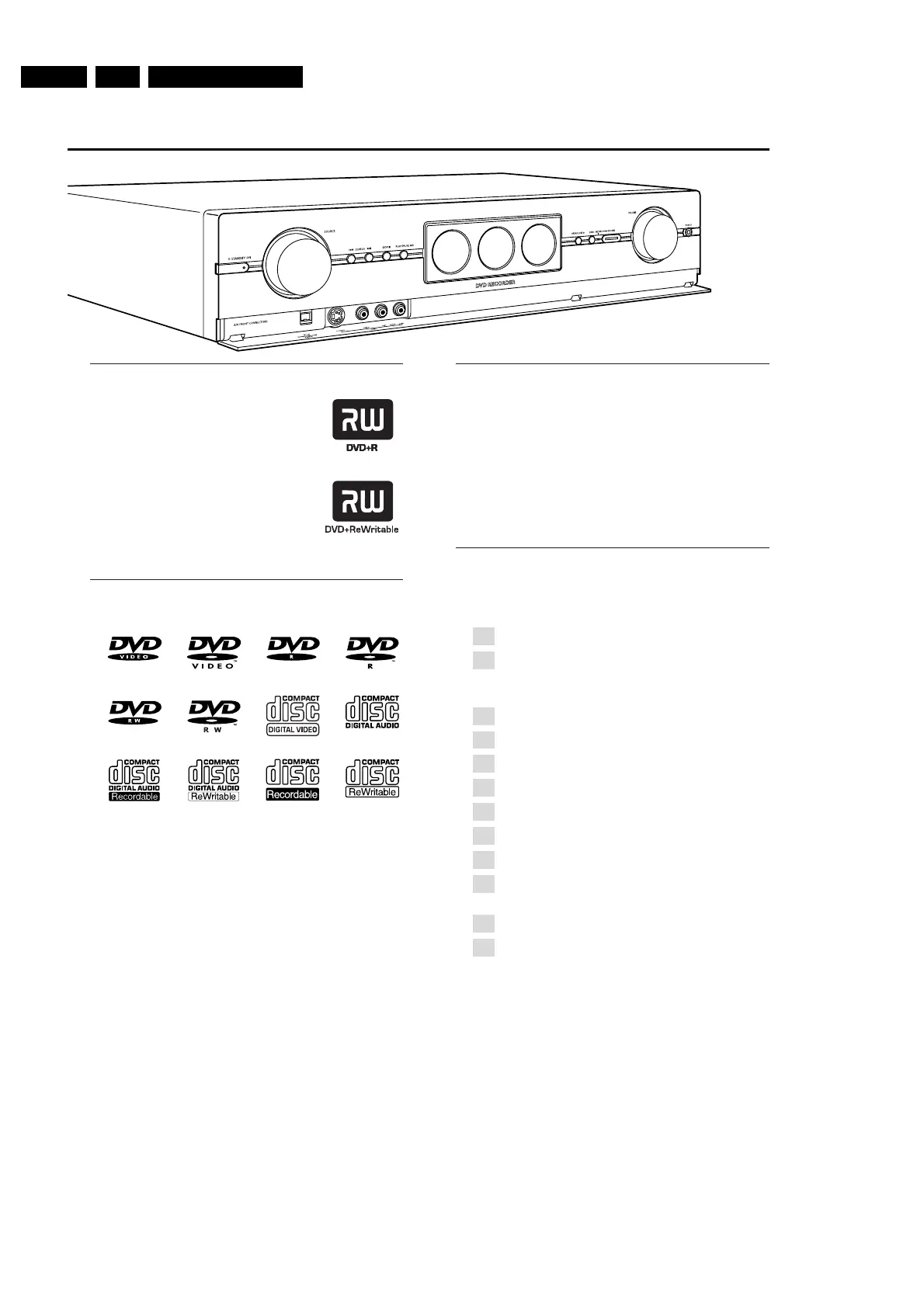
● Turn SOURCE on the DVD recorder system or keep a
source key on the remote control pressed for 1 second to
select either:
– the disc in the DVD recorder system
– MONITOR: the internal TV tuner of the DVD
recorder system (only selectable by pressing
DVD/MON on the remote control)
– TV: the TV
– CAM1: a camcorder connected to CAM1
– CAM2: a camcorder connected to CAM2
– SAT: a connected satellite receiver
– VCR: a connected VCR (video recorder)
– GAME: a connected game console
– the radio tuner of the DVD recorder system
– TAPE: a connected tape deck or similar audio
recording appliance
– CDR: a connected CD recorder
– CD: a connected CD player/changer
➜ The sound of the source is played on the DVD recorder
system.
Note: If SOURCE NOT AVAILABLE is scrolled please read
“When adding appliances or changing the connections of
appliances” in the user´s manual.
q
p
k
f
r
j
i
n
m
e
l
o


 To Next Page
 Loading...