17
English
1 Insert a disc or connect a USB device.
2 Select a source:
For discs, press DISC.
For USB devices, press USB.
3 .
To stop play, press
.
To pause or resume play, press
.
To change a subtitle language, press
SUBTITLE.
Note
You can only play DivX videos rented or purchased
through the DivX registration code of this unit.
.smi, .sub, .ssa, .ass) are supported but do not appear on
name of the video.
onto a CD-R/RW, recordable DVD or USB
device.
1 Insert a disc or connect a USB device.
2 Select a source:
For discs, press DISC.
For USB devices, press USB.
3 Press / to select a folder, then press
OK
4 Press /
5 Press to start play.
To stop play, press
.
To pause or resume play, press
.
/ .
To return to the upper-level menu,
press DISC MENU, then press OK to
Play from USB
Note
Ensure that the USB device contains playable music,
pictures or video.
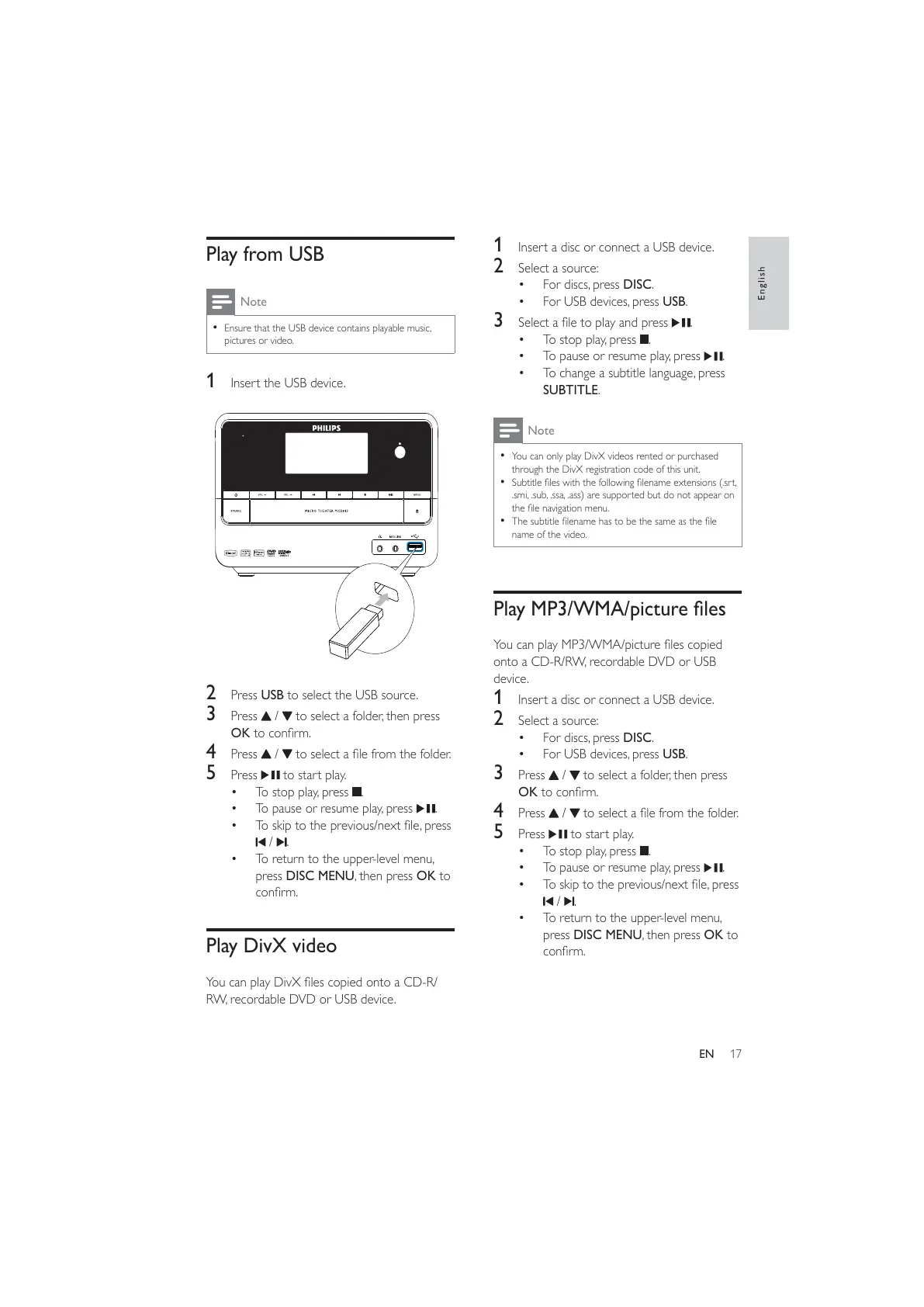
1 Insert the USB device.
2 Press USB to select the USB source.
3 Press / to select a folder, then press
OK
4 Press /
5 Press to start play.
To stop play, press
.
To pause or resume play, press
.
/ .
To return to the upper-level menu,
press DISC MENU, then press OK to
Play DivX video
RW, recordable DVD or USB device.
EN



 To Next Page