25
English
For audio players with headphone
sockets:
Connect the supplied MP3 Link cable
to the MP3 LINK socket and to the
headphone socket on the audio player.
2 Select the MP3 Link/AUX source.
3 Start play on the audio player.
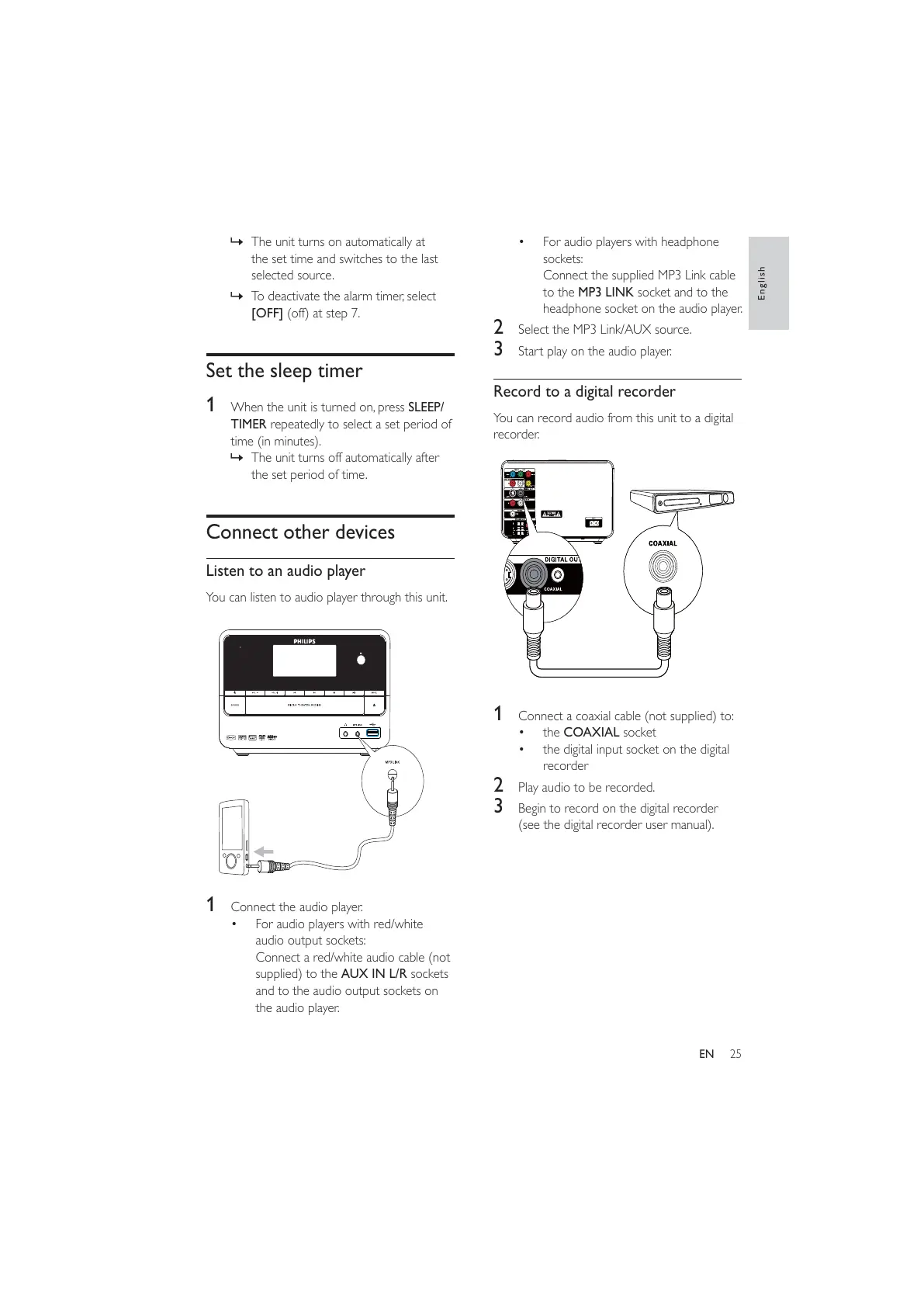
Record to a digital recorder
You can record audio from this unit to a digital
recorder.
1 Connect a coaxial cable (not supplied) to:
the COAXIAL socket
the digital input socket on the digital
recorder
2 Play audio to be recorded.
3 Begin to record on the digital recorder
(see the digital recorder user manual).
» The unit turns on automatically at
the set time and switches to the last
selected source.
» To deactivate the alarm timer, select
[OFF] (off) at step 7.
Set the sleep timer
1 When the unit is turned on, press SLEEP/
TIMER repeatedly to select a set period of
time (in minutes).
» The unit turns off automatically after
the set period of time.
Connect other devices
Listen to an audio player
You can listen to audio player through this unit.
1 Connect the audio player.
For audio players with red/white
audio output sockets:
Connect a red/white audio cable (not
supplied) to the AUX IN L/R sockets
and to the audio output sockets on
the audio player.
EN



 To Next Page