Bluetooth Operating Instruction
1. Press SOURCE key from front panel or remote to go to Bluetooth;
2. When selected the Bluetooth mode, in display, ‘
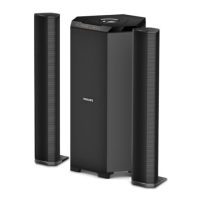
3. For pairing with mobile or other Bluetooth devices, search the device named “Philips MMS2160B” and
4. Press “ ” for continuous 3 seconds from remote in order to force disconnect the Bluetooth.
Note: While using Bluetooth, if external call comes, then speaker system goes in mute mode in
order to protect privacy of mobile phone user. Operation resumes once the call is disconnected.
7


 To Next Page