EasyManua.ls Logo

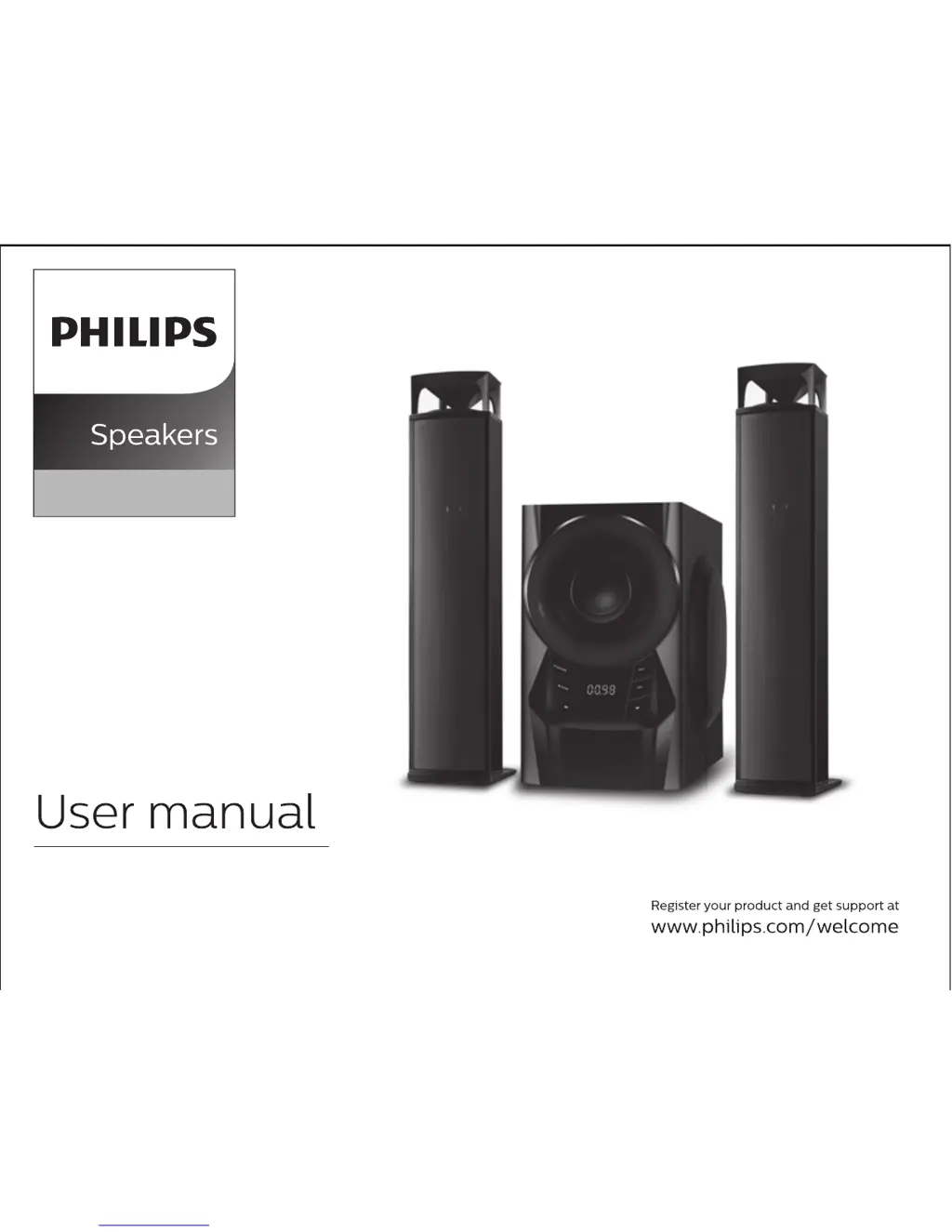
Philips MMS2160B - User Manual

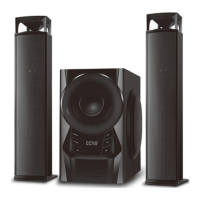
Philips MMS2160B
10 pages
Print Icon
To Next Page IconTo Next Page
Loading...
MMS2160B
2.1

Questions and Answers

  • E
    Elizabeth HarrisAug 3, 2025
    What to do if the Philips Speakers remote control does not function properly?
    • C
      Christina CastilloAug 3, 2025
      If the remote control for your Philips Speakers isn't working right, first, try shortening the distance between the remote and the system. If that doesn't help, replace the batteries with fresh ones. Make sure to aim the remote directly at the IR sensor, which is on the subwoofer's front panel. Also, ensure the batteries aren't dead.
  • G
    Gina ShawAug 9, 2025
    Why is there no sound from my Philips MMS2160B or the sound is distorted?
    • J
      Jared JohnsonAug 9, 2025
      If you're experiencing no sound or distorted sound from your Philips Speakers, try adjusting the volume. Also, make sure you've selected the correct source to hear the equipment you want through the system.
  • M
    Michael HunterAug 15, 2025
    What to do if my Philips MMS2160B Speakers have a low hum or buzz sound?
    • K
      Krista AdamsAug 15, 2025
      If your Philips Speakers are producing a low hum or buzz, try moving the product farther away from other electrical devices that might be causing interference.
  • M
    mblackAug 21, 2025
    How to fix Philips MMS2160B Speakers when there is no power?
    • M
      myersmicheleAug 21, 2025
      To address a 'no power' issue with your Philips Speakers, check that the AC power cord is fully plugged into the AC mains socket.
  • D
    Dennis HayesAug 27, 2025
    What to do if Philips Speakers drive cannot be read?
    • I
      ianandersonAug 27, 2025
      If your Philips Speakers aren't reading the drive, take out the USB / SD drive and re-insert it properly.

Summary

General Information

Safety Instructions

Provides critical safety precautions and warnings for user protection and proper operation.

Care and Maintenance Guidelines

Covers advice on avoiding environmental hazards, ventilation, and cabinet cleaning.

Included Accessories

Lists all items provided with the Philips MMS2160B speaker system.

Connections

Back Panel Overview

Details the input/output ports and controls located on the rear of the subwoofer.

Front Panel Operation

Front Panel Controls

Explains the functions of the buttons and indicators on the front of the subwoofer.

Input Source Selection

Guides users on how to switch between audio input modes like Audio, USB, SD, FM, and Bluetooth.

Remote Control Guide

Remote Button Functions

Describes the specific operation and purpose of each button on the remote control.

Speaker and Subwoofer Placement

System Positioning Recommendations

Offers guidance on optimal placement for the subwoofer and satellite speakers for best acoustic effect.

Placement Tips

Provides helpful advice, such as avoiding magnetic interference with nearby devices.

Bluetooth Connectivity

Bluetooth Pairing and Operation

Step-by-step instructions for pairing devices and managing Bluetooth connections.

Troubleshooting Common Issues

Problem Diagnosis and Solutions

A table outlining common problems and their respective troubleshooting steps.

Warranty Information

Warranty Terms and Conditions

Details the warranty period, coverage, and conditions under which the warranty is void.

Product Specifications

Technical Data

Lists the detailed technical specifications, dimensions, and performance metrics of the speaker system.

Philips MMS2160B Specifications

General IconGeneral
Product colorBlack
RMS rated power60 W
Recommended usagePC/Laptop
Audio output channels2.1 channels
Supported radio bandsFM
Subwoofer depth335 mm
Subwoofer width170 mm
Subwoofer height312 mm
Subwoofer driver diameter (imperial)5.25 \
Quantity1
USB connectivityYes
Bluetooth range10 m
Cables includedRCA
Satellite speaker type-
Number of satellite speakers2
Satellite speakers RMS power15 W
Satellite speaker dimensions (WxDxH)94.6 x 84.3 x 434.8 mm
Package depth280 mm
Package width415 mm
Package height558 mm
Power sourceAC
AirPlayNo

Related product manuals