
 Need help?
Do you have a question about the Philips OLED 873 Series and is the answer not in the manual?
Detailed visual guide for correctly assembling and attaching the TV stand to the television.
Instructions for connecting various audio and video devices to the TV using appropriate cables.
Guidance on safely connecting the TV to a power source for operation.
Final steps and visual cues for securely attaching the assembled TV stand.
Step-by-step visual guide for inserting batteries into the remote control.
Procedure for establishing a wireless Bluetooth connection between the remote and the TV.
 General
| Display Type | OLED |
|---|---|
| Screen Size | 55", 65" |
| HDMI Ports | 4 |
| USB Ports | 2 |
| Audio | Dolby Atmos |
| Refresh Rate | 120 Hz |
| Resolution | 4K Ultra HD (3840 x 2160) |
| HDR Support | HDR10, HDR10+, HLG, Dolby Vision |
| Smart TV Platform | Android TV |
| Wi-Fi | Yes |
| Bluetooth | Yes |
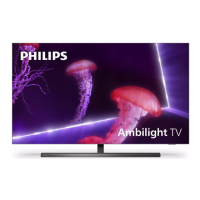
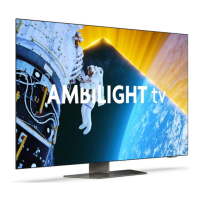
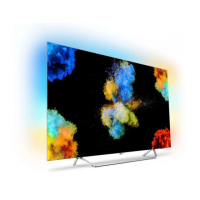
| Ambilight | 3-sided |


 To Next Page