
 Need help?
Do you have a question about the Philips OLED818 Series and is the answer not in the manual?
 General
| Display Type | OLED |
|---|---|
| Refresh Rate | 120 Hz |
| Operating System | Google TV |
| HDMI Ports | 4 (HDMI 2.1) |
| USB Ports | 3 |
| Bluetooth | Yes |
| Ethernet | Yes |
| Dolby Atmos | Yes |
| Voice Assistants | Google Assistant, Amazon Alexa |
| Dimensions (Without Stand) | Varies by screen size |
| Weight (Without Stand) | Varies by screen size |
| VRR | Yes |
| ALLM | Yes |
| Resolution | 4K UHD (3840 x 2160) |
| HDR Support | HDR10+, Dolby Vision |
| Processor | P5 AI Perfect Picture Engine |
| Wi-Fi | Yes |
| Sound Technology | DTS Play-Fi |
| Screen Size | 55, 65, 77 inches |
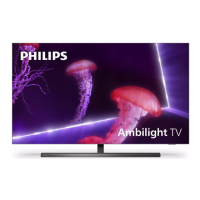
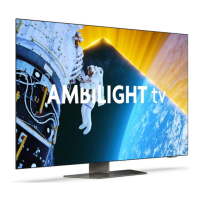
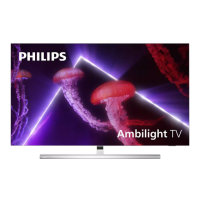
| Ambilight | 3-sided Ambilight |


 To Next Page