8 EN
4 Power on and
select a source
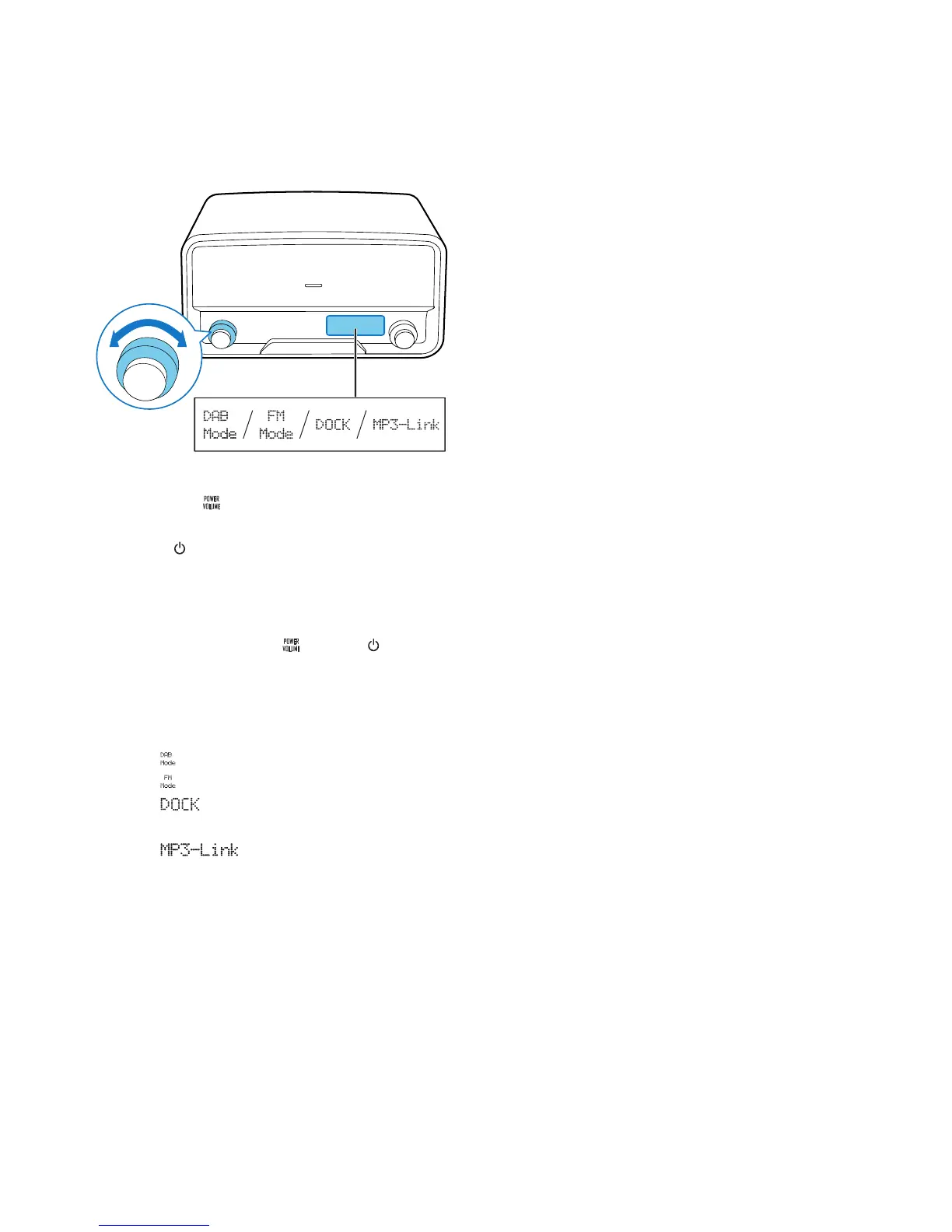
To power on the product,
• press the knob,
• turn the SOURCE knob on the product, or
• press on the remote control.
» The product switches to the last
selected source.
• To switch the product to standby
mode, press the knob or again.
To select a source,
• turn the SOURCE knob on the product, or
• press the SRC button on the remote
control repeatedly.
• : Listen to DAB radio stations
• : Listen to FM radio stations
• : Play the playlist of your iPod/
iPhone
• : Play audio that is
transferred through the MP3-LINK
socket



 To Next Page