11EN
7 Listen to FM
radio stations
1 Turn the SOURCE knob to switch the
product to .
2 Search for radio stations automatically or
manually.
Note
• For optimal reception, fully extend the antenna and
adjust its position.
• You can store a maximum of 30 FM radio stations.
Search for a radio station
automatically
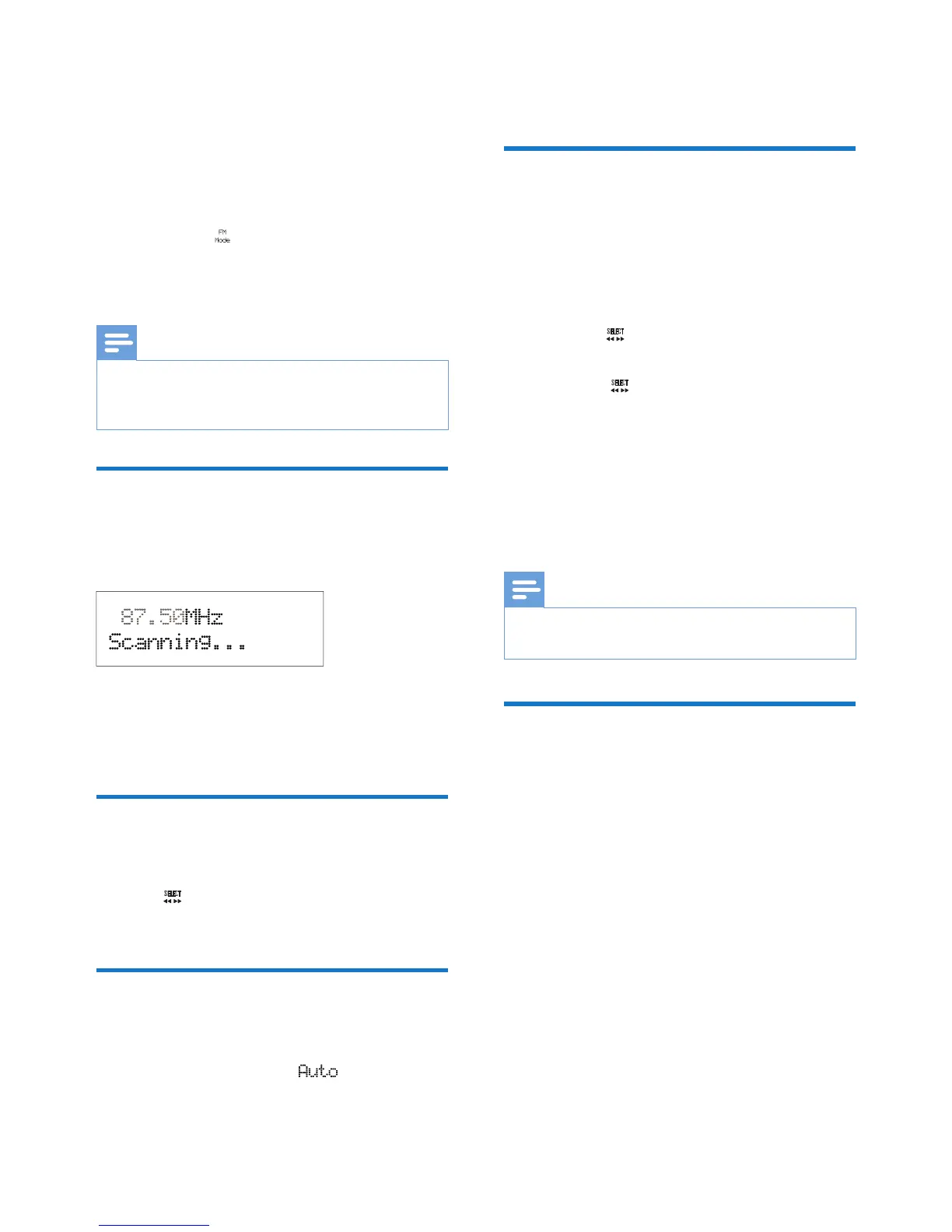
Press SCAN to activate the auto search.
» After a strong radio station is detected,
the search stops and the radio station
is broadcast.
Search for a radio station
manually
Turn the knob until the frequency of target
radio station is displayed.
Store radio stations
automatically
Press and hold SCAN until is displayed..
» After the search is complete, the rst
stored radio station is broadcast.
• To tune to a stored radio station, turn the
PRESET knob until its frequency is displayed.
Program radio stations
manually
1 Tune to a radio station.
2 Press the PROGRAM button to activate
the programming.
3 Turn the knob to select a preset
sequence number.
4 Press the knob to conrm.
» The radio station is stored with the
selected sequence number.
5 Repeat steps 1-4 to program more radio
stations.
• To tune to a preset radio station, turn the
PRESET knob until its frequency is displayed.
Note
• If you store a radio station with the sequence number
of another one, the earlier one is overwritten.
Display RDS information
Radio Data System (RDS) is a service that
allows FM stations to transmit additional
information. When you tune to an FM radio
station that transmits RDS signals, the station
name is displayed.
1 Tune to an RDS station.
2 Press INFO repeatedly to scroll through
the following information (if available):
• Radio text
• Program type such as [NEWS] (news),
[SPORT] (sport), [POP M] (pop
music)...
• Program service
• Mono/Stereo
• Time
• Date



 To Next Page