12 EN
RDS program types
NO TYPE No RDS programme type
NEWS News services
AFFAIRS Politics and current affairs
INFO Special information programs
SPORT Sports
EDUCATE Education and advanced training
DRAMA Radio plays and literature
CULTURE Culture, religion and society
SCIENCE Science
VARIED Entertainment programs
POP M Pop music
ROCK M Rock music
MOR M Light music
LIGHT M Light classical music
CLASSICS Classical music
OTHER M Special music programs
WEATHER Weather
FINANCE Finance
CHILDREN Children’s programs
SOCIAL Social Affairs
RELIGION Religion
PHONE IN Phone In
TRAVEL Tr avel
LEISURE Leisure
JAZZ Jazz Music
COUNTRY Country Music
NATION M National Music
OLDIES Oldies Music
FOLK M Folk Music
DOCUMENT Documentary
TES Alarm Test
ALARM Alarm
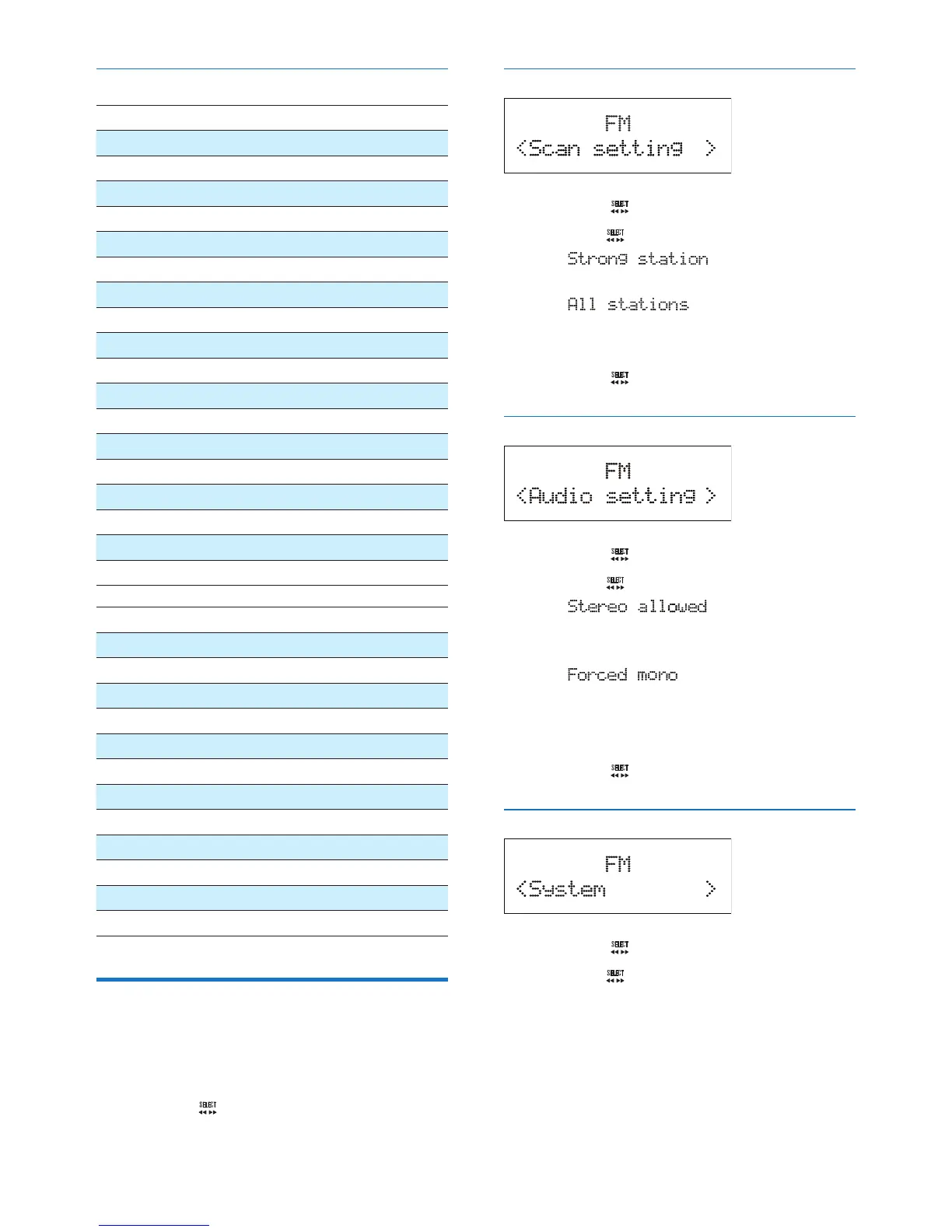
Adjust FM settings
1 In FM mode, press MENU to access FM
menus.
2 Turn the knob to toggle through the
menus.
Scan setting
1 Press the knob to access sub-menus.
2 Turn the knob to select an option.
• : Search for strong
stations only.
• : Search for all stations
no matter whether the signal strength
of a station is strong or weak.
3 Press the knob to conrm the option.
Audio setting
1 Press the knob to access sub-menus.
2 Turn the knob to select an option.
• : Allow stereo
output even if the station transmits
weak stereo audio signals.
• : Convert stereo signals
to monophonic output even if the
station transmits strong stereo audio
signals.
3 Press the knob to conrm the option.
System menus
1 Press the knob to access system menus.
2 Turn the knob to select a sub-menu.
• For details, refer to the section 'Use
system menus'.



 To Next Page