9EN
5 Set the clock
1 In standby mode, press and hold the
knob for 2 seconds.
» (12-hour time format) or
(24-hour time format) blinks.
2 Turn the knob to select a time format,
and then press the knob to conrm.
» Hour digits blink.
3 Turn the knob to set the hour, and then
press the knob to conrm.
» Minute digits blink.
4 Turn the knob to set the minute, and
then press the knob to conrm.
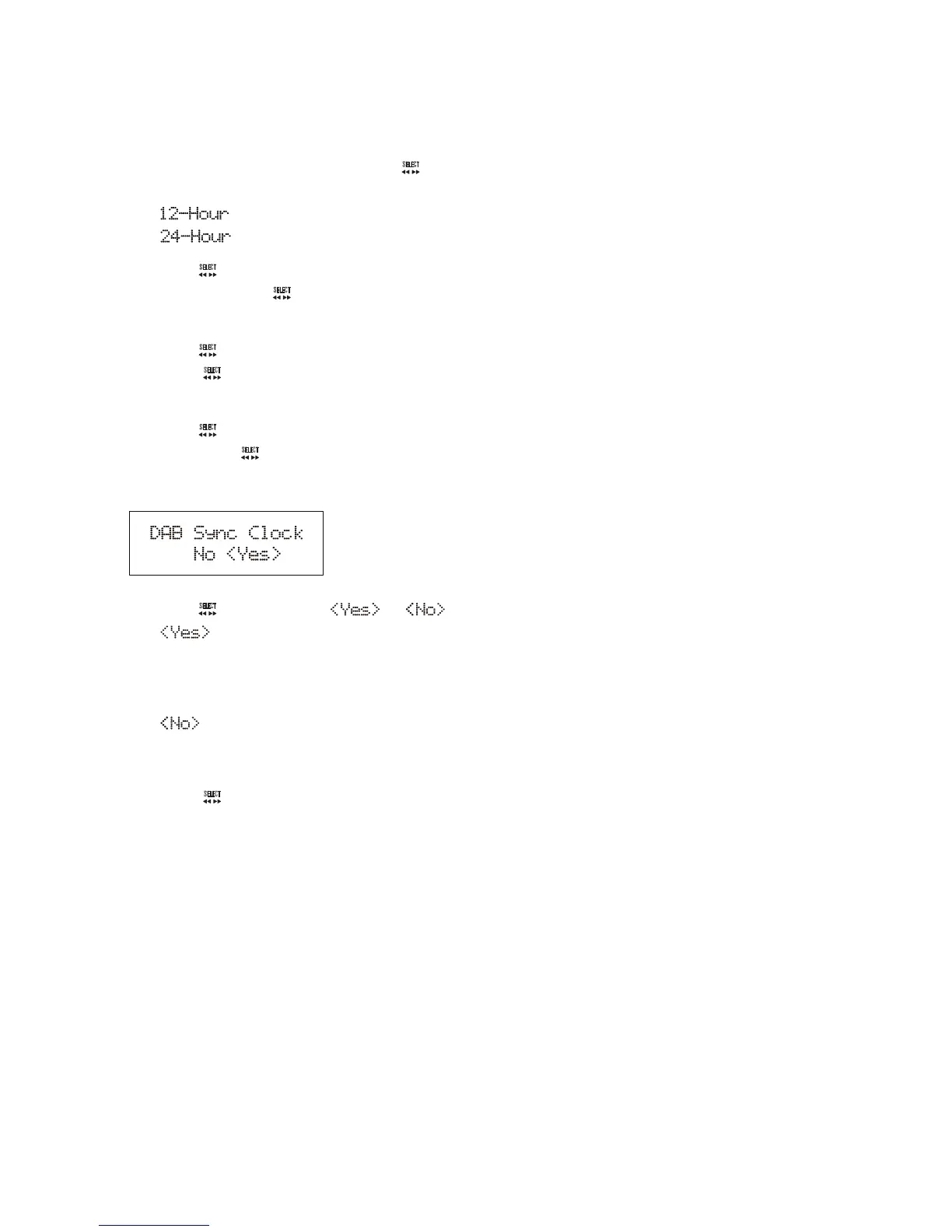
» The following menu is displayed.
5 Turn the knob to select or .
• : Enable the product to
automatically synchronize its clock
with a DAB station that transmits time
signals.
• : Do not synchronize its clock
with any DAB station that transmits
time signals.
6 Press the knob to conrm.



 To Next Page