EasyManua.ls Logo

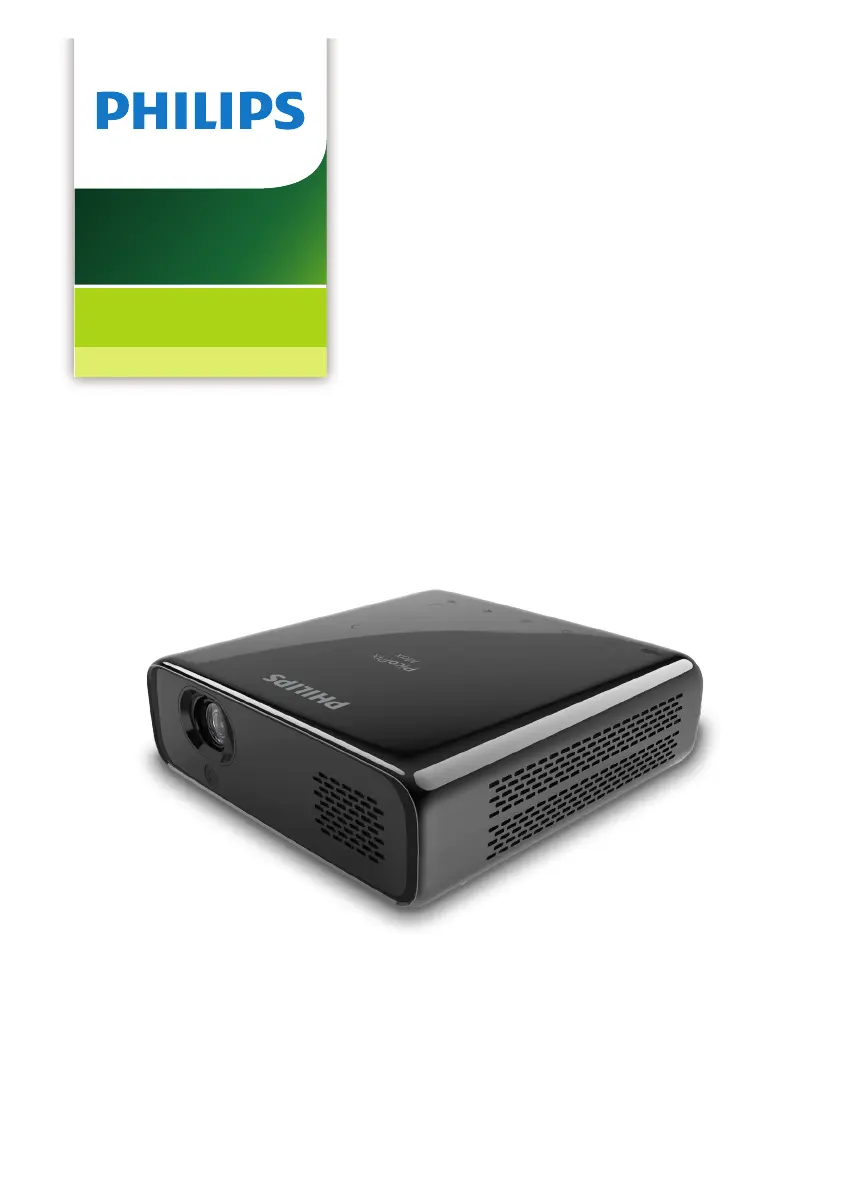
Philips PicoPix Max - User Manual

Philips PicoPix Max
28 pages
Print Icon
To Next Page IconTo Next Page
Loading...
User Manual
Register your product and get support at
www.philips.com/support
PPX620
PicoPix Max
Mobile Projector

Questions and Answers

  • E
    Erica KingSep 2, 2025
    How to troubleshoot no sound from external HDMI output device on Philips Projector?
    • K
      Kevin CrosbySep 2, 2025
      If you experience no sound from an external HDMI output device connected to your Philips Projector, set the audio setting on the HDMI output device to Stereo (PCM).
  • E
    elliottmichaelAug 31, 2025
    What to do if there is no image from the external HDMI device on my Philips PicoPix Max Projector?
    • H
      Heidi WillisAug 31, 2025
      If you're not getting an image from the external HDMI device on your Philips Projector, try disconnecting the HDMI cable or switching off the HDMI device, waiting three seconds, and then reconnecting the HDMI cable or switching on the HDMI device again.
  • B
    Brittany HarrisAug 29, 2025
    Why is my Philips PicoPix Max Projector charging so slowly?
    • T
      Tina BallardAug 29, 2025
      If your Philips Projector is charging slowly, remember that when the projector is powered on, the external power will be used first to run the projector, and any unused power will charge the battery. For faster charging, charge the projector while it is powered off.
  • K
    Kristy GonzalesAug 28, 2025
    How to fix no sound when connecting my computer to Philips PicoPix Max Projector via HDMI?
    • R
      ruthjimenezAug 28, 2025
      If there is no sound from your Philips Projector when connecting your computer via HDMI cable, check that the sound is activated on the computer and set to output to the projector.
  • J
    Jimmy SantosAug 26, 2025
    Why does my Philips Projector keep turning itself off?
    • T
      Tammy ChaneyAug 27, 2025
      If your Philips Projector turns itself off, it could be due to low battery power. Also, if the projector is running for a long period, the surface may become hot, so ensure proper ventilation with at least 30 cm of clear space around all sides. Check that the power cable is correctly connected.
  • C
    Chase MurrayAug 25, 2025
    Why is the sound or picture distorted when viewing videos on my Philips Projector?
    • A
      Adam HenryAug 25, 2025
      If you are viewing videos on your Philips Projector and the sound or picture is distorted, or the sound is not synchronized, it may be due to several reasons. The available WiFi bandwidth might be insufficient for sending the video flawlessly from the smartphone to the projector. Also, your smartphone might not be fast enough to compress the screen data and send it simultaneously over WiFi. Your smartphone may maintain parallel connections to your home network and the projector, reducing the available bandwidth. Disabling temporarily the connection to your home network may help.
  • R
    Robert GarrettAug 22, 2025
    How to fix a Philips PicoPix Max Projector that cannot be turned on?
    • E
      Elizabeth AndersonAug 22, 2025
      If your Philips Projector cannot be turned on, it might be due to low battery power. Connect the projector to an external power supply. If that doesn't work, disconnect and reconnect the power cable, and try again. Ensure you are using the original power adapter. If you're using a USB-C PD adapter, it must be 60W or higher and support 15V at 3A or 4A (20V is not supported).

Summary

General Safety Information

Essential Safety Guidelines

Covers general safety precautions for projector operation and handling.

Battery and Handling Hazards

Details risks associated with battery handling and potential product damage.

Product Overview and Power

Power Supply Requirements

Specifies power adapter requirements and connection details.

Eye Safety Warning

Alerts users to the danger of looking directly into the projector lens.

Initial Operation Procedures

Initial Operation Procedures (Continued)

Projector Power On and Basic Setup

Steps to turn on the projector and perform initial configuration.

Powering the Projector

Covers operation via external power and built-in battery charging.

Basic Setup

Pairing the Remote Control

Instructions for connecting the remote control via Bluetooth for pointer function.

Basic Setup (Continued)

Wi-Fi Network Setup Guide

Guide to connect the projector to a wireless network.

Bluetooth Streaming

Connecting and Streaming to Bluetooth Speakers

Steps to pair and stream audio to a Bluetooth speaker.

Connecting Playback Devices

HDMI Connectivity Guide

How to connect external devices using an HDMI cable.

USB-C Connectivity Guide

Guide for connecting devices using the USB-C port.

Connecting Playback Devices (Continued)

Connecting External Audio Devices

Instructions for connecting speakers or headphones via audio jack.

Browsing and Accessing Storage Devices

How to access and view files on connected storage media.

Wireless Projection

Screen Mirroring for iOS and Mac Devices

Instructions for mirroring iOS device and Mac screens wirelessly.

Casting Video from iOS Devices

How to cast videos from iOS devices to the projector wirelessly.

Wireless Projection (Continued)

Screen Mirroring for Android and Windows PCs

Steps for mirroring Android and Windows PC screens wirelessly.

Service and Maintenance

Built-in Battery Care and Charging

Tips for prolonging battery life and proper charging procedures.

Troubleshooting Common Issues

Troubleshooting Common Issues (Continued)

Appendix

Technical Specifications and Data

Detailed technical information about the projector's hardware and capabilities.

Philips PicoPix Max Specifications

General IconGeneral
Resolution1920 x 1080 (Full HD)
Projection TechnologyDLP
Light SourceLED
Throw Ratio1.2:1
Battery Lifeup to 3 hours
Internal Memory16 GB
Operating SystemAndroid
BluetoothYes
Screen Sizeup to 120 inches
ConnectivityHDMI, USB
Built-in SpeakerYes
Wi-FiYes
BatteryYes
Weight850g

Related product manuals