EasyManua.ls Logo

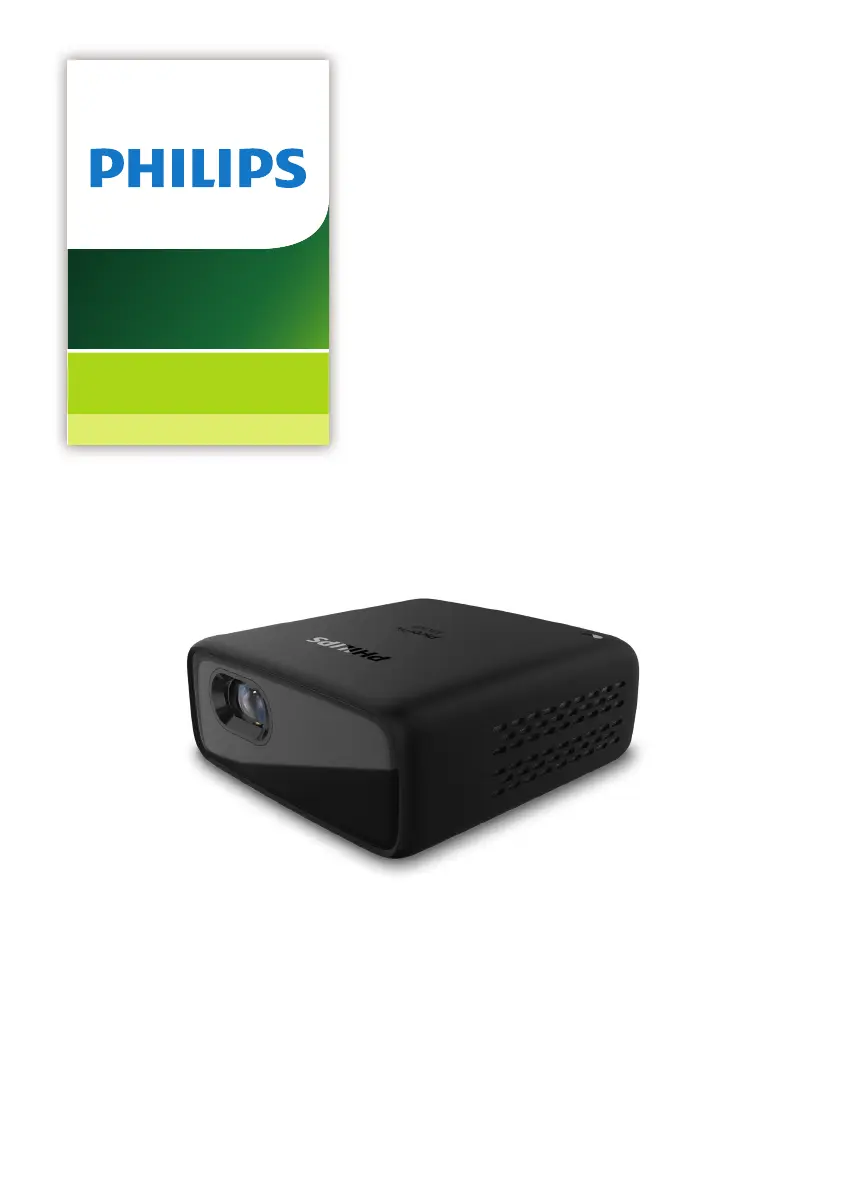
Philips PicoPix Micro+ - User Manual

Philips PicoPix Micro+
18 pages
Print Icon
To Next Page IconTo Next Page
Loading...
User Manual
Register your product and get support at
www.philips.com/support
Portable projector
Portable projector
PPX325
PicoPix Micro
+

Questions and Answers

Summary

Introduction

Dear Customer

Welcome message and expression of hope for user satisfaction with the projector.

About This User Manual

Guidance on how to use the manual for detailed product descriptions and safety instructions.

Symbols Used in Manual

Explanation of symbols like 'Notice', 'DANGER!', and 'CAUTION!' for user understanding.

Whats In The Box

List of items included with the PicoPix Micro projector, including the projector itself and accessories.

Customer Service Centre

Information on how to obtain support, including web, email, and phone contact details.

General Safety Information

Product Setup and Operation Safety

Guidelines for safe product placement, ventilation, heat management, and handling to prevent injury or damage.

Battery Handling and Safety

Critical warnings regarding battery replacement, heat exposure, and potential explosion risks.

Product Repair and Maintenance

Instructions on professional repair services and the consequences of unauthorized modifications or repairs.

Power Supply and Battery

Power Adapter Requirements

Ensuring the power supply matches the mains voltage and is easily accessible.

Battery Performance and Care

Information on diminishing battery capacity and contacting service for defective batteries.

Important Safety Cautions

Warnings about turning off the projector, cleaning procedures, and eye safety regarding the LED.

Product Overview

Rear View Ports and Controls

Identification and function of ports (USB, HDMI) and controls (Reset, IR sensor) on the projector's rear.

Connecting Devices

HDMI Connection for Image Projection

How to connect playback devices via HDMI for image and audio output on the projector.

iPhone;iPad Connection

Methods for connecting Apple devices using HDMI to mini HDMI cables or adapters.

Smartphone and Laptop Connectivity

USB-C Connectivity Options

Connecting USB-C devices (laptops, tablets) via HDMI cables, adapters, or Chromecast.

MHL Connector for Smartphones

Connecting older smartphones with MHL technology using a micro USB and MHL adapter.

Operation and Settings

Remote Control Functions

Explanation of remote control buttons for accessing menus, navigation, and volume control.

Projector Placement Options

Guidelines for placing the projector on a table or mounting it on a ceiling for optimal projection.

Powering and Charging

Instructions on operating the projector using external power or the built-in battery and charging procedures.

Changing Projector Settings

Changing Screen Size

Adjusting projection size using distance and digital zoom features.

Language Settings

Selecting the desired language for the on-screen menu and interface.

Picture Settings Adjustment

Configuring picture presets, color temperature, projection direction, and digital zoom.

Advanced Settings and Features

Connecting External Audio Devices

How to connect external speakers or headphones for audio output.

Placement Configuration

Detailed instructions for front table, front ceiling, rear table, and rear ceiling placement.

System Settings

Eco Mode and Display Settings

Adjusting energy-saving modes and display duration for optimal power management.

Picture Preset Options

Selecting predefined color and brightness settings for different viewing modes (Cinema, Vivid, Standard).

Projection Direction Settings

Configuring the projection direction (Front, Rear, Ceiling) based on installation.

Configuration Options

Color Temperature and Projection Adjustments

Customizing color values (RGB) and scaling projection image size.

Power Control Settings

Managing power consumption via sleep timer, ECO mode, and display duration settings.

Restore Default Settings

Resetting the projector to factory default settings to resolve issues.

Other System Settings

Adjusting menu position, volume, checking software/hardware versions, and software updates.

Service and Maintenance

Built-in Battery Care

Tips to prolong battery life, including charging habits and avoiding heat sources.

Cleaning Instructions

Guidelines for cleaning the projector body and lens using soft, lint-free cloths and avoiding liquids.

Software Update Procedure

Steps to download, prepare, and install software updates via a USB flash drive.

Troubleshooting Guide

Power Cycling for Issue Resolution

Procedure to reset the projector by cycling power to resolve common operational problems.

Common Problems and Solutions

Troubleshooting steps for issues like projector not turning on, no image, or sound problems.

Appendix

Technical Data Specifications

Detailed technical specifications including display, light source, resolution, contrast, and dimensions.

CE Statement and Compliance

Compliance information related to USB interface, operating temperature, and adapter installation.

FCC and Canada Regulatory Compliance

Statements regarding FCC rules, interference, and Canada's ICES/NMB standards for digital devices.

Other Notices and Environmental Information

Information on environmental preservation, packaging recycling, and proper disposal of batteries and electronics.

Summary

Introduction

Dear Customer

Welcome message and expression of hope for user satisfaction with the projector.

About This User Manual

Guidance on how to use the manual for detailed product descriptions and safety instructions.

Symbols Used in Manual

Explanation of symbols like 'Notice', 'DANGER!', and 'CAUTION!' for user understanding.

Whats In The Box

List of items included with the PicoPix Micro projector, including the projector itself and accessories.

Customer Service Centre

Information on how to obtain support, including web, email, and phone contact details.

General Safety Information

Product Setup and Operation Safety

Guidelines for safe product placement, ventilation, heat management, and handling to prevent injury or damage.

Battery Handling and Safety

Critical warnings regarding battery replacement, heat exposure, and potential explosion risks.

Product Repair and Maintenance

Instructions on professional repair services and the consequences of unauthorized modifications or repairs.

Power Supply and Battery

Power Adapter Requirements

Ensuring the power supply matches the mains voltage and is easily accessible.

Battery Performance and Care

Information on diminishing battery capacity and contacting service for defective batteries.

Important Safety Cautions

Warnings about turning off the projector, cleaning procedures, and eye safety regarding the LED.

Product Overview

Rear View Ports and Controls

Identification and function of ports (USB, HDMI) and controls (Reset, IR sensor) on the projector's rear.

Connecting Devices

HDMI Connection for Image Projection

How to connect playback devices via HDMI for image and audio output on the projector.

iPhone;iPad Connection

Methods for connecting Apple devices using HDMI to mini HDMI cables or adapters.

Smartphone and Laptop Connectivity

USB-C Connectivity Options

Connecting USB-C devices (laptops, tablets) via HDMI cables, adapters, or Chromecast.

MHL Connector for Smartphones

Connecting older smartphones with MHL technology using a micro USB and MHL adapter.

Operation and Settings

Remote Control Functions

Explanation of remote control buttons for accessing menus, navigation, and volume control.

Projector Placement Options

Guidelines for placing the projector on a table or mounting it on a ceiling for optimal projection.

Powering and Charging

Instructions on operating the projector using external power or the built-in battery and charging procedures.

Changing Projector Settings

Changing Screen Size

Adjusting projection size using distance and digital zoom features.

Language Settings

Selecting the desired language for the on-screen menu and interface.

Picture Settings Adjustment

Configuring picture presets, color temperature, projection direction, and digital zoom.

Advanced Settings and Features

Connecting External Audio Devices

How to connect external speakers or headphones for audio output.

Placement Configuration

Detailed instructions for front table, front ceiling, rear table, and rear ceiling placement.

System Settings

Eco Mode and Display Settings

Adjusting energy-saving modes and display duration for optimal power management.

Picture Preset Options

Selecting predefined color and brightness settings for different viewing modes (Cinema, Vivid, Standard).

Projection Direction Settings

Configuring the projection direction (Front, Rear, Ceiling) based on installation.

Configuration Options

Color Temperature and Projection Adjustments

Customizing color values (RGB) and scaling projection image size.

Power Control Settings

Managing power consumption via sleep timer, ECO mode, and display duration settings.

Restore Default Settings

Resetting the projector to factory default settings to resolve issues.

Other System Settings

Adjusting menu position, volume, checking software/hardware versions, and software updates.

Service and Maintenance

Built-in Battery Care

Tips to prolong battery life, including charging habits and avoiding heat sources.

Cleaning Instructions

Guidelines for cleaning the projector body and lens using soft, lint-free cloths and avoiding liquids.

Software Update Procedure

Steps to download, prepare, and install software updates via a USB flash drive.

Troubleshooting Guide

Power Cycling for Issue Resolution

Procedure to reset the projector by cycling power to resolve common operational problems.

Common Problems and Solutions

Troubleshooting steps for issues like projector not turning on, no image, or sound problems.

Appendix

Technical Data Specifications

Detailed technical specifications including display, light source, resolution, contrast, and dimensions.

CE Statement and Compliance

Compliance information related to USB interface, operating temperature, and adapter installation.

FCC and Canada Regulatory Compliance

Statements regarding FCC rules, interference, and Canada's ICES/NMB standards for digital devices.

Other Notices and Environmental Information

Information on environmental preservation, packaging recycling, and proper disposal of batteries and electronics.

Philips PicoPix Micro+ Specifications

General IconGeneral
Projection TechnologyDLP
Light SourceLED
LED LifetimeUp to 30, 000 hours
Contrast Ratio600:1
Aspect Ratio16:9
Focus AdjustmentManual
Wi-FiYes
BluetoothYes
Integrated Media PlayerYes
Video PlaybackYes
Resolution854 x 480 pixels
ConnectionsHDMI, USB-C, Audio out
Power SourceBattery
Weight0.215 kg
Projection Distance0.53m - 1.77m / 20.9" - 69.7"

Related product manuals