EasyManua.ls Logo

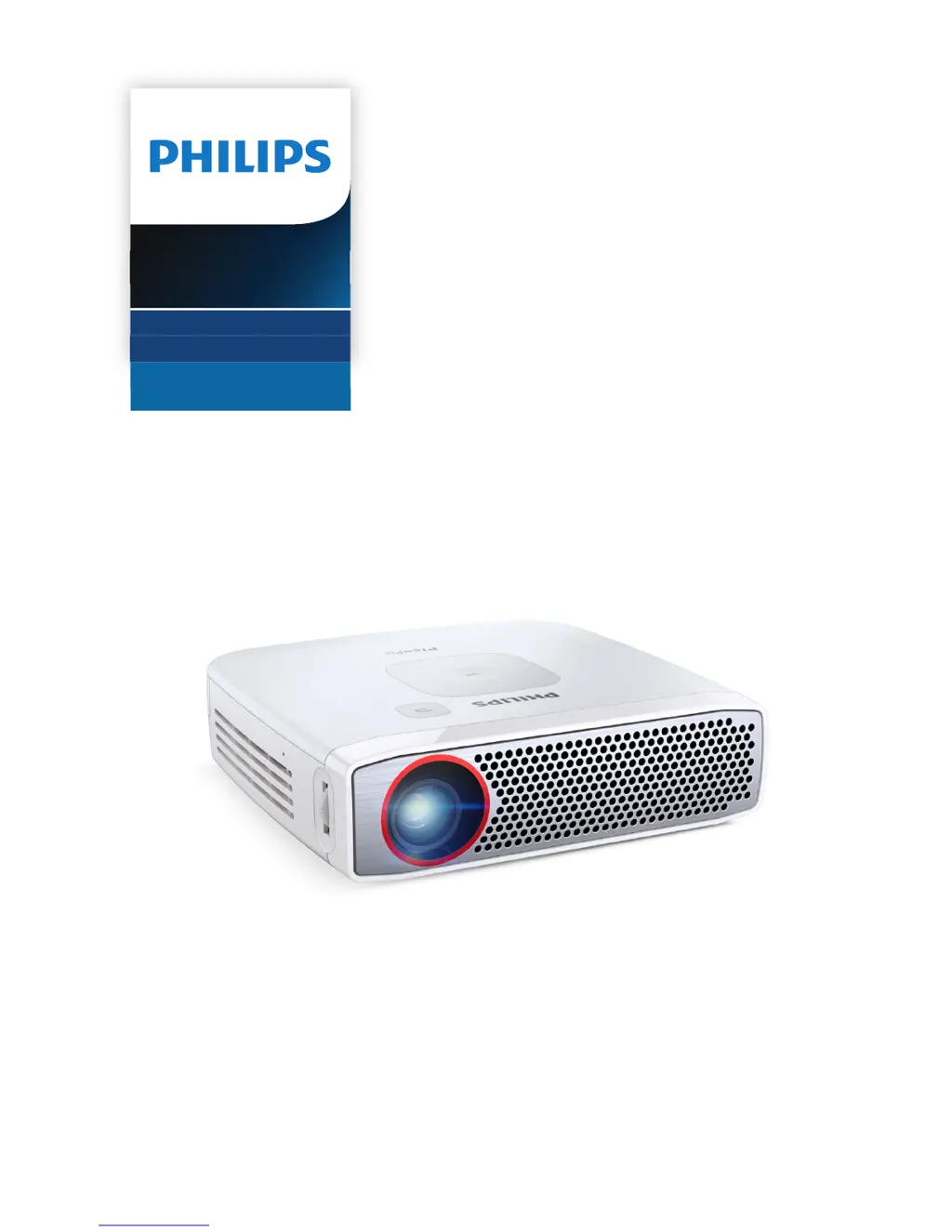
Philips PICOPIX PPX4835 - User Manual

Philips PICOPIX PPX4835
19 pages
Print Icon
To Next Page IconTo Next Page
Loading...
User Manual
Register your product and get support at
www.philips.com/welcome
Pocket Projector
PPX 4835
Pico Pix

Questions and Answers

Summary

General Safety Information

Device Setup Safety

Guidelines for placing the projector securely on a flat, stable surface and ensuring proper ventilation.

Power Supply Safety

Information on using the correct power adapter and battery maintenance considerations.

Repair and Warranty

Instructions for device repair, emphasizing authorized service centers and warranty voidance.

Overview of Projector Components

Top Panel Controls

Details of the projector's top surface, including control buttons and their functions.

Side Panel Ports

Description of the projector's side panel, detailing ports and connections like HDMI and USB.

Bottom Panel Features

Identifies the tripod socket located on the bottom of the projector.

Menu System Navigation

Explains how to navigate the projector's settings menu using the control buttons.

Initial Operation and Setup

Device Placement and Connection

Guidance on physical placement, connecting power, and charging the device.

Settings Menu Navigation

Explains how to use the navigation keys to move through menus and confirm selections.

First-Time Installation Steps

Steps to follow for the first-time setup, including adjusting image sharpness.

Language Configuration

Procedure for changing the projector's menu language to the user's preference.

Connecting External Devices

HDMI Device Connection

Instructions for connecting computers or laptops using an HDMI to mini HDMI cable.

USB Device Connection (Power Bank)

Guide on using the USB port to connect devices for charging (power bank function).

Headphone Audio Output

Steps for connecting headphones and adjusting volume for safe listening.

Special Functions

Flashlight Mode

Instructions on how to use the projector as a portable flashlight, including quick access.

SOS Emergency Light

Details on activating the SOS light function using Morse code for emergencies.

Warning Flash Light

Guide on using the projector's white flash function as a warning light.

Maintenance and Care

Battery Maintenance Tips

Tips for prolonging battery life, including usage and charging recommendations.

Cleaning the Device and Lens

Instructions for cleaning the projector's exterior and lens safely without damage.

Overheating Management

Explanation of overheating symptoms and how the device manages high temperatures.

Firmware Updates via USB

Step-by-step guide to updating the projector's firmware using a USB storage device.

Troubleshooting Common Issues

Appendix and Specifications

Technical Specifications

Detailed technical specifications including dimensions, weight, display technology, and power.

Available Accessories

List of optional accessories available for purchase to enhance the projector's functionality.

Summary

General Safety Information

Device Setup Safety

Guidelines for placing the projector securely on a flat, stable surface and ensuring proper ventilation.

Power Supply Safety

Information on using the correct power adapter and battery maintenance considerations.

Repair and Warranty

Instructions for device repair, emphasizing authorized service centers and warranty voidance.

Overview of Projector Components

Top Panel Controls

Details of the projector's top surface, including control buttons and their functions.

Side Panel Ports

Description of the projector's side panel, detailing ports and connections like HDMI and USB.

Bottom Panel Features

Identifies the tripod socket located on the bottom of the projector.

Menu System Navigation

Explains how to navigate the projector's settings menu using the control buttons.

Initial Operation and Setup

Device Placement and Connection

Guidance on physical placement, connecting power, and charging the device.

Settings Menu Navigation

Explains how to use the navigation keys to move through menus and confirm selections.

First-Time Installation Steps

Steps to follow for the first-time setup, including adjusting image sharpness.

Language Configuration

Procedure for changing the projector's menu language to the user's preference.

Connecting External Devices

HDMI Device Connection

Instructions for connecting computers or laptops using an HDMI to mini HDMI cable.

USB Device Connection (Power Bank)

Guide on using the USB port to connect devices for charging (power bank function).

Headphone Audio Output

Steps for connecting headphones and adjusting volume for safe listening.

Special Functions

Flashlight Mode

Instructions on how to use the projector as a portable flashlight, including quick access.

SOS Emergency Light

Details on activating the SOS light function using Morse code for emergencies.

Warning Flash Light

Guide on using the projector's white flash function as a warning light.

Maintenance and Care

Battery Maintenance Tips

Tips for prolonging battery life, including usage and charging recommendations.

Cleaning the Device and Lens

Instructions for cleaning the projector's exterior and lens safely without damage.

Overheating Management

Explanation of overheating symptoms and how the device manages high temperatures.

Firmware Updates via USB

Step-by-step guide to updating the projector's firmware using a USB storage device.

Troubleshooting Common Issues

Appendix and Specifications

Technical Specifications

Detailed technical specifications including dimensions, weight, display technology, and power.

Available Accessories

List of optional accessories available for purchase to enhance the projector's functionality.

Philips PICOPIX PPX4835 Specifications

General IconGeneral
Carrying caseYes
Cables includedHDMI
Handheld remote controlNo
RMS rated power3 W
Product typePortable projector
Product colorWhite
Market positioningPortable
Storage temperature (T-T)0 - 45 °C
Operating temperature (T-T)5 - 35 °C
Operating relative humidity (H-H)15 - 85 %
Audio (L/R) out1
HDMI connector typeMini
USB 2.0 ports quantityUSB 2.0 ports have a data transmission speed of 480 Mbps, and are backwards compatible with USB 1.1 ports. You can connect all kinds of peripheral devices to them.
VGA (D-Sub) ports quantity-
Power sourceBattery
Battery capacity5200 mAh
Battery life (max)3 h
Power consumption (standby)- W
Noise level28 dB
Native aspect ratio16:9
Projection distance0.5 - 5 m
Projection technologyDLP
Contrast ratio (typical)100000:1
Screen size compatibility15 - 150 \
Projector native resolution720p (1280x720)
Keystone correction, horizontalManual °
FocusManual
Throw ratio1.47:1
Focal length range- mm
Light source typeLED
Service life of light source- h
Weight and Dimensions IconWeight and Dimensions
Depth115.06 mm
Height32 mm
Weight341 g
Package width150.1 mm
Package height104.9 mm
Package weight1020 g

Related product manuals