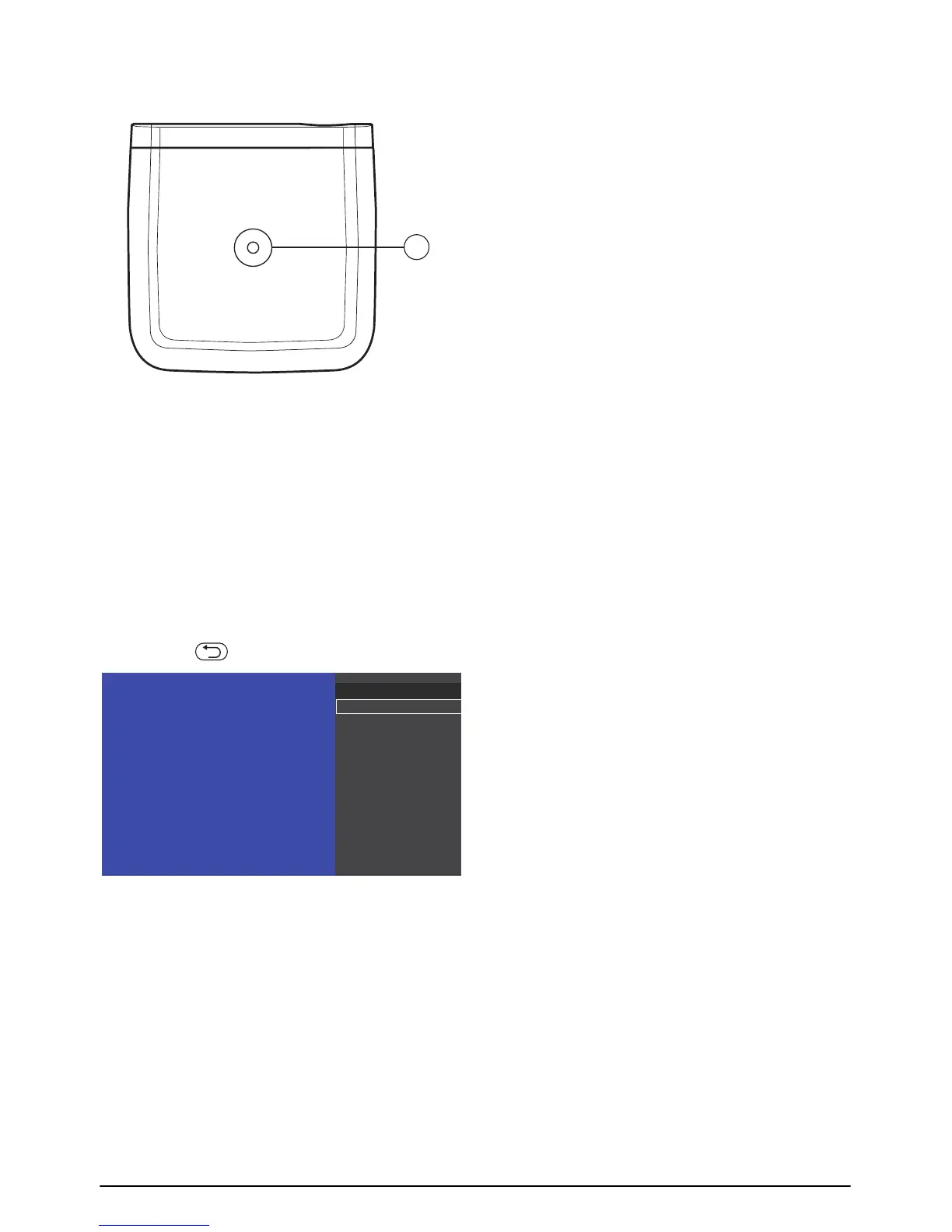
Overview of the menu func-
tions
1 After switching on your projector, press the
à button to enter settings menu.
2 S
elect the desired option using the navigation
keys ¡/¢.
3 Confirm with à button to enter the corre-
sponding submenu.
4 Pr
ess the button to go one level back.









 To Next Page