EasyManua.ls Logo

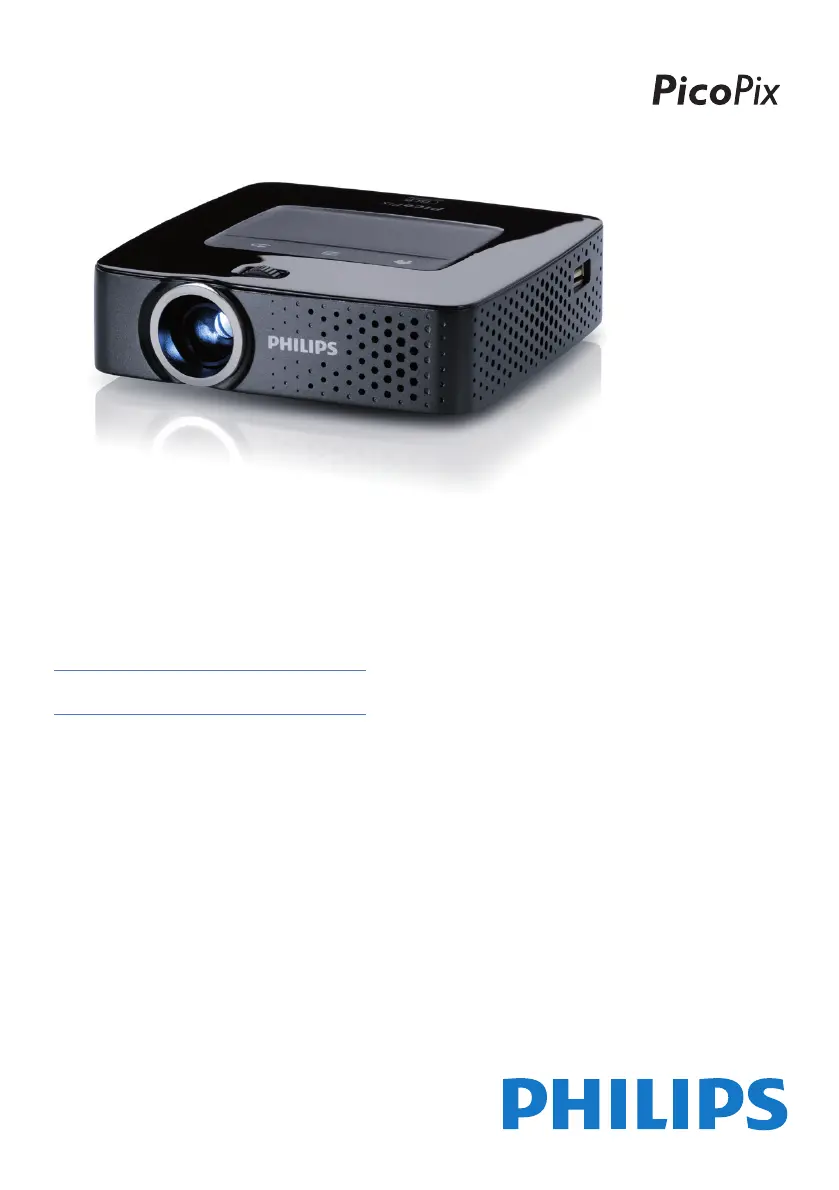
Philips PicoPix PPX3614 - User Manual

Philips PicoPix PPX3614
44 pages
Print Icon
To Next Page IconTo Next Page
Loading...
EN
PPX3614
User Manual
Register your product and get support at
www.philips.com/welcome

Table of Contents

Questions and Answers

  • E
    ezavalaAug 17, 2025
    What to do if my Philips Projector switches to stand-by mode when connected to power?
    • N
      nathaniel86Aug 17, 2025
      If your Philips Projector is connected to the power supply and switches to stand-by mode, it might be due to the battery being in a deep discharge state. After charging for approximately five minutes, the device should turn on and be ready for use.
  • J
    jeffrey49Aug 20, 2025
    Why does my Philips PicoPix PPX3614 Projector keep turning off?
    • M
      Miguel HallAug 20, 2025
      If your Philips Projector device turns off because it's been running for a long time and has become too hot (a warning symbol might appear), it will automatically shut down. Allow the device to cool down before continuing playback. Also, ensure the device is connected to the power supply if the battery has insufficient capacity.
  • M
    Matthew LopezAug 23, 2025
    Why is the sound quality bad when connecting my computer to the Philips PicoPix PPX3614?
    • L
      lindseybakerAug 23, 2025
      If you are experiencing bad sound quality with your computer connection to the Philips Projector, ensure the audio cable is connected to either the computer's headphone socket or the line-out socket. Also, the volume setting on the computer should not be excessively high.
  • T
    Teresa LittleAug 26, 2025
    How to fix bad image quality on Philips PicoPix PPX3614 with HDMI?
    • B
      Brian LamAug 26, 2025
      If you're getting bad image or color quality when connecting your Philips Projector with HDMI, use the supplied HDMI cable (PPA1290). Third-party cables may cause signal distortions.
  • M
    Megan RobertsAug 28, 2025
    Why is there no sound from my external device on the Philips Projector?
    • K
      Karen RamirezAug 28, 2025
      If you're not getting any sound from an external device connected to your Philips Projector, try the following: * Check the cables connected to the external device. * Adjust the volume on the external device. * Ensure you are using the original cables from the device manufacturer, as others may not function correctly.
  • K
    katherinemillerAug 31, 2025
    Why does my Philips PicoPix PPX3614 Projector only show the initial screen with my computer?
    • M
      matthewstoneAug 31, 2025
      If only the initial screen appears on your Philips Projector, and not the image from the connected computer, ensure that the VGA output of the computer is switched on and that the resolution of the computer is set to 800x600.
  • J
    John HernandezSep 3, 2025
    What to do if Philips PicoPix PPX3614 only shows initial screen?
    • A
      Ashley GravesSep 3, 2025
      If only the initial screen appears and not the image from the external device on your Philips Projector, check the following: * Ensure the cables are connected to the correct sockets. * Verify that the external device is switched on. * Confirm that the video output of the external device is activated.
  • J
    Joseph CurrySep 5, 2025
    How to reset Philips Pocket Projector when it's unresponsive?
    • X
      xpowellSep 5, 2025
      To address an unresponsive or hung-up Philips Pocket Projector, insert a slim, pointy object into the reset hole to trigger a hardware reset.
  • R
    Robert KennedySep 8, 2025
    How to turn on Philips Pocket Projector?
    • T
      Taylor BarrySep 8, 2025
      To resolve the issue of your Philips Pocket Projector not switching on, connect the supplied power supply to recharge the internal battery.
  • E
    Eric RobinsonSep 12, 2025
    Why does my Philips Projector dim when playing videos via USB?
    • R
      Robert GriffinSep 12, 2025
      If your Philips Projector device changes from maximum to minimum brightness when connected via USB to play videos, it may be due to a high environment temperature. Try using the device in lower environment temperatures.

Philips PicoPix PPX3614 Specifications

General IconGeneral
BrandPhilips
ModelPicoPix PPX3614
CategoryProjector
LanguageEnglish

Related product manuals