EasyManua.ls Logo

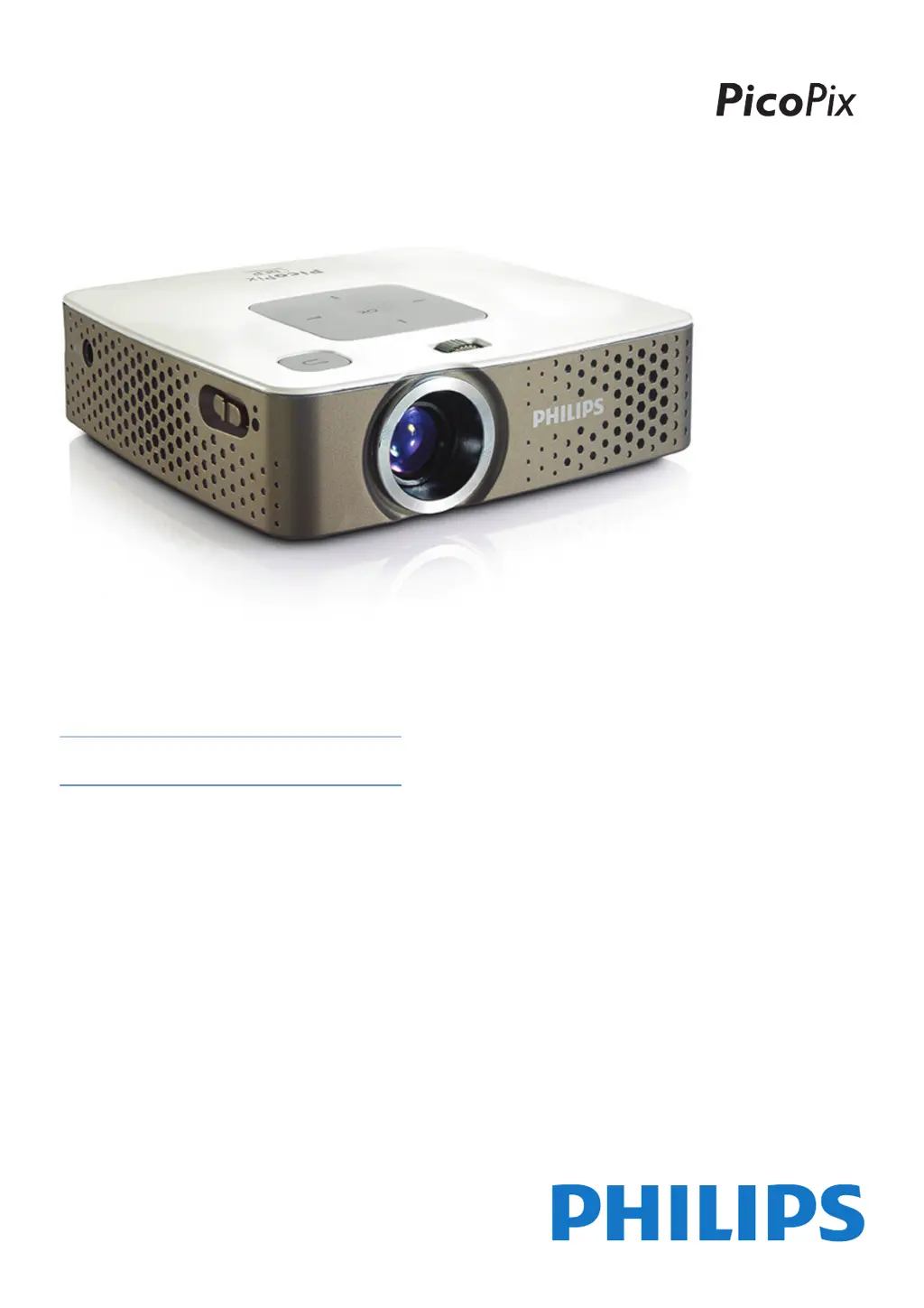
Philips PicoPix PPX3407EU - User Manual

Philips PicoPix PPX3407EU
28 pages
Print Icon
To Next Page IconTo Next Page
Loading...
UK
PPX3407
PPX3410
User Manual
Register your product and get support at
www.philips.com/welcome

Questions and Answers

  • C
    Cynthia BoydAug 10, 2025
    What to do if my Philips PicoPix PPX3407EU switches to stand-by mode?
    • M
      Margaret SalazarAug 10, 2025
      Your Philips Projector might switch to stand-by mode either because it has been running for too long and needs to cool down (if a warning symbol appears, press any key after it cools down to resume playback), or because the battery doesn't have enough charge (connect the device to the power supply).
  • E
    elizabethrodriguezAug 15, 2025
    What to do if only the initial screen appears on my Philips PicoPix PPX3407EU Projector and not the image from the external device?
    • L
      Lauren BergerAug 15, 2025
      If your Philips Projector only shows the initial screen when connected to an external device, make sure the cables are connected to the correct sockets, the external device is switched on, and the video output of the external device is activated.
  • N
    Nathan AllisonAug 20, 2025
    What to do if my Philips Projector has no sound from the external connected device?
    • L
      lawrencethomasAug 20, 2025
      If you're not getting any sound from an external device connected to your Philips Projector, first check the cables. Then, ensure the volume is set correctly on the external device. Also, only the original cables from the device manufacturer may function correctly.
  • J
    Jessica WashingtonAug 25, 2025
    How to fix bad sound quality with my Philips PicoPix PPX3407EU Projector when using a computer connection?
    • D
      Daniel JohnsonAug 26, 2025
      If you experience poor sound quality on your Philips Projector when connected to a computer, verify that the audio cable is connected to the computer's headphone or line-out socket. Also, ensure that the computer's volume isn't set too high.
  • N
    Nicholas DeckerAug 30, 2025
    What to do if only the initial screen appears and not the image from the connected computer on my Philips PicoPix PPX3407EU?
    • J
      john42Aug 30, 2025
      If your Philips Projector only displays the initial screen when connected to a computer, ensure that the computer's VGA output is enabled and that the computer's resolution is set to 800x600.
  • M
    Mary GarciaSep 4, 2025
    Why does my Philips PicoPix PPX3407EU change brightness when playing videos over USB?
    • D
      Donna JohnstonSep 4, 2025
      If your Philips Projector automatically dims when playing videos via USB, it might be due to high ambient temperatures. The device reduces brightness to protect the LED. Try using the projector in a cooler environment.

Philips PicoPix PPX3407EU Specifications

General IconGeneral
Contrast Ratio1000:1
Battery Life2 hours
Display TechnologyDLP
Light sourceLED
LED lifetime30, 000 hours
Internal memory8 GB
Integrated MP4 playerYes
Integrated Office ViewerYes
Keystone CorrectionManual
Storage8 GB
RAM1 GB
Wi-FiNo
BluetoothNo
Resolution854 x 480 Pixel
Projection Distance0.5 - 2.5 m
ConnectivityHDMI, USB, microSD
Projection image size (diagonal)Up to 120 inches
BatteryLithium-ion
Supported video standardsMP4, AVI, MKV
Projection SizeUp to 120"
InputsHDMI, USB
Built-in SpeakerYes

Related product manuals