Home
Philips
Amplifier
Plena
Page 16 (Front Panel Controls and Connections)
Philips Plena - Front Panel Controls and Connections; Front Panel Component Identification
30 pages
Manual
Save Page as PDF
To Next Page
To Next Page
To Previous Page
To Previous Page
Loading...
4
PLENA
UNIVERSAL
PRE-AMPLIFIER
CL
14155020_001
210301
0d
B
-6
dB
-20
dB
Power
1/Line
2/Line
3/Line
4/Line
Master
0
Master
Select
1
2
3
4
5
1
2
3
4
5
5
5
6
7
8
4
4
4
Eng
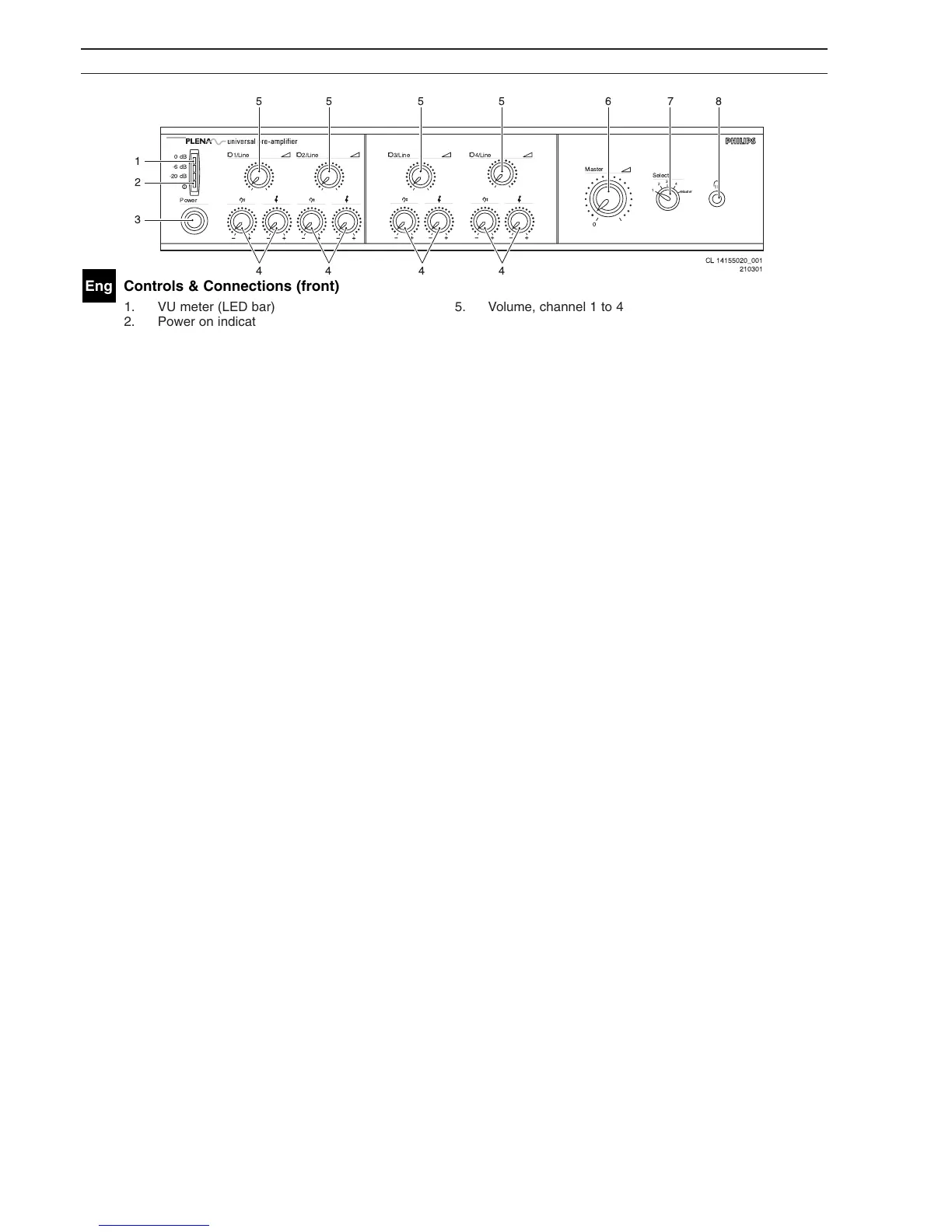
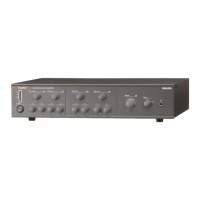
Controls & Connections (front)
1.
VU meter (LED bar)
5.
V
olume, channel 1 to 4
2.
Power on indication LED (green)
6.
Master volume
3.
Power on/off
7.
Channel selection for headphone
4.
T
one control, channel 1 to 4
8.
Headphone connection.
15
17
Table of Contents
Main Page
Important Safety Instructions
3
Table of Contents
11
About this Manual
13
Safety Precautions
14
About the Equipment
15
Controls & Connections (Front)
16
Controls & Connections (Rear)
17
Priority Mode Setting
18
Installation
18
MIC/Aux Input Selection
19
Speech Filter On/Off
19
Microphone or Line Input
19
Channel Settings
19
Setting Emergency, Insertion or Cascade
20
Installation in Rack
21
Connect the DC Supply (Battery)
22
Connect a Microphone or Line-Level Source
23
Insertion or Cascade Connection
24
Connect a Booster Amplifier or System Pre-Amplifier
25
Connect an Emergency Input Line
26
Set Line Input Volume, Treble and Bass
27
Line Monitoring
27
Operation
27
Technical Data
28
Related product manuals
Philips Plena LBB 1930
58 pages
Philips PM8940
35 pages
Philips car power amplifier
13 pages
Philips FA761
11 pages
Philips FA 931
16 pages
Philips 22ah270
10 pages
Philips UM10155
12 pages
Philips TDA2611A
13 pages
Philips TDA6111Q
16 pages
Philips TDA8943SF
20 pages
Philips Amplifier
16 pages
Philips 22-RH-752
42 pages


 To Next Page