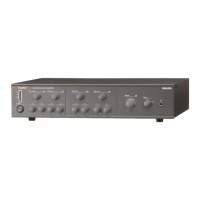
PLENA UNIVERSAL PRE-AMPLIFIER
7
Eng
Channel settings
Microphone or Line input
If you connect a microphone to an input channel, the switch (S101 to S104) must be in the Mic position.
This setting activates the Phantom power supply. If you connect a line level source the switch
(S101 to S104) must be set in the line position.
Mic/Aux input selection
If you use the 5-pole DIN or the 3-pole XLR input of a channel, the corresponding jumper
(JP102, JP104, JP106 or JP108) must be in the MIC position.
If you use the Cinch input the jumper must be in the AUX position.
Speech filter on/off
Each channel has a speech filter that can be enabled or disabled with the corresponding jumper
(JP101, JP103, JP105, and JP107). The speech filter improves speech intelligibility by cutting off the lower frequencies.


 To Next Page