Eng
Operation
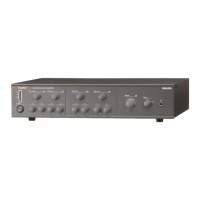
Set Line input volume, treble and bass
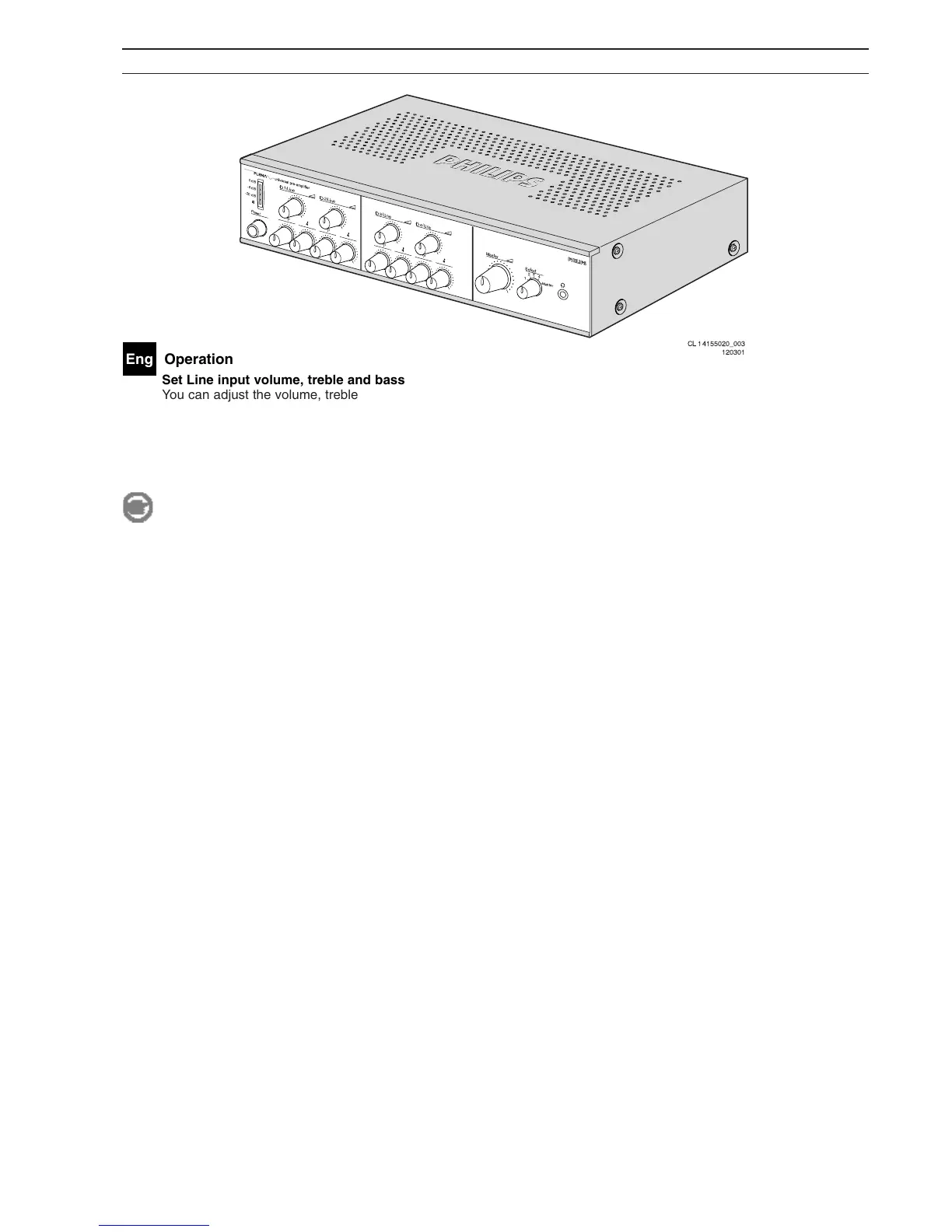
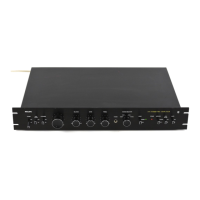
You can adjust the volume, treble and bass for each channel by turning the corresponding knobs. To change the overall
volume you must turn the 'Master' volume knob.
Line monitoring
The line monitoring can be used to listen to a single channel or the master channel. To do so connect a headphone at
the front of the pre-amplifier. Use the 'Select' switch to select a channel.
Note
The VU-meter always shows the volume for the selected channel.


 To Next Page