English
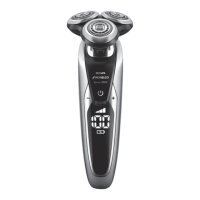
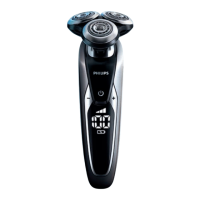
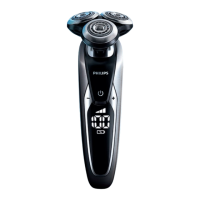
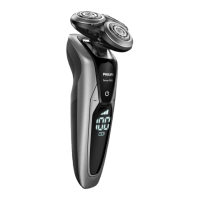
S9552/26, S9552/12, S9551/26, S9551/12,
S9186/26, S9186/12, S9185/26, S9185/12
Note: The displays of the various shaver types look
dierent, but the battery charge indicator works in
the same way.
When the battery is fully charged, all lights of the
battery charge indicator light up white
continuously.
Note: This appliance can only be used without
cord. When you press the on/o button during or
after charging, you hear a sound to indicate that
the shaver is still connected to the wall socket.
Note: When the battery is full, the display switches
o automatically after 30 minutes.
Battery low
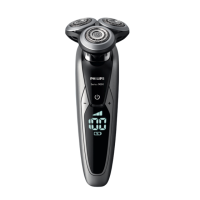
S9732/33, S9731/33
When the battery is almost empty, the battery
symbol ashes orange and you hear a sound.
S9552/26, S9552/12, S9551/26, S9551/12,
S9186/26, S9186/12, S9185/26, S9185/12
Note: The displays of the various shaver types look
dierent, but the battery charge indicator works in
the same way.
When the battery is almost empty, the bottom light
of the battery charge indicator ashes orange and
you hear a sound.
Remaining battery charge
S9732/33, S9731/33
The remaining battery charge is indicated by the
battery charge percentage shown on the display.
37


 To Next Page