English
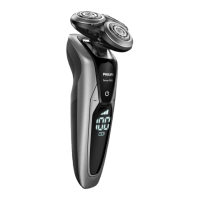
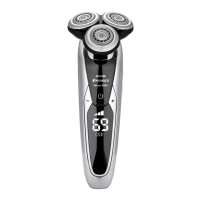
S9552/26, S9552/12, S9551/26,
S9551/12,S9186/26, S9186/12, S9185/26,
S9185/12
The remaining battery charge is shown by the
lights of the battery charge indicator that light up
continuously.
Cleaning reminder
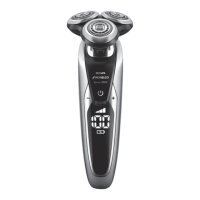
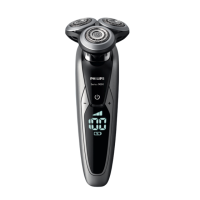
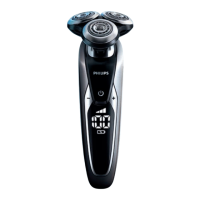
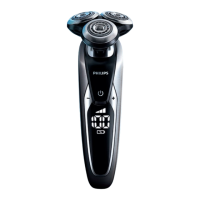
Note: The displays of the various shaver types look
dierent, but show the same symbol.
Clean the shaver after every shave for optimal
performance. When you switch o the appliance,
the cleaning reminder ashes to remind you to
clean the appliance.
Travel lock
You can lock the appliance when you are going to
travel. The travel lock prevents the appliance from
being switched on by accident.
Note: The displays of the various shaver types look
dierent, but show the same symbol.
Activating the travel lock
1 Press the on/o button for 3 seconds to enter
the travel lock mode.
While you activate the travel lock, the travel
lock symbol lights up white continuously.
When the travel lock is activated, the appliance
produces a sound and the travel lock symbol
ashes.
38


 To Next Page