9 EN
Select a preset FM radio station
In FM tuner mode:
• To select the preset station 1 - 9, press the
numeric button 1- 9 directly;
• To select the preset station 10 - 30, press
the two corresponding numeric buttons
(e.g., 1 and 5forthePresetStation15).
Listen through the headphone
Plug a headphone into the socket on the
speaker.
Tip
•
When some headphone with Mic is plugged, you may
hear audio from both the speaker and the headphone.
If so, try another headphone.
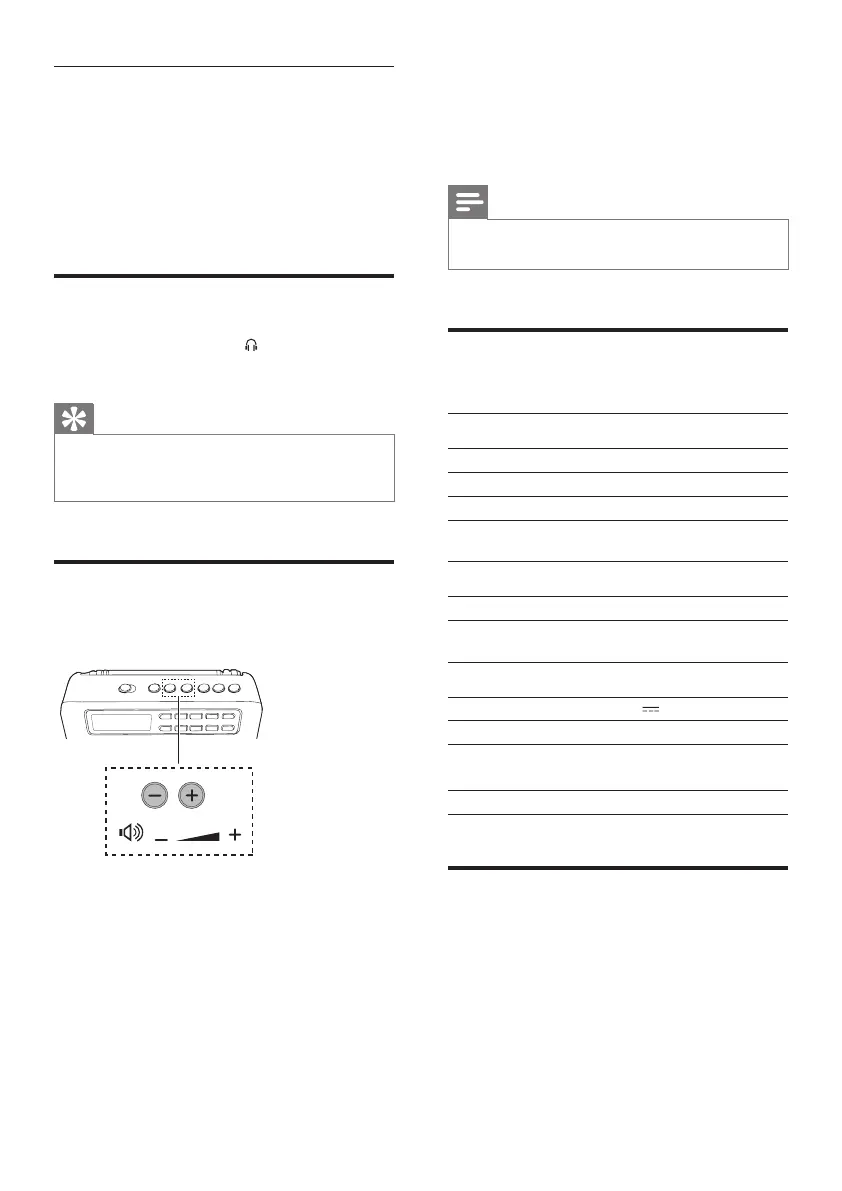
Adjust volume
During play, press -/+ to adjust volume.
5 Product
information
Note
•
Product information is subject to change without prior
notice.
Specications
Amplier
Max Output Power 1.5 W
Signal to Noise Ratio 50 dBA
Aux Input 600mV RMS, 22 kohm
Tuner (FM)
Tuning Range 87.5-108 MHz
General information
Power Supply 5V 0.6A
Built-in Battery Lithium battery
Dimensions - Main Unit
(WxHxD)
118 x 67 x 31 mm
Weight - Main Unit 0.15 kg
USB playability information
Compatible USB devices:
• USBashmemory(USB1.1)
• USBashplayers(USB1.1)
• memory cards (requires an additional card
reader to work with this unit; Some multi-
cardUSBreadermaynotbesupported.)
Supported formats:



 To Next Page