12
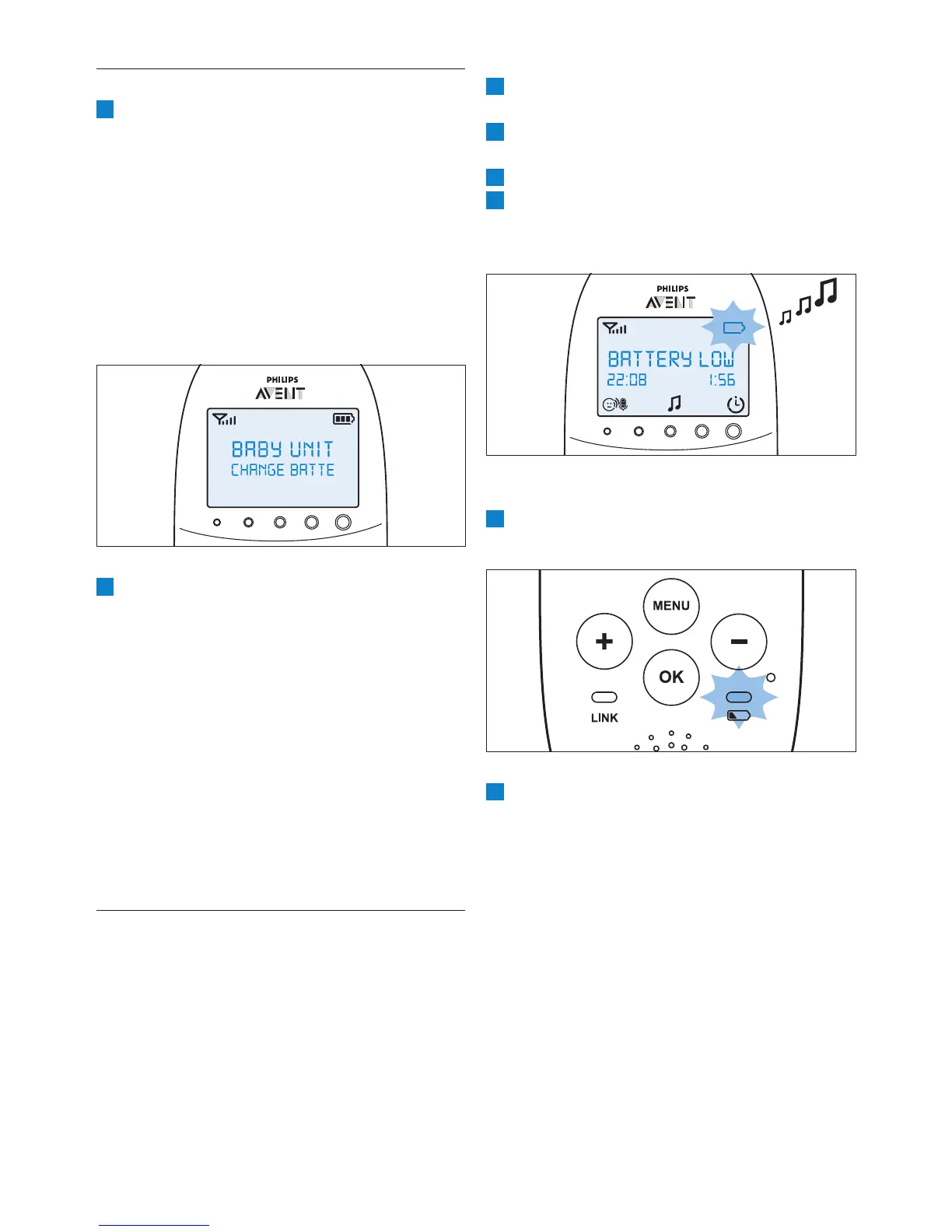
1 The battery status indicator on the display is
2 The message ‘BATTERY LOW’ appears on the
display.
3
4 The parent unit beeps every 10 seconds in
every minute.
6.5.2 Battery empty
1 If the rechargeable batteries are almost empty,
2 If you do not place the parent unit in the
charger and connect the charger to the mains,
the following happens in succession:
1 The link with the baby unit is lost.
2 The display goes out.
3 The parent unit switches off.
D
Note:
If you switch on the parent unit when its
rechargeable batteries are almost empty, the
display goes on. The message ‘BATTERY LOW’
appears on the display for 2 seconds before the
parent unit switches off.
6.4 Baby unit battery low alert
1 When the baby unit runs on battery power
and its batteries are low, the parent unit gives
the following signals:
•
• The message ‘Change batteries’ scrolls
across the screen on the second line.
• The parent unit beeps every 10 seconds
3 minutes, the parent unit beeps every
minute.
2 When you do not replace the batteries in
time, the link with the baby unit will be lost.
• The message ‘Not linked’ alternates with the
message ‘Change batteries’ on the second
line of the message eld.
D
Note:
If both the batteries of the parent unit
and the baby unit run low at the same
parent unit is shown on the display. When
the parent unit is charged, the battery low
message of the baby unit appears on the
parent unit display.
6.5 Battery status indications
The battery charge status is indicated on the display
by the battery status indicator and by text messages.
6.5.1 Battery low
When the rechargeable batteries are low, the
remaining operating time is at least 30 minutes if
the baby monitor works in normal mode at the
highest settings.



 To Next Page
 Loading...