20
2 Use the + and - buttons to select your
D
Note:
This option automatically appears on the
display when you switch on the parent unit
7.11 Key lock
You can activate the key lock to prevent the
buttons from being pressed accidentally while you
carry the parent unit around.
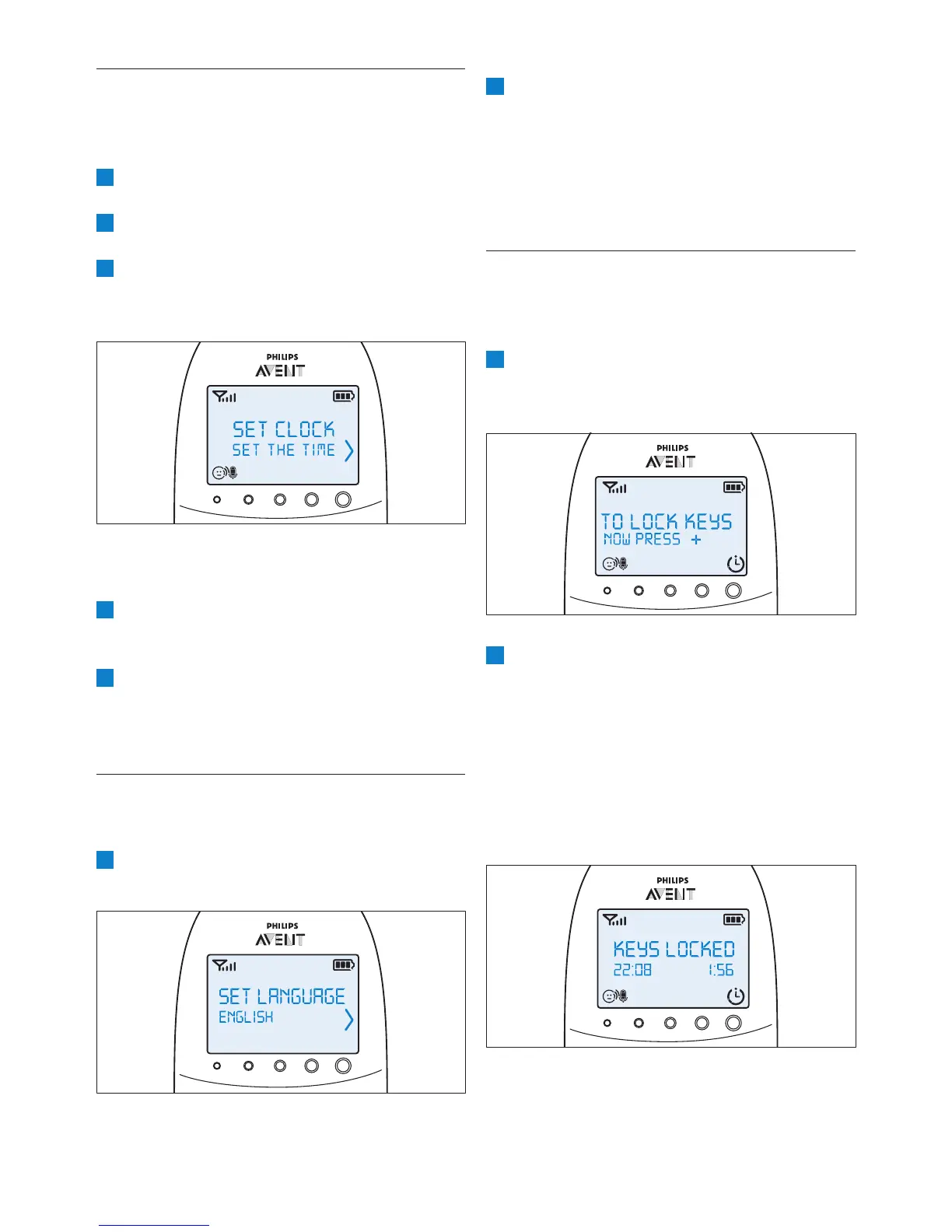
1 To activate the key lock, press OK.
• The instruction to press + appears on the
display.
2 Press the + button within 2 seconds.
D
Note:
If you do not press the + button within 2 seconds,
the instruction remains on the display.
• After you have pressed the + button,
the message ‘Keys locked’ appears on
the display instead of the temperature
indication.
7.9 Clock
The default setting for the clock is hidden. You can
choose to show the clock and set the clock time
in the menu of the parent unit.
1 Select ‘Set clock’ in the menu with the + and -
2 Use the + or - button to select ‘Show Time’
3 Select ‘Set the time’ with the + and - buttons.
clock.
• The hour indication starts ashing on the
display.
4
• The minutes indication starts ashing on
the display.
5
• The clock time alternates with other
indications in the message eld of the
display.
7.10 Language
You can use this menu option to change the
language setting.
1 Select ‘Set language’ in the menu with the +


 To Next Page
 Loading...