18
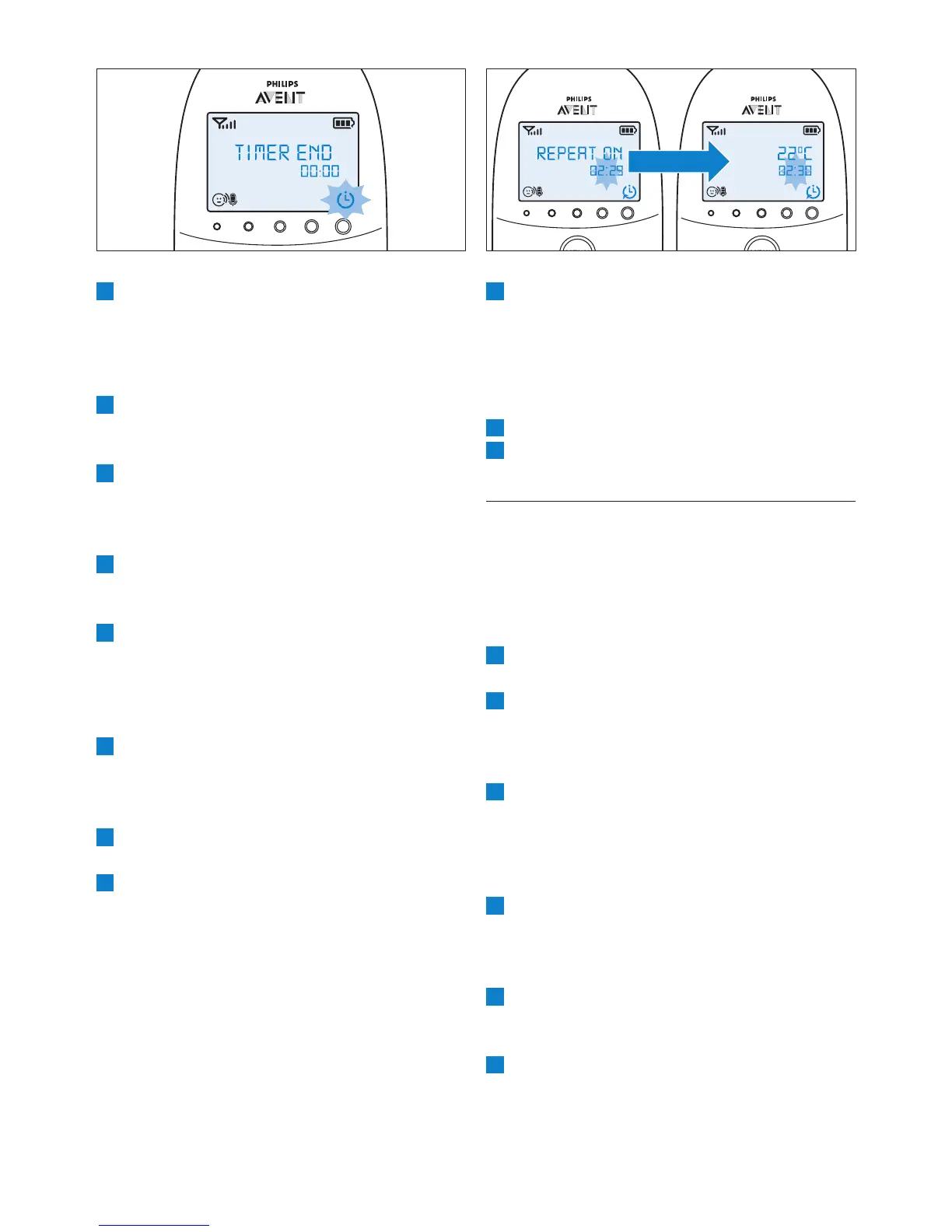
4 When you press any key to stop the feed
timer alert or if the alert stops automatically
after 2 minutes, the feed timer starts counting
down again.
7.6.4 Stopping the timer
1 Press the menu button and select ‘Feed Timer’.
2 Use the + and - buttons to select
7.7 Temperature
A baby sleeps comfortably at a temperature range
between 16°C/61°F and 20°C/68°F. You can set
a minimum and maximum temperature range
and an alert to warn you that the temperature is
outside the set minimum and maximum range.
1 Select ‘Temperature’ in the menu with the +
2 Select ‘Temp Range’ with the + and - buttons
• The minimum temperature indication starts
ashing on the display.
3 Use the + and - buttons to set the minimum
temperature range between 10°C/50°F and
• The maximum temperature indication starts
ashing on the display.
4 Use the + and - buttons to set the
maximum temperature range between
22°C/72°F and 37°C/99°F. Press OK to
5 Select ‘Alert’ with the + and - buttons. Press
temperature alert options.
6 Use the + and - buttons to select one of the
alert options. The options available are sound
7 Press any key to stop the alert. If you do
not stop the alert, it stops automatically
after 2 minutes.
7.6.2 Setting the feed timer alert
1 After step 5 in ‘Setting and using the feed
timer’, select ‘Timer Alert’ with the + and -
2 Use the + and - buttons to choose one of the
alert options. The options available are sound
only, sound and vibration and vibration only.
3 Select ‘xx:xx Start’ with the + and - buttons
and press OK to activate the feed timer
function.
4 When the feed timer alert goes off, press
any key to stop the feed timer and the feed
timer alert.
7.6.3 Repeat the feed timer
1 After step 5 in ‘Setting and using the feed
timer’ or after setting the feed timer alert,
select ‘Timer repeat’ with the + and - buttons.
2 Choose ‘Repeat ON’ or ‘Repeat OFF’ and
3 Select ‘xx:xx Start’ with the + and - buttons
and press OK to activate the feed timer
repeat function.
• Instead of the normal timer symbol,
the timer repeat on symbol appears
on the display.


 To Next Page
 Loading...