7
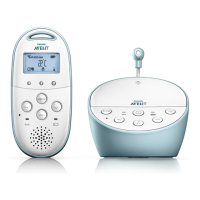
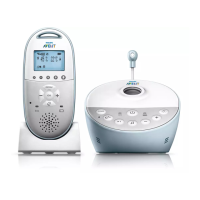
• The display goes on and briey displays all
indicators and symbols. Then the indicators
and symbols fade out and the battery status
indicator appears.
D
Note:
When you switch on the parent unit for
to select your preferred display language
(see ‘Language’ in chapter ‘Menu of the
parent unit’).
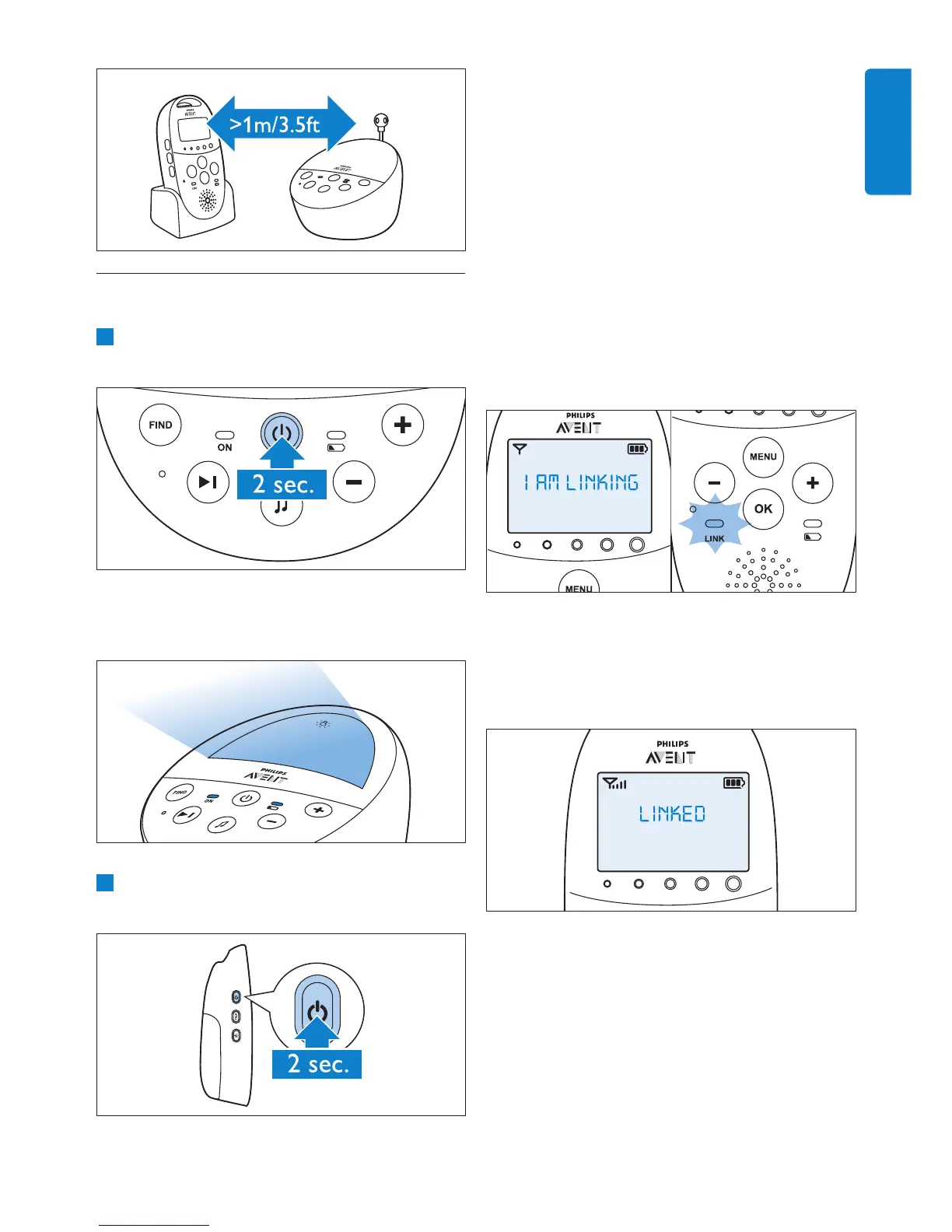
• The ‘link’ light on the parent unit starts
ashing red and the message ‘I AM
LINKING’ appears on the display.
• When the parent unit and baby unit are
linked, the ‘link’ light turns solid green.
The signal strength indicator and the
message ‘LINKED’ appear on the display.
• If no connection is established within
10 seconds, the message ‘NOT LINKED’ on
the display alternates with ‘I AM LINKING’.
If still no connection is established after
30 seconds, the parent unit starts to
beep and only the message ‘NOT LINKED’
is shown.
4.2 Linking parent unit and
baby unit
1 Press and hold the on/off button 3 on
the baby unit for 2 seconds.
• The nightlight, the battery status light
and the power-on light go on briey.
2 Press and hold the on/off button 3 on
the parent unit for 2 seconds.
ENGLISH


 To Next Page
 Loading...