18
Q. Poor fm reception.
Weak signal. Adjust the headphone cable or antenna. Battery weak. Switch over to
AC power.
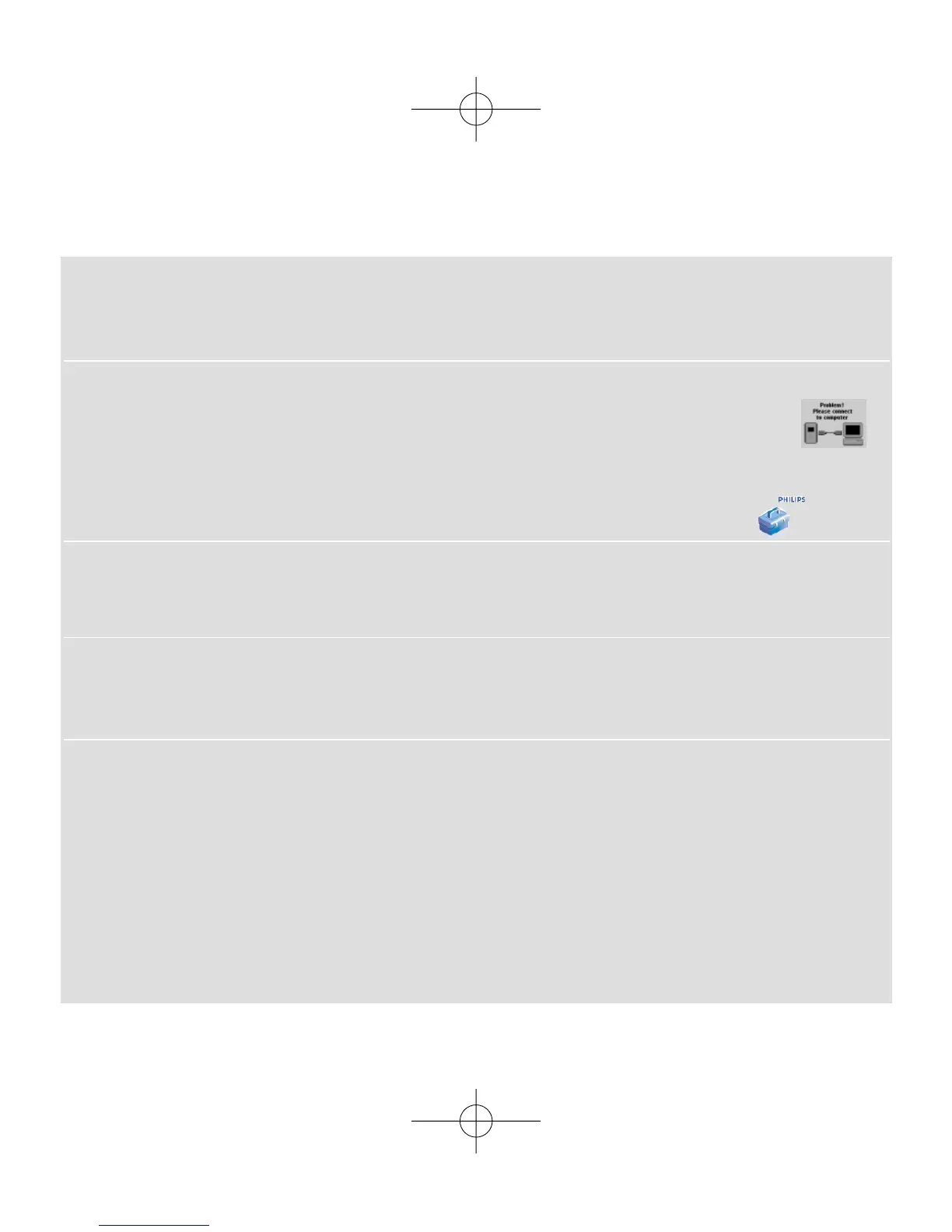
Q. My ShoqBox shows this [file error] icon.
You have a file error: system files may be missing or there is a format error on
ShoqBox.To remedy, please connect ShoqBox to your PC with the included USB cable and
to the main power supply with the included adapter. Start Device Manager .
Q. How do I know which firmware version I have?
On your ShoqBox, you can check your firmware version from the menu options.
Scroll for MENU ➔ Settings ➔ Information to display FW vers:.
Q. How do I know how much free space I have?
On your ShoqBox, you can check your ShoqBox free space from the menu options.
Scroll for MENU ➔ Settings ➔ Information to display Free:.
Q.The alarm does not function
Clock date and time incorrect.
Check you have correctly set both the clock and alarm settings.
Alarm source/ occurrence not selected.
Check you have activated all the necessary alarm settings.
Battery power low. Use the AC adapter/charger to operate ShoqBox.











 To Next Page