2
Quick start
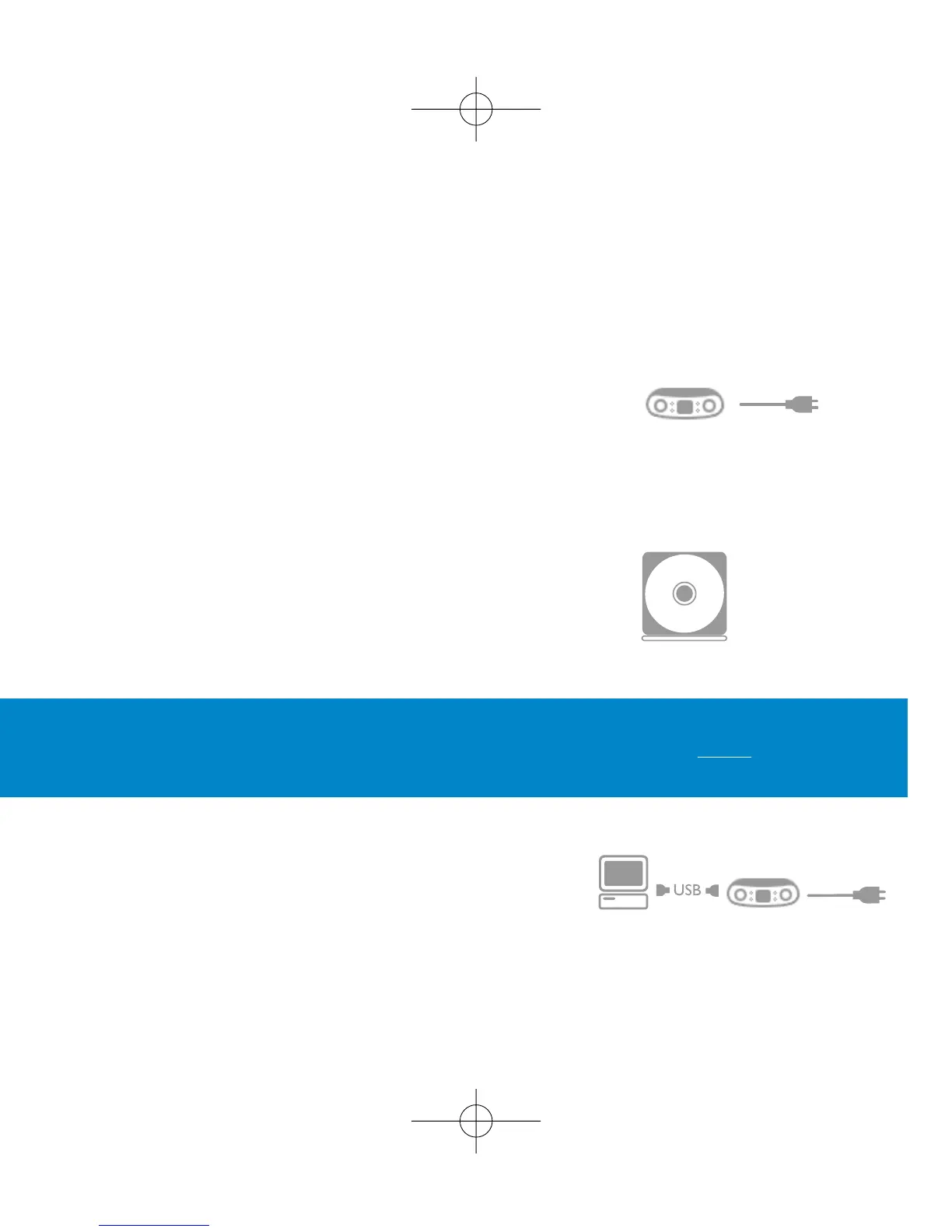
1 Charge
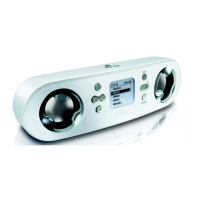
Open the connections cover at the back of your ShoqBox.
Connect the included multi-voltage adaptor / charger into the
jack marked 5V DC, and then plug the multi-voltage
adaptor / charger into a standard AC outlet.
Charge 1 hour for fast charge or 4 hours for 100% battery power.
(Battery life may vary according to use.)
2 Install music software
Insert the included CD into your PC's CD-ROM drive.
Follow screen instructions to complete installation.
3 Connect
Connect your ShoqBox to your PC using the included
USB cable, with ShoqBox powered by included adapter.
The USB connection screen will automatically appear.
ATTENTION! WINDOWS 98SE USERS:
To avoid installation problems, DO NOT CONNECT ShoqBox to the PC until AFTER
installation completes.











 To Next Page