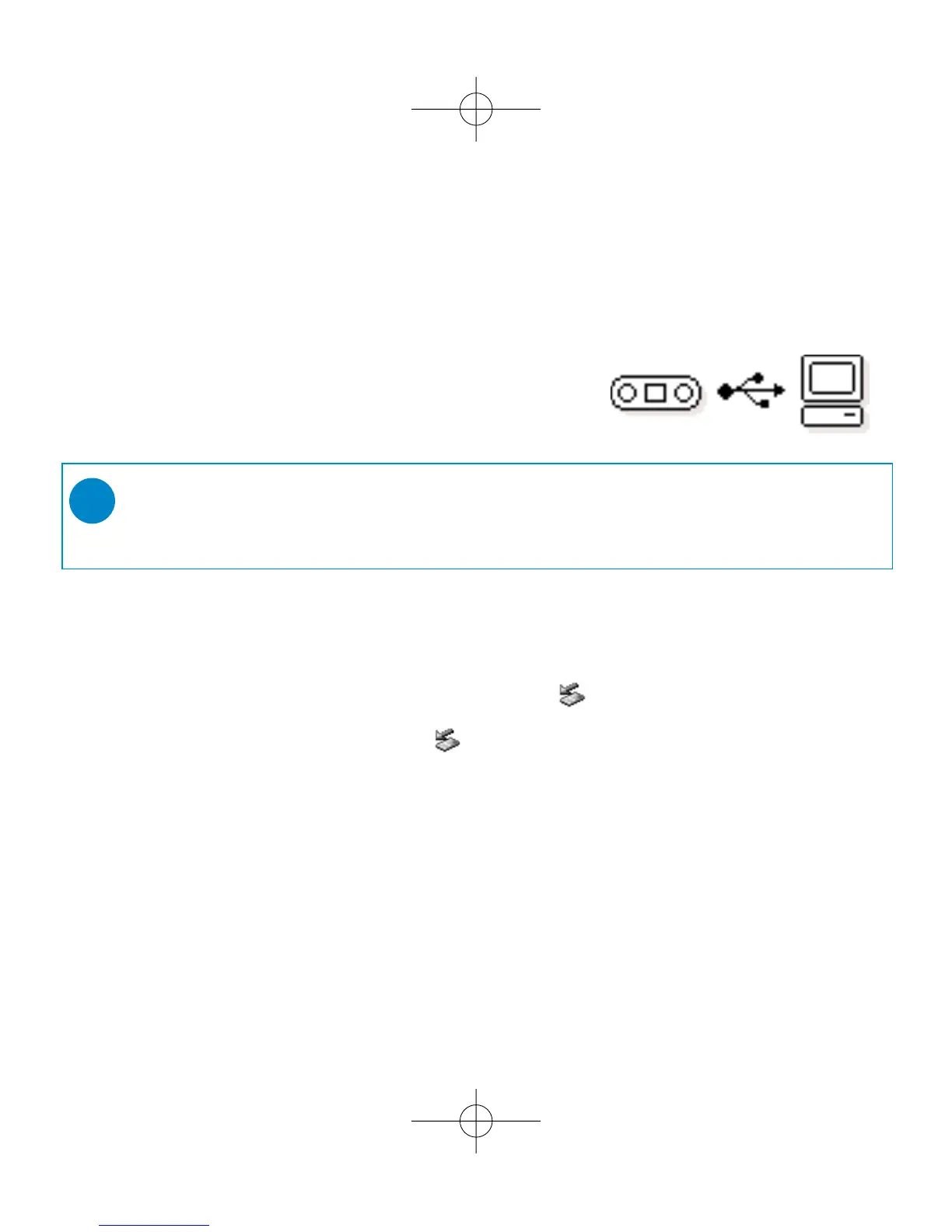
3
4 Organize and Transfer Music
Launch your music software from Windows desktop or
Start menu. Organize your music. Transfer files from
your PC to your ShoqBox.
5 Unplug /Eject
Exit your music software.
Disconnect ShoqBox safely from your PC by clicking on the
task bar to avoid file error.
(WINDOWS 98SE users: there is no icon.
Simply disconnect ShoqBox after file transfer completes.)
6 Immerse in your music everywhere you go
Press and hold 2; to switch on ShoqBox.
Use scroll controls to browse and press 2; to enjoy music!
➯
TIP
Detailed information is given in selected music software’s Help.











 To Next Page