12
Customizing settings
1 Press MENU for menu options. Press
3
to scroll up or
4
to scroll down
for your option. Press 2 for next or 1 for previous levels of menu.
2 Press 2 to confirm your selection by checking .
3 Press MENU or 1 to exit the menu display.
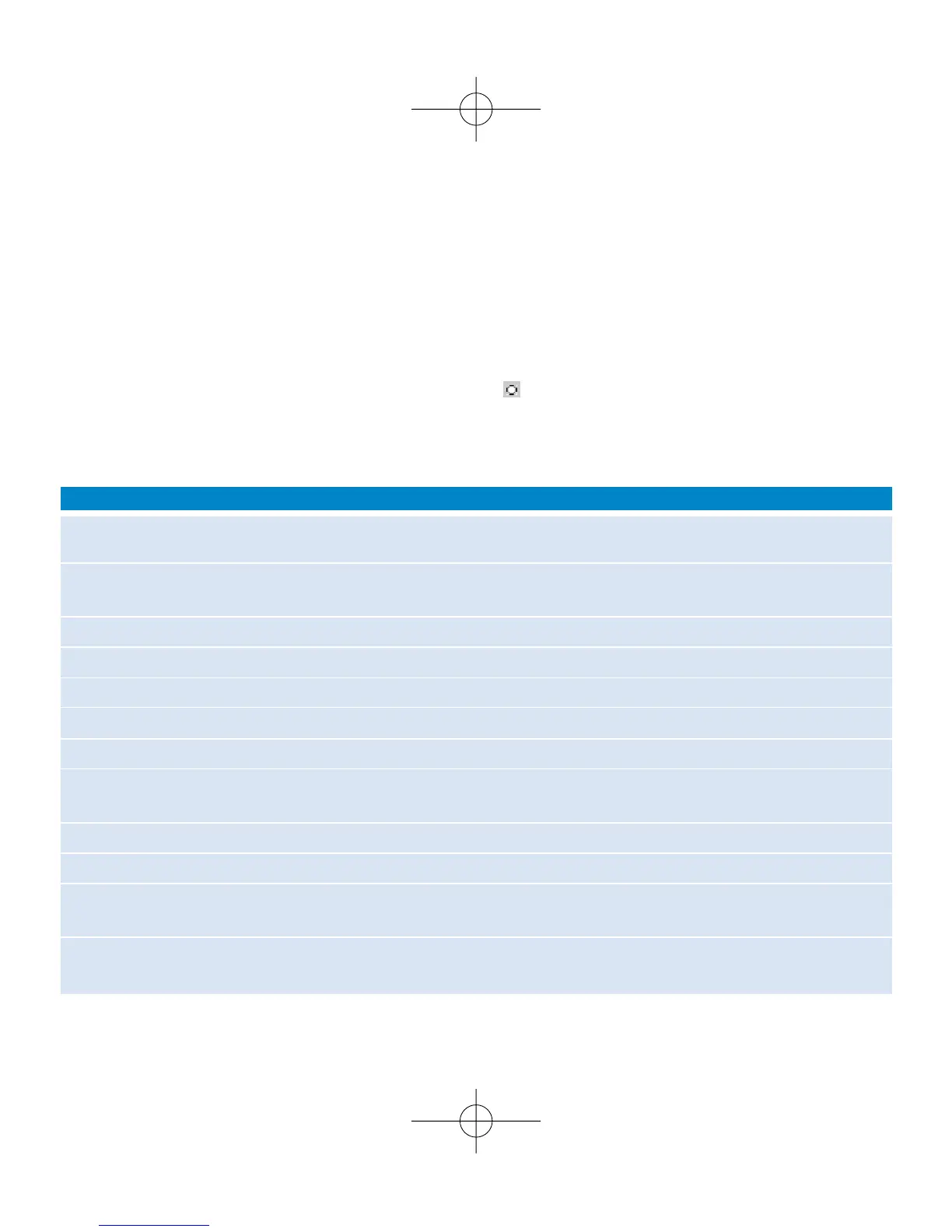
Options for each setting are shown on ShoqBox's display.
Shuffle/Repeat Plays music tracks randomly (
Shuffle
) and / or repeatedly (
Repeat
) in
MUSIC mode
Sleep timer Set the timer period to switch off
ShoqBox
after 15, 30 or 60 minutes. (Default: off)
Equalizer Adjusts sound settings: Rock, HipHop, Jazz, Dance, Funk, Off.
Alarm clock Sets alarm clock (12-hour and 24-hour)
Settings Browse submenu options to further customize your settings
[>] key shortcut
Adjusts
2
key actions during playback
Display Adjusts Backlight options (5/10/30 seconds /Off ), Contrast level (1-6)
Auto shutdown Sets time for switching off
ShoqBox
automatically to save battery power
(30 seconds; 2 /5/10 minutes)
Time & Day Sets day and time allows AM/PM display in standby mode
Language Sets display language options
Information Display
ShoqBox
device information. e.g. Device name, free memory space,
firmware version.
Restore settings Restore Factory Settings
Advanced settings and actions











 To Next Page