11
Line-in Mode: for playback of external sources
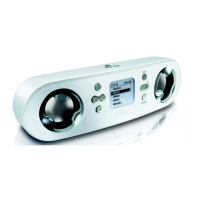
You can use your ShoqBox to act as a powerful mini speaker.
1 Connect the included audio cable between LINE IN on ShoqBox to the
LINE OUT
/
p connection on your auxiliary equipment.
2 On ShoqBox, press SOURCE and select Line-in to enter the Line in mode.
3 Operate the controls on your auxiliary equipment to playback.
4 Adjust the volume on both ShoqBox and your device.











 To Next Page