7
Auto power down
Your ShoqBox automatically switches off:
- if the set is left idle for a while (you can adjust the Auto Shutdown period, see Settings).
- if sleep timer is activated and the end of the timer period is reached.
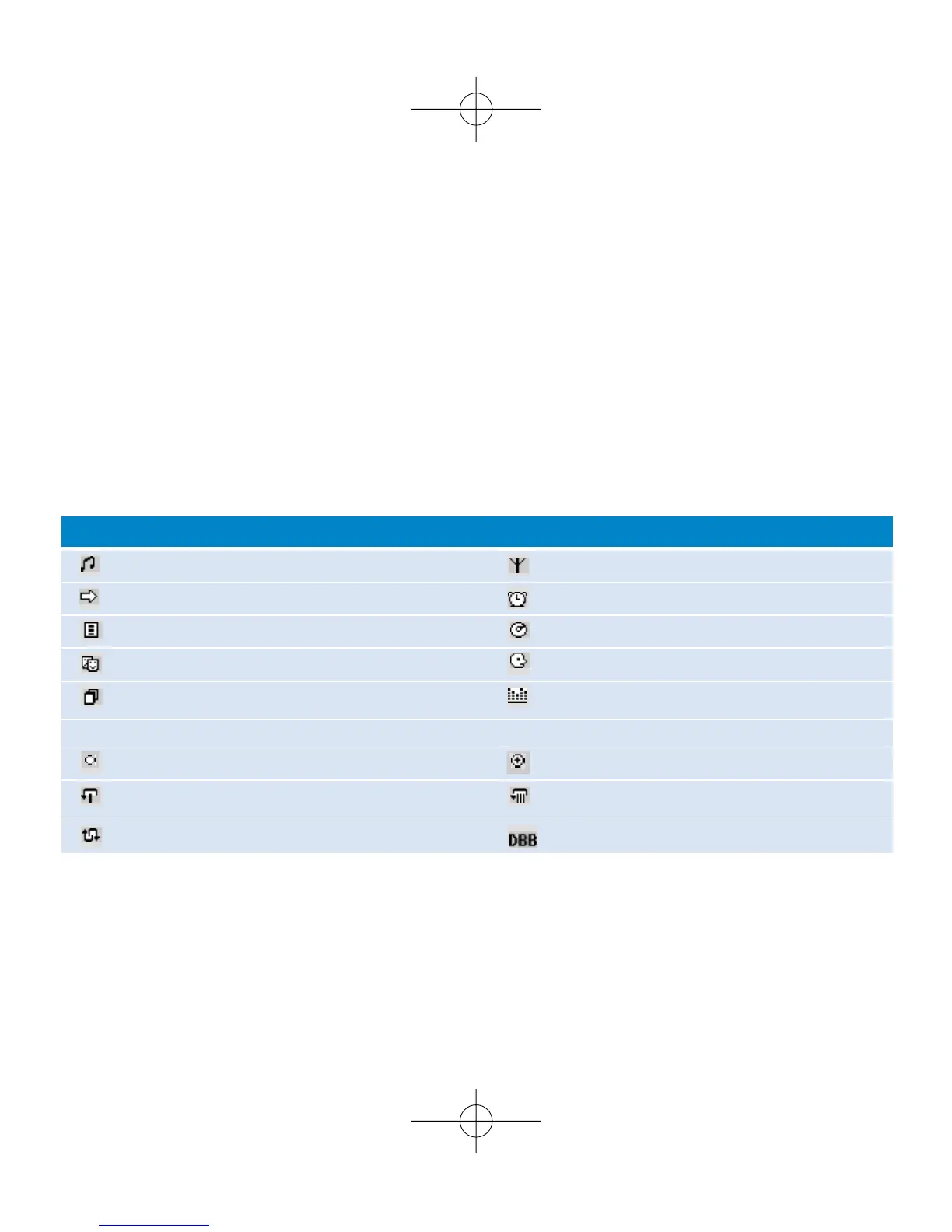
Understanding ShoqBox display
- Your ShoqBox shows a brief animation when an activity takes more than 2 seconds to perform.
- When you adjust volume, a brief volume adjustment screen is shown.
Music mode Tuner mode
Line-in mode Alarm clock
Playlists Albums
Genres Artists
All tracks Equalizer
< Previous menu / library level available > Next menu / library level available
Option available for selection Option selected
Repeat 1 Repeat all
Shuffle
Dynamic Bass Boost selected
ShoqBox has an intuitive display to show various information:











 To Next Page