32 ENGLISH
Chapter 13 - What you need to know about
networks
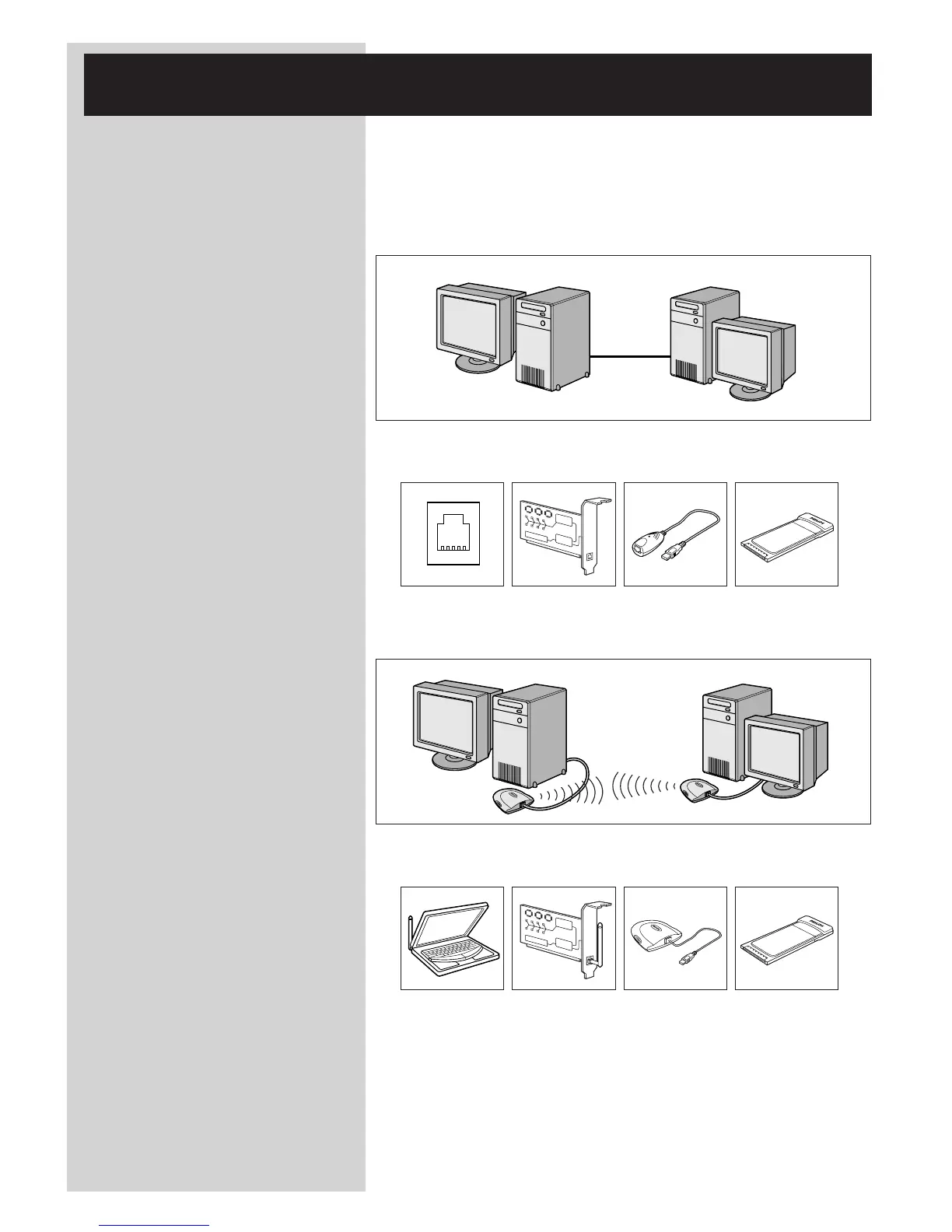
Important note:The SL50i has a built-in wireless network adapter and is a wireless
network device exactly like the PCs with a wireless network adapter
in the illustrations below.
A network provides a means of communication between two or more computers (and other
devices) that are connected to each other through wired or wireless means.
WIRED
At each computer, you will need a network adapter or Network Interface Card (NIC) to be
able to connect the computer to the network cable. Examples are:
Already built-in PCI expansion card USB/Ethernet cable Ethernet notebook
adapter
WIRELESS
At each computer, you will need to install a WiFi wireless network adapter to be able to
connect to another wireless network device. Examples are:
Already built-in Wireless PCI Wireless USB Wireless notebook
expansion card adapter adapter
You do not need to open your PC to connect a wireless USB/notebook adapter (available from
Philips) or USB/Ethernet cable to your PC.



 To Next Page