12 EN
Option 3: Set up wireless
connection to a WPS router
directly
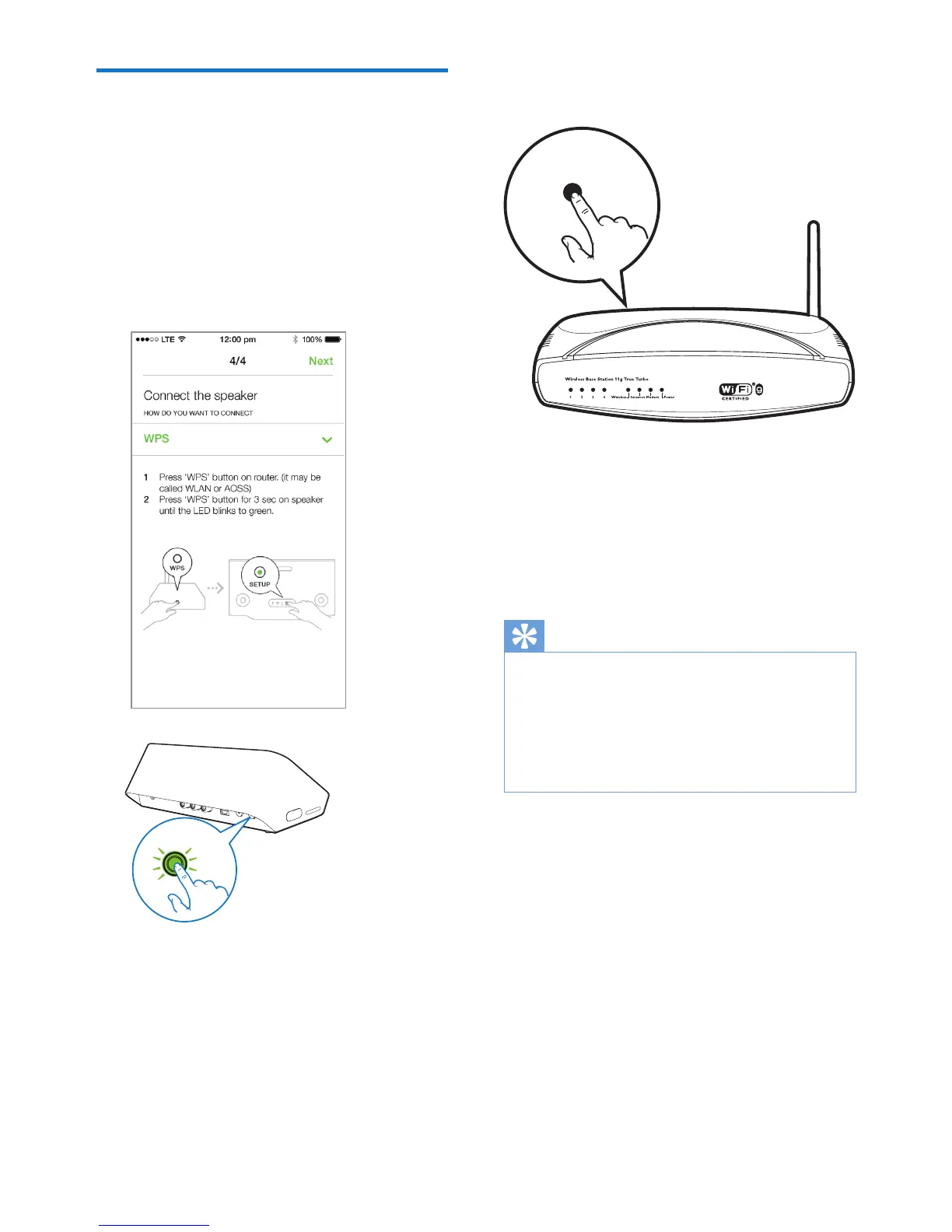
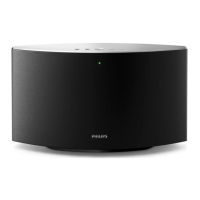
1 As instructed on the app, press and hold
WPS on the back of the audio adapter for
more than 3 seconds.
» The Wi-Fi status indicator on the WPS
button blinks green.
WPS
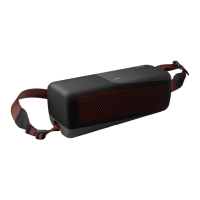
2 Press the WPS button on your home
Wi-Fi router.
3 Wait until successful connection of the
speaker to your home Wi-Fi network.
» The Wi-Fi status indicator on the WPS
button turns off.
» The system status indicator on the
front panel turns solid green.
Tip
• Only WPA and WPA2 are supported. If the wireless
security is WEP or no security is applied, the WPS
method does not work.
• For some Wi-Fi routers, you may need to hold the
WPS button for Wi-Fi connection or enable the WPS
PBCfunctionfromtheroutercongurationpages.See
theusermanualsofthespecicroutersfordetails.
WPS



 To Next Page