5
EN
4
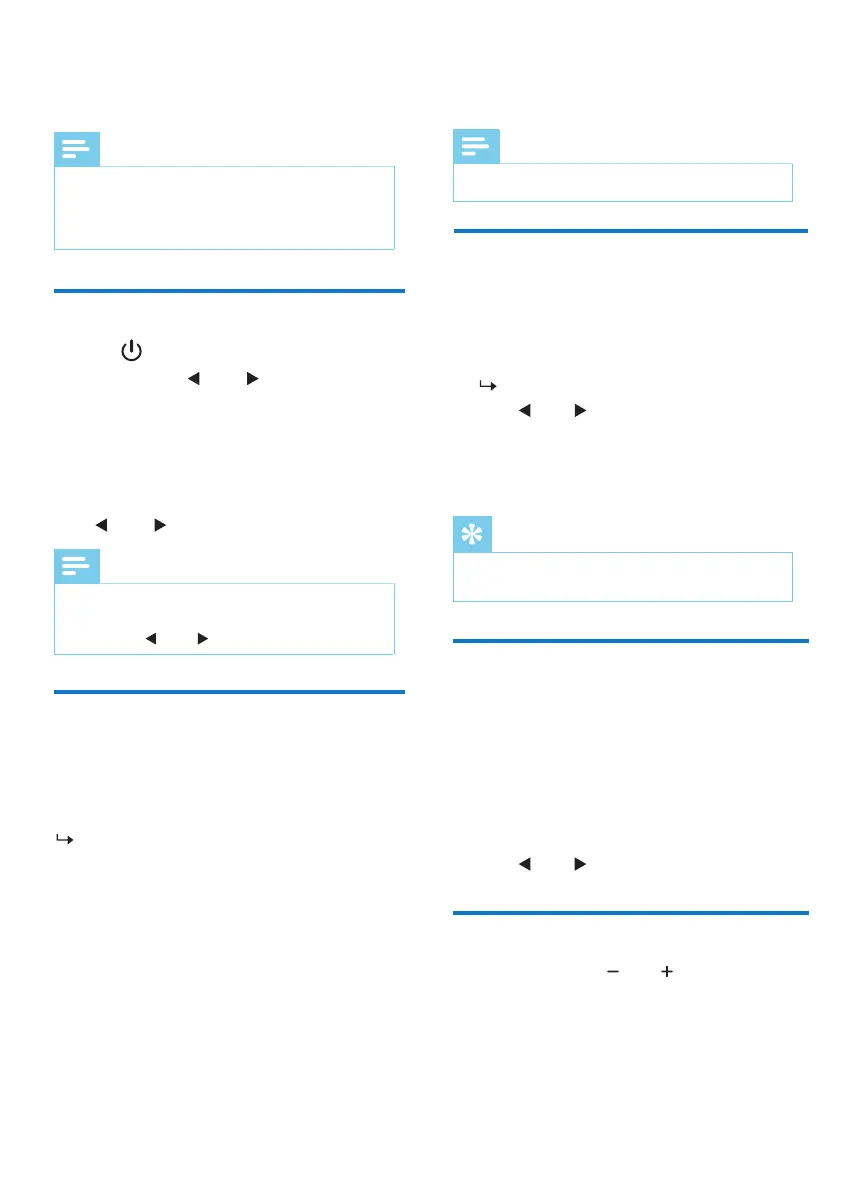
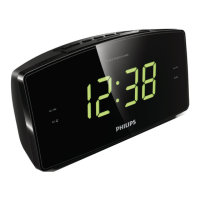
Listen to FM radio
Note
• Keep the clock radio away from other electronic
devices to avoid radio interference.
• For better reception, fully extend and adjust the
position of the FM antenna.
Tune to FM radio stations
1 Press to turn on the clock radio.
2 Press and hold
TUN
for 2 seconds.
The clock radio tunes to a station with
strong reception automatically.
3 Repeat Step 2 to tune to more radio stations.
To tune to a station manually:
Press TUN repeatedly to select a frequency.
Note
• The tuning grid of the clock radio is 50KHz, the radio
frequency on the display panel will increase 0.1MHz
by pressing
TUN
twice.
Tip
• To remove a pre-stored station, store another station
in its place.
Select a preset radio
station
In FM tuner mode, press PRESET
repeatedly to
select a preset number.
Adjust volume
While listening, press
VOL
to adjust volume.
Store FM radio stations
automatically
Store FM radio stations
manually
In FM tuner mode, press and hold SCAN for
more than 2 seconds.
The unit stores all the available FM radio
stations automatically and broadcasts the
rst station.
Note
• You can store a maximum of 20 FM radio stations.
1 In FM tuner mode,tune to an FM radio station.
2 Press and hold PRESET for 2 seconds to
activate programming mode.
The preset number begins to blink.
3 Press
TUN
TUN
repeatedly to select a number.
4 Press again to conrm.PRESET
5 Repeat steps 1 to 4 to store more FM radio
stations.
Option A:
1 In FM tuner mode, press PRESET.
2 Press to select a preset radio station.
Option B:



 To Next Page