Electrical Alignments
EN 27TE3.1E CA 8.
8. Electrical Alignments
Index of this chapter:
8.1 Hardware Alignments
8.2 Software Alignments/Settings
8.1 Hardware Alignments
8.1.1 System Voltage Adjustment
• Switch the TV in AV mode by pressing the AV button on the
remote control unit (minimum beam current condition).
• Adjust the V101 potentiometer until you measure 123 V DC
on the cathode of diode D108.
8.2 Software Alignments/Settings
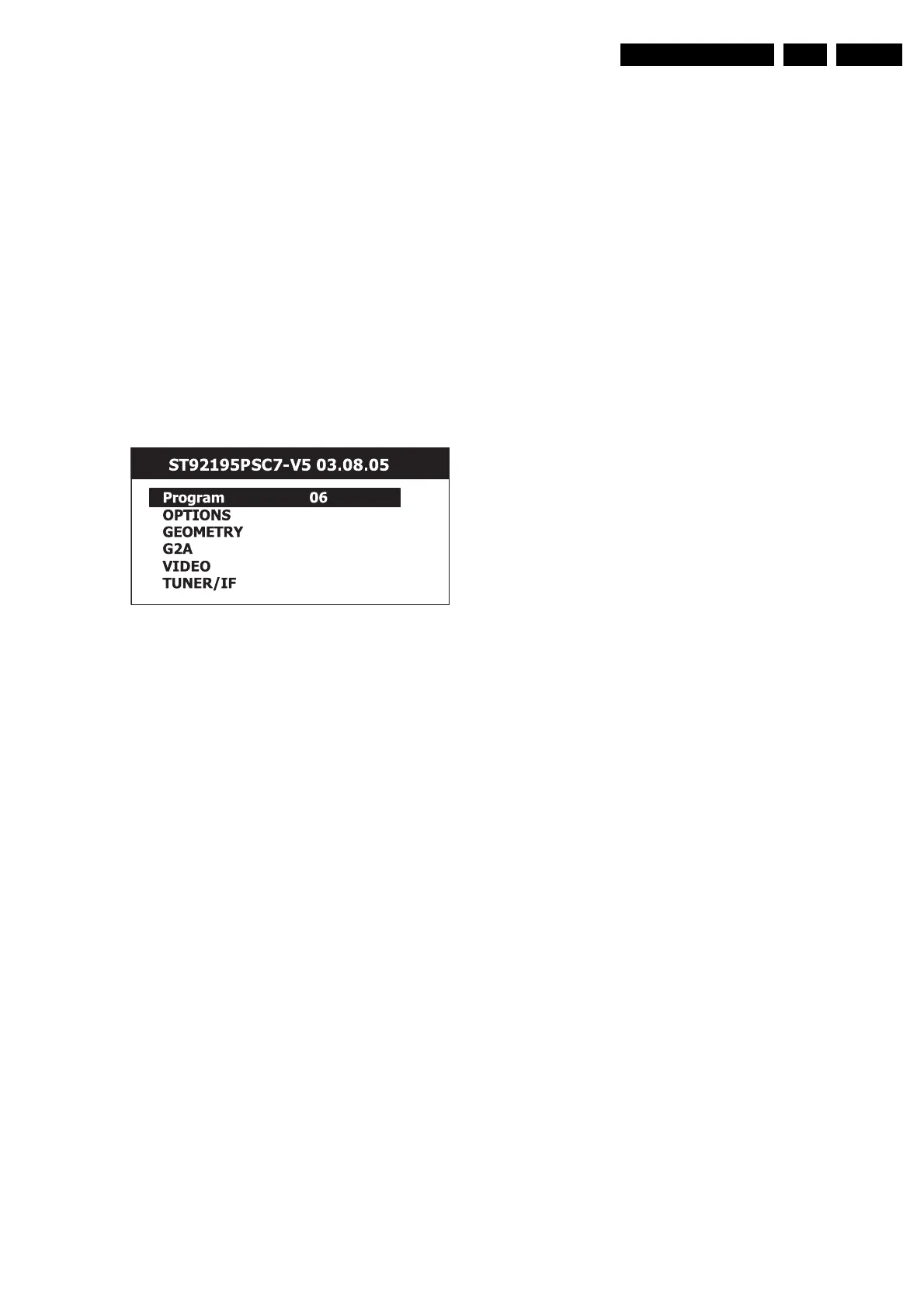
Enter the TV Service Mode. The Service Mode menu will now
appear on the screen.
Figure 8-1 Service Mode Menu
Select one of the following alignments:
1. OPTIONS.
2. GEOMETRY.
3. G2ADJ.
4. VIDEO.
5. TUNER/IF.
8.2.1 Options
Options are used to control the presence/absence of certain
features and hardware.
An Option byte represents a number of different options. All
options are controlled via three option bytes.
Options
011 1 1 1 1 1 1 1
020 1 0 1 0 0 0 0
031 1 1 0 0 1 1 1
How to change an Option byte
Select the option byte (01, 02 or 03) by pressing the CURSOR
UP/ DOWN keys.
Use a digit key (0 to 7) to change the relevant option bit. The bit
values will change from 0 to 1 and from 1 to 0 on each pressing
of the relevant digit key.
Option bit definition
Option byte 1 (01): System configuration
bo
1: Welcome bit enabled
0: Welcome bit disabled
b1
1: PAL I enabled (/05 selected)
0: PAL I disabled (/01 and /58 selected)
b2
1: SECAM L enabled
0: SECAM L disabled
b3
1: not available
0: not available
b4
1: Standby after power ‘on’
0: Last state after power ‘on’
b5
0: not available
1: not available
b6
0: not available
1: not available
b7
0: EXT2 not available
1: EXT2 available
Option byte 2 (02): Video configuration
b0
1: QSS application
0: Intercarrier application
b1
1: Blue Screen enabled
0: Blue Screen disabled
b2
1: OSD Contrast Control enabled
0: OSD Contrast Control disabled
b3
1: APR ON (Auto Peak Regulation ‘on’)
0: APR OFF (Auto Peak Regulation ‘off’)
b7-b6-b5-b4
0000: APR 50 IRE
0001: APR 53.33 IRE
0010: APR 56.66 IRE
0011: APR 60 IRE
0100: APR 63.33 IRE
0101: APR 66.66 IRE
0110: APR 70 IRE
0111: APR 73.33 IRE
1000: APR 76.66 IRE
1001: APR 80 IRE
1010: APR 83.33 IRE
1011: APR 86.66 IRE
1100: APR 90 IRE
1101: APR 93.33 IRE
1110: APR 96.66 IRE
1111: APR 100 IRE
F_15850_005.eps
160805



 To Next Page