Instructions for Use | About Trilogy Evo Universal
Monitoring Window 16
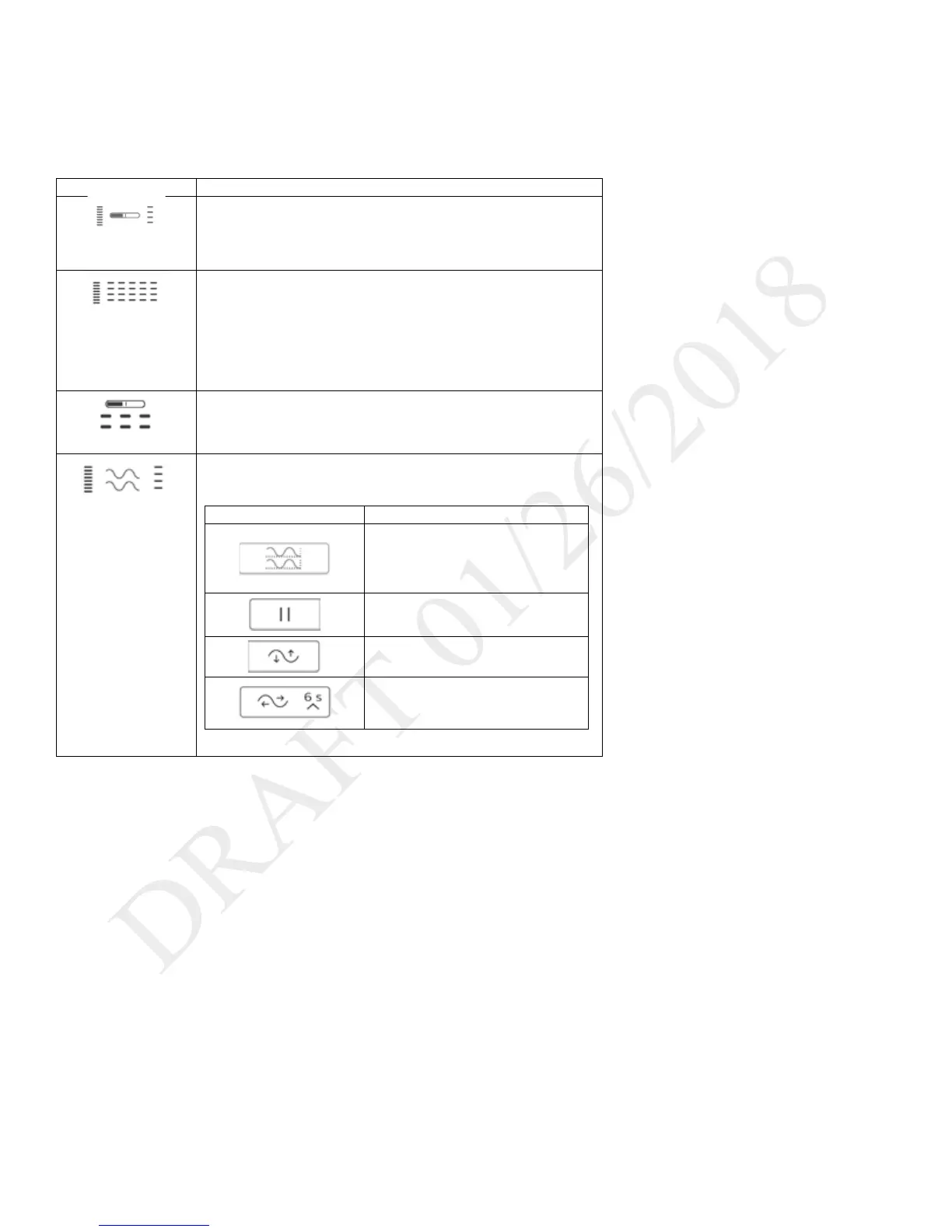
Types of monitoring windows
Monitoring windows may vary based on your model.
Monitoring window contents
Small manometer
- Manometer pressure indicator
- Set parameters
Measured and
calculated
parameters
- Measured and calculated parameters
- Additional parameters based on the prescription (including
accessories)
- This is the default view.
An explanation of dynamic parameters is in chapter 3, “Therapy
- Large manometer pressure indicator
- Six measured and calculated parameters
Waveform graphs
- Customizable scalar waveform graphs
To customize the graphs, use the buttons in the window as follows:
Select the waveforms to graph. On
the Select Waveforms dialog box,
select data for the top and bottom
Automatically size the vertical scale
to fit the data.
Tap to change the time scale, and
then select a new time scale from



 To Next Page